
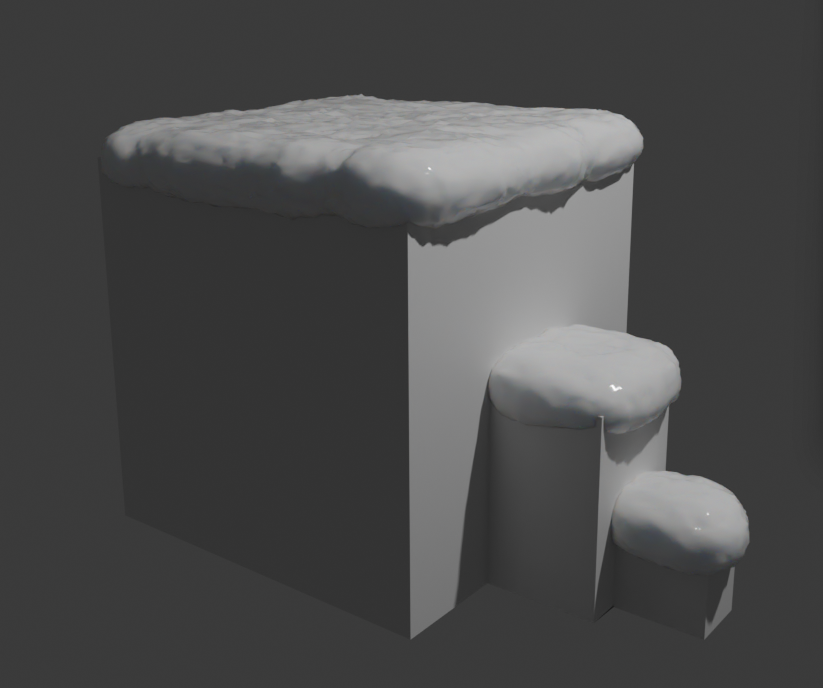
If you ever find yourself wanting to add a layer of snow on your meshes, for example like these:
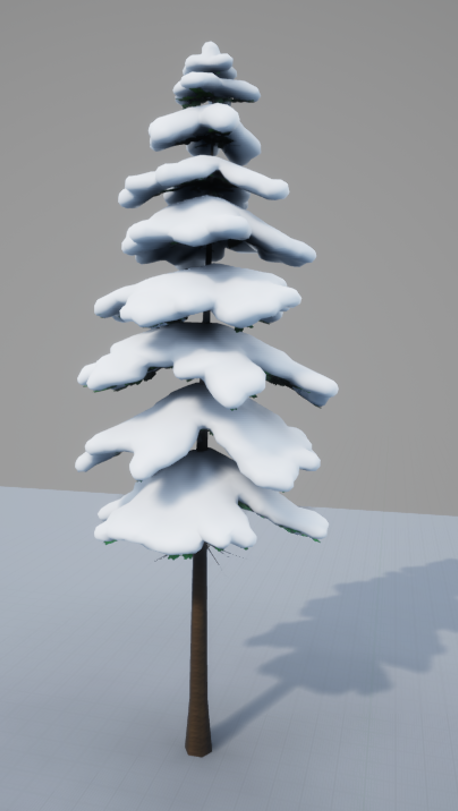
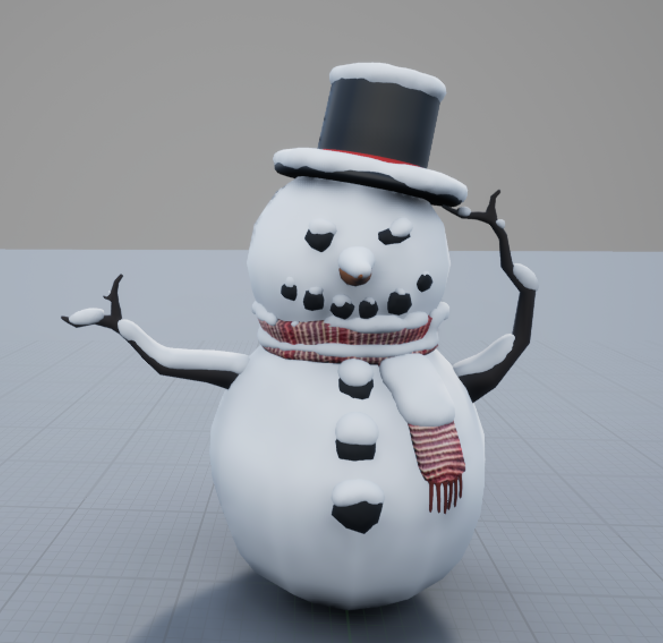
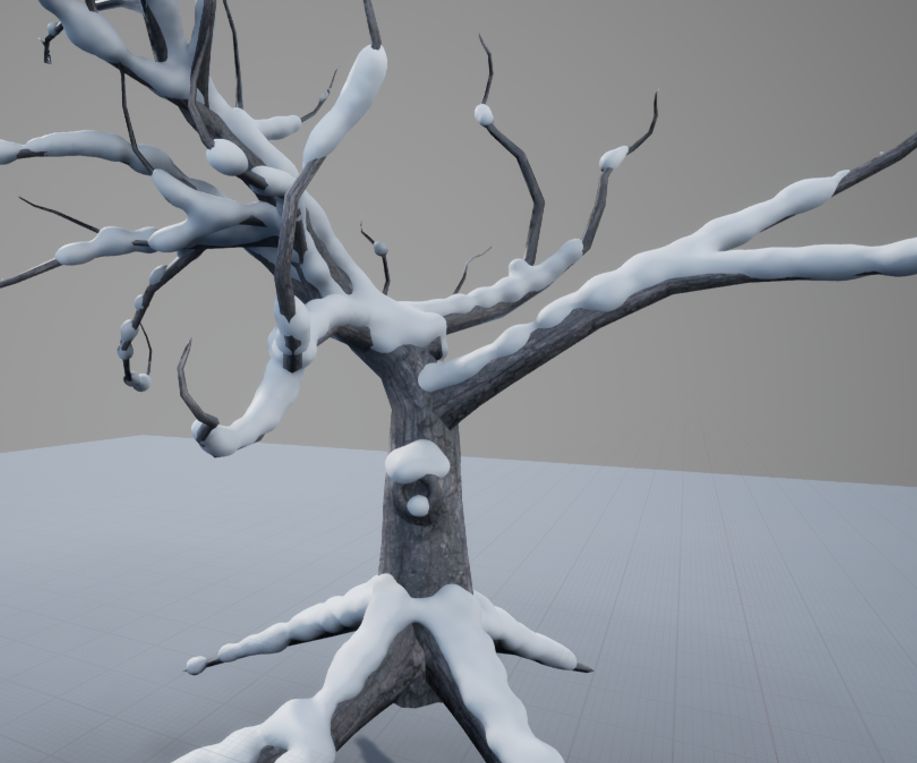
There is a ridiculously quick and easy way to achieve this, if you are using Blender.
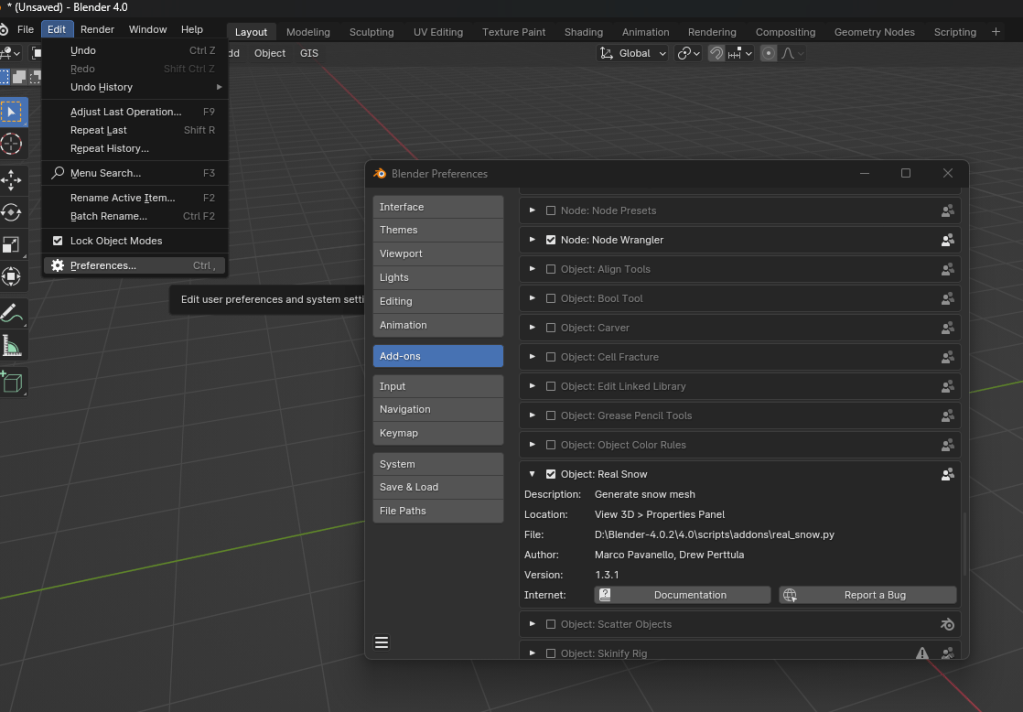
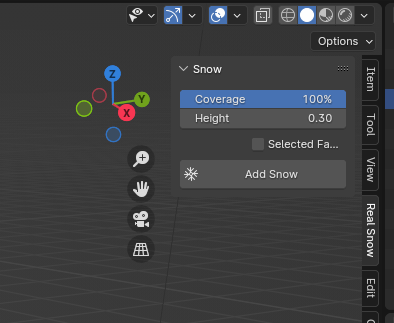
Select the mesh you want to add the snow onto in your secene and set how much snow covreage and height you want.
Then simply press Add Snow and let the frozen water winter magic commence.
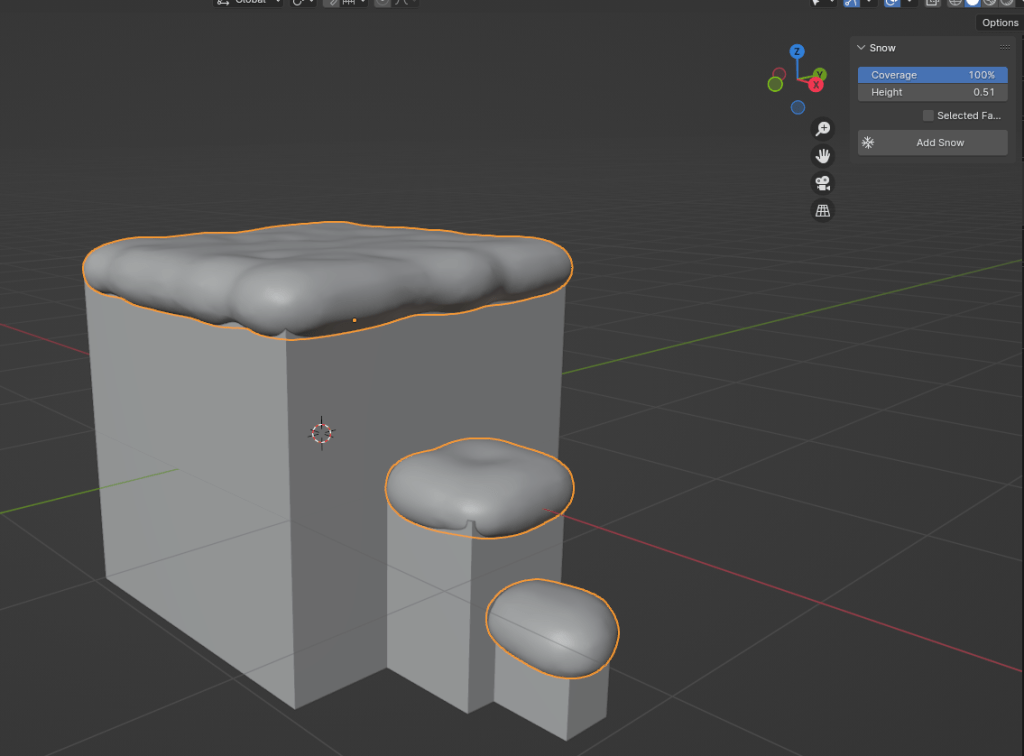
Alternatively, you can also select specific faces in edit mode you want to add snow to (instead of covering the whole mesh) – simply tick the box next to ‘Selected Faces’ before adding the snow.
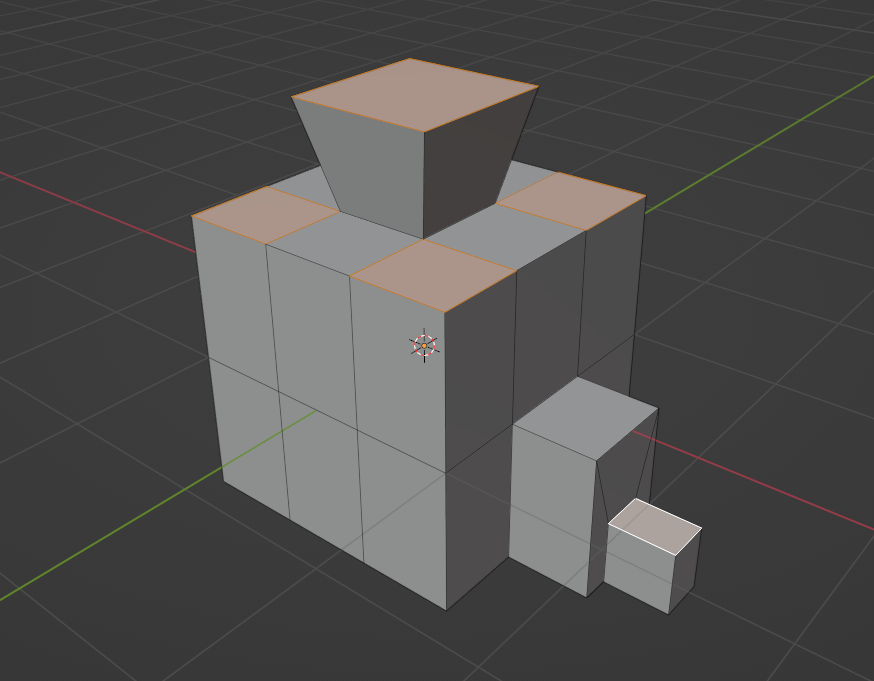
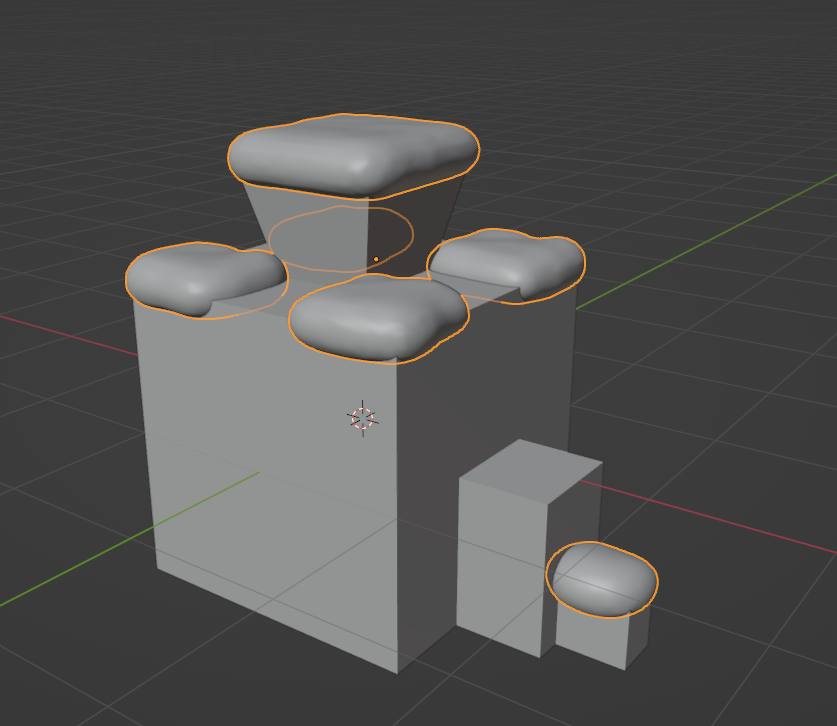
Now, if you want to use this in your game, I would highly recommend to decrease the fidelity of the generated snow mesh before exporting since it comes in quite heavy.
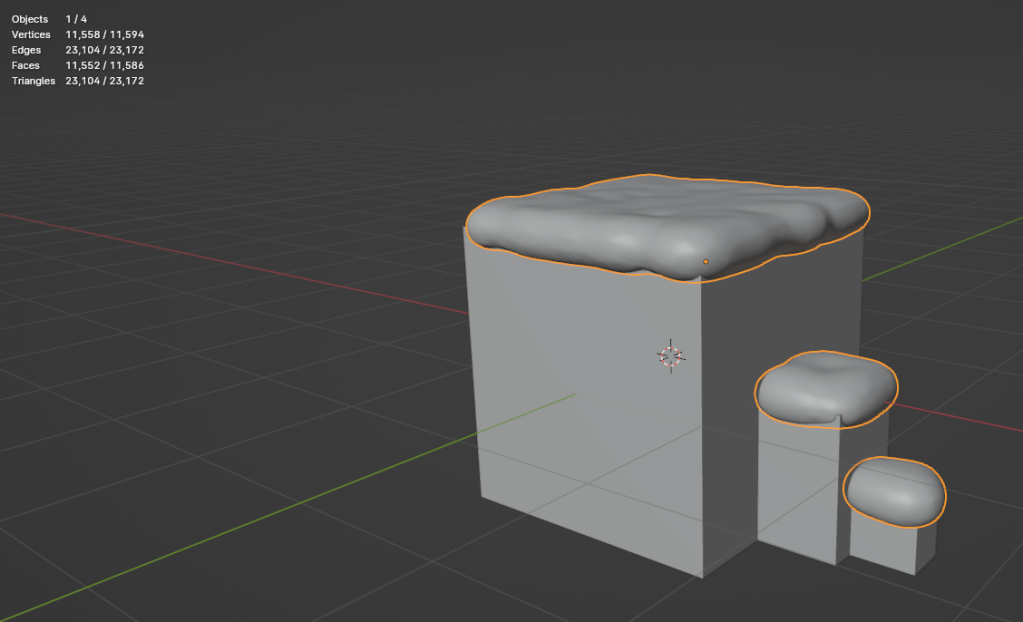
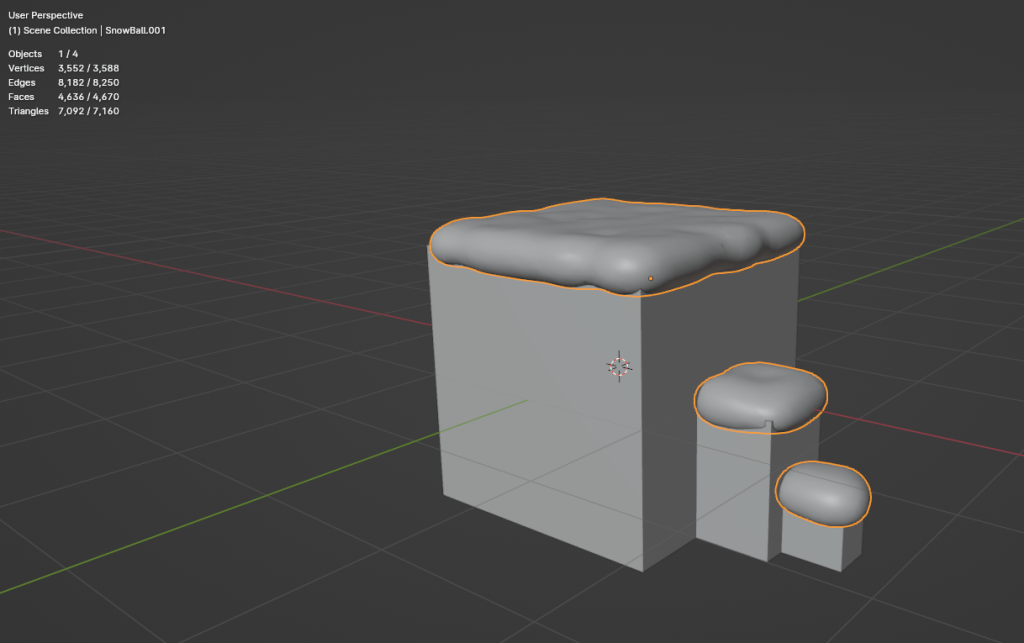
What I like to do, is apply the Decimate and Subdiv modifiers that are already on the snow mesh.
Then add another Decimate afterwards and see how much I can shave off before it impacts visuals too much.
This will obviously depend on your use case, importance of the mesh (is it a hero asset or just a background prop) and how close your player camera can get to it.
Maybe you even use UE5 and decide to let Nanite do the heavy lifting and dont decimante at all, while that would not be my reccomendation, it’s an option you could consider 🙂.
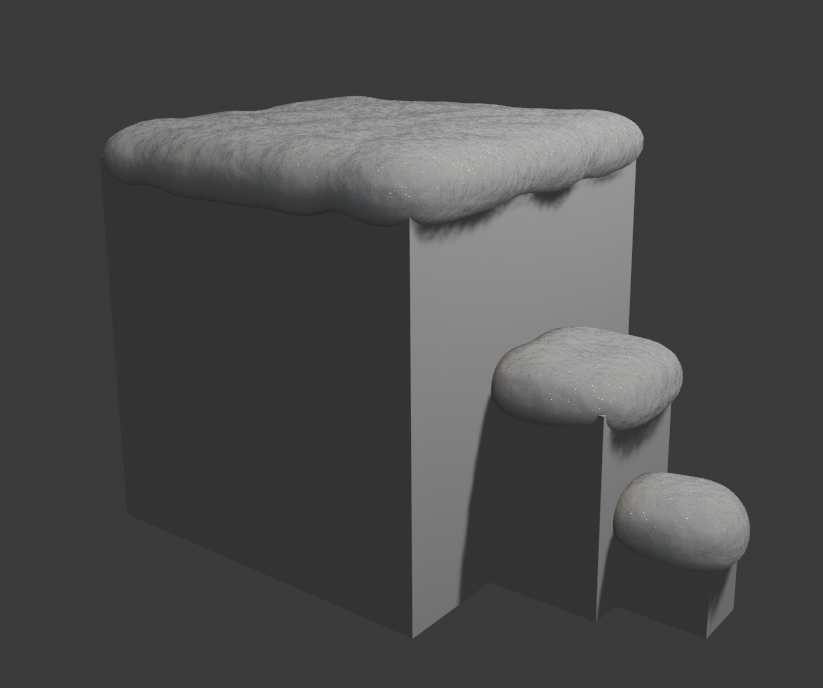
The addon also comes with a gorgeous snow shader, either for your renders in Blender or you could probably have some details baked out if you wanted to use it in a game engine.
Here is the link to the official Blender Real Snow Documentation. Big thanks to the creators of this addon (Marco Pavanello (Wolf), Leon Zandman (Izandman), Drew Perttula), it is a great piece of software and a real time saver😊!
Now you have yourself a lovely day, and hopefully see you next time 👋😊☃️!!
 SneakySeahorseGames
Leave a comment. (Email and Name are not required to be filled in)