
This week I have been learning new, cool things with the help of GameDev.tv and their awesome environment art course.
I got really sick of always looking at my placeholder buildings in the level. They are perfect for a first layout, but at some point, you just need something a bit prettier… or at least I do 😁.
(Also, my art finger has been itching for a while now, so that might also be a factor… who can say).
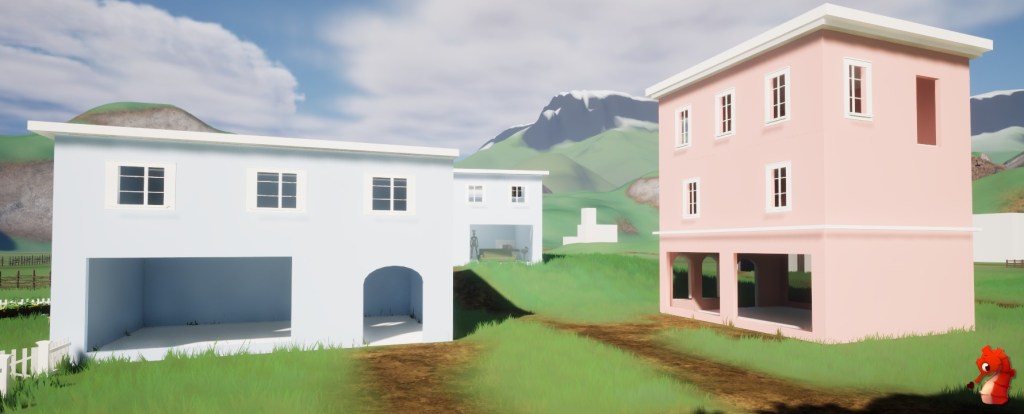
So I went about learning how to make modular buildings in Blender this week – slowly but surely becoming a fully functioning all-in-one bipedal game studio.
As a starting point, I took a course I own on GameDev.tv by Grant Abbitt (not sponsored, of course). You can check it out here – I highly recommend his courses.
They are beginner-friendly and easy to understand, all while encouraging you to do things on your own.
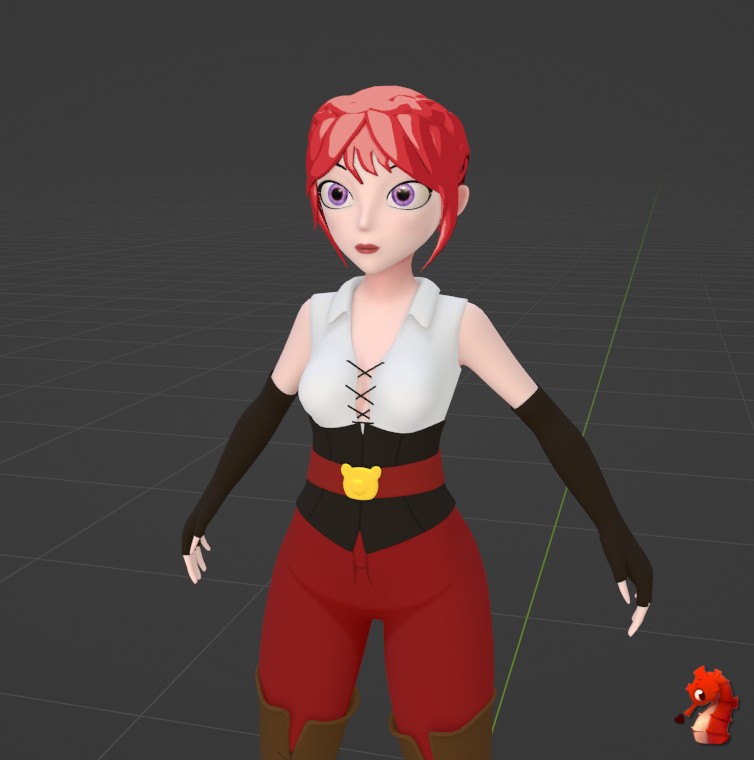
Modules
Ok, let’s shut up and look at some cool, nearly professional-looking Blender screenshots.
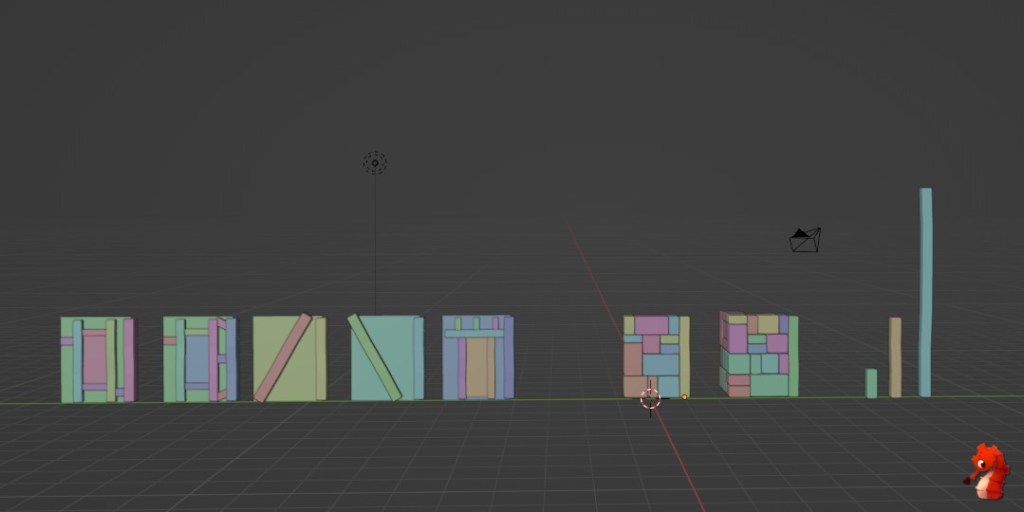
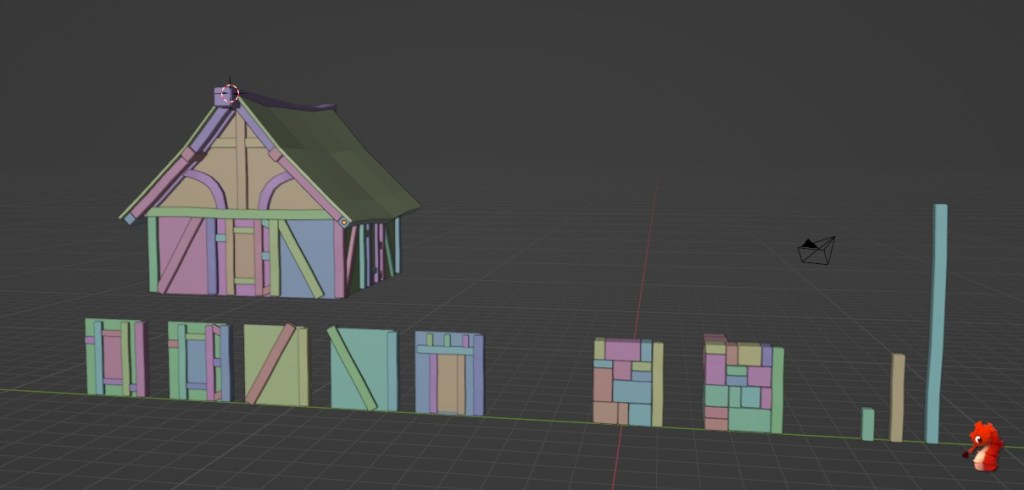
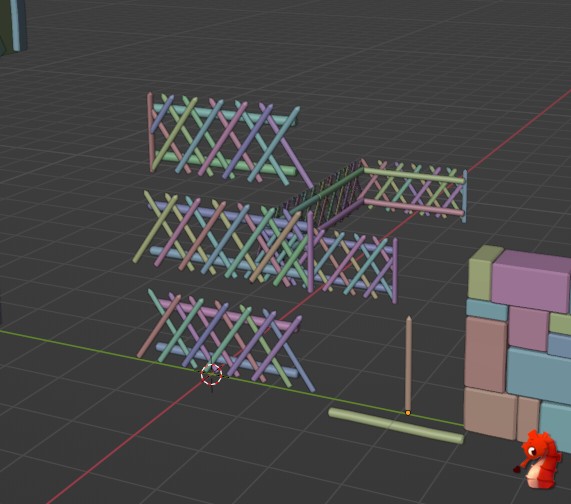
Now with the fence I went off book, the course made a log-based fence which you might use for a pen.
I, however, made a ‘Jaga Zaun’ (Hunting Fence) which is super common in Austria and a bit more applicable to what I will be needing for the game ☺️.
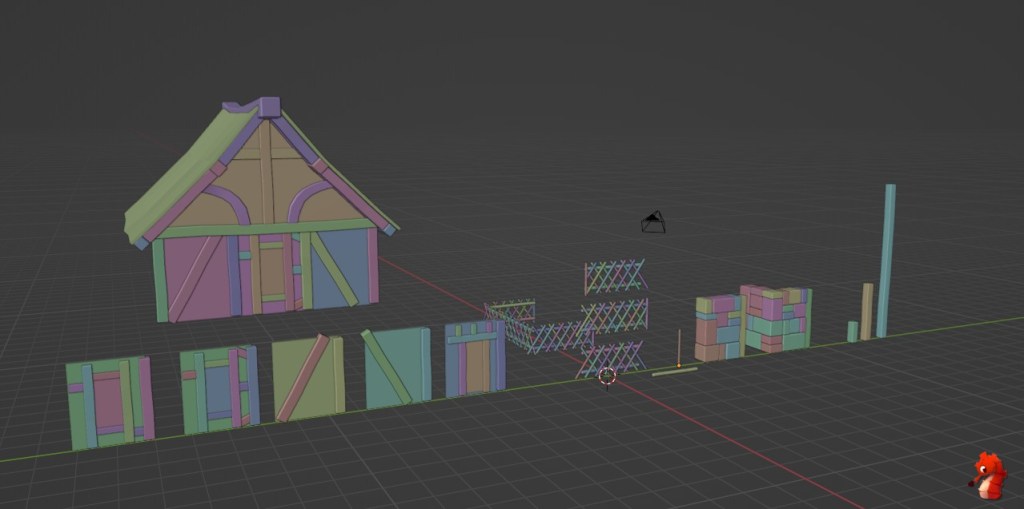
Texturing and Sculpting
While I love the rainbow coloring (honestly, I think everyone could do with a little more color in their life), before getting on to building out proper houses, we need to texture these modules.
For instance, and for linking reasons, it just makes more sense to do this rather sooner than later.
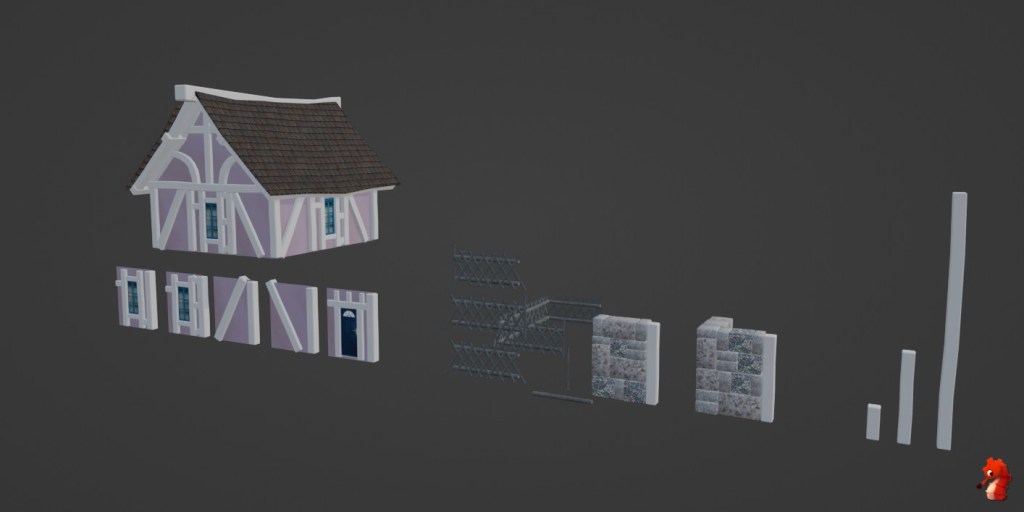
Now it’s kind of already coming together, I think. It does look like bits of a house. The course goes through many different techniques on how to go about texturing things.
My main highlight I really wanted to learn is how we can bake down high-poly sculpted details onto a low-poly mesh – which is exactly what we did for the wooden beams.
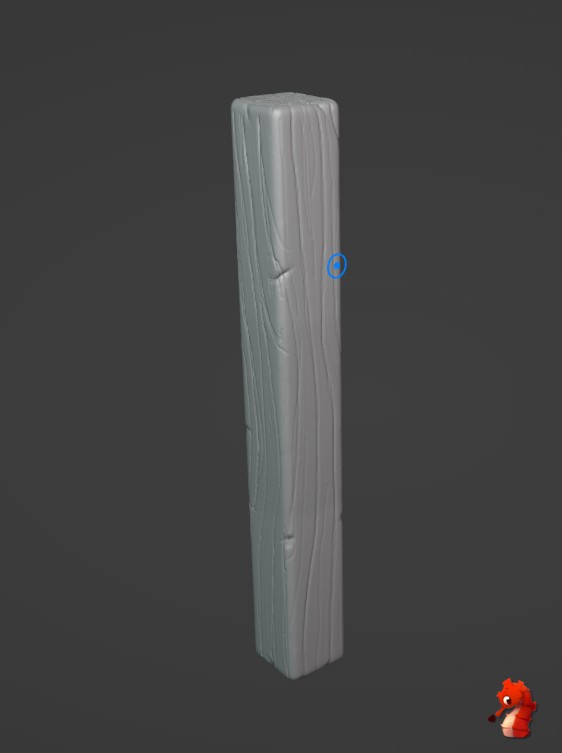
And some baking magic later, we got that detail on our super low-poly beams!
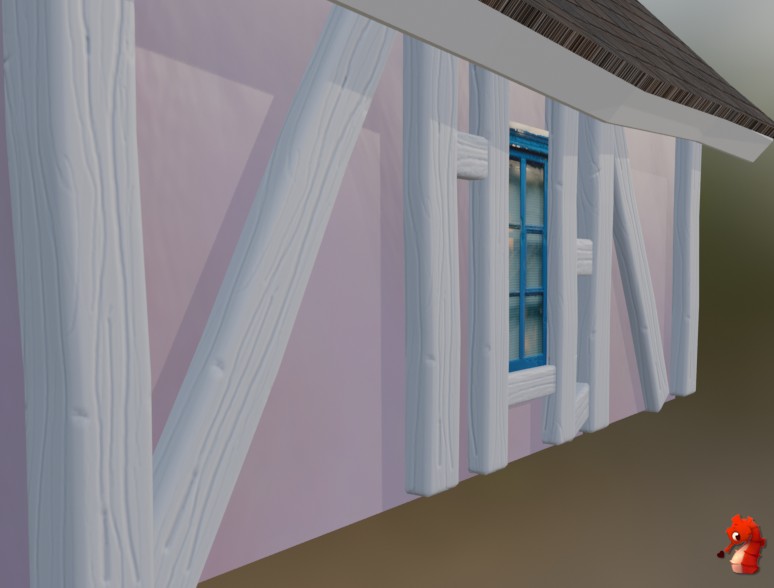
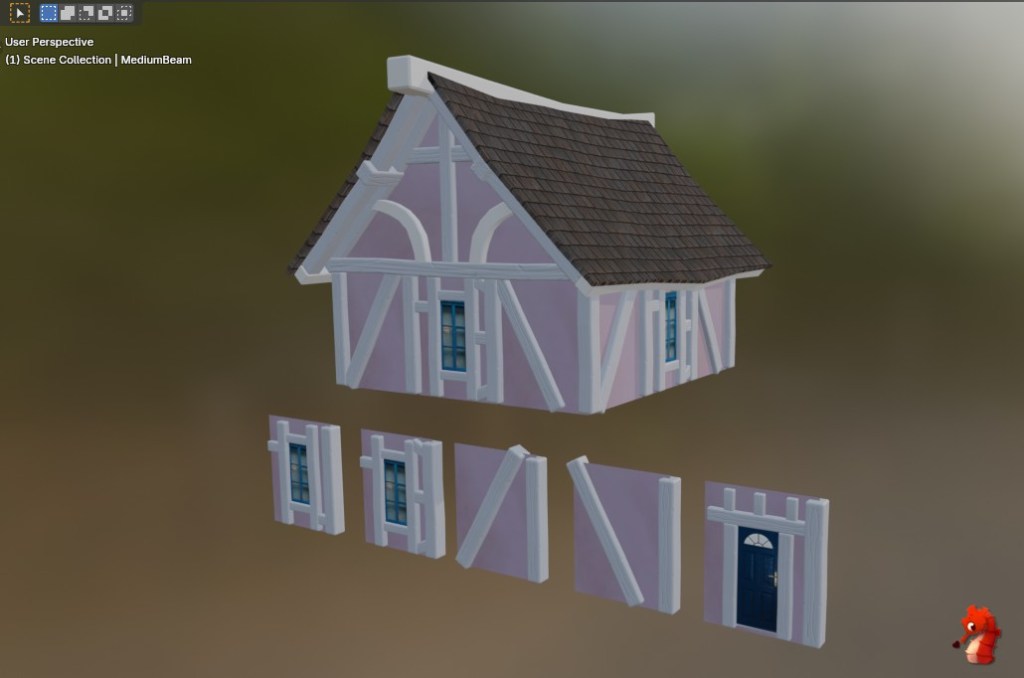
Ok, in all seriousness, this is starting to actually look quite pretty! ✨😁 Not bad for a programmer at all, I reckon. 😄
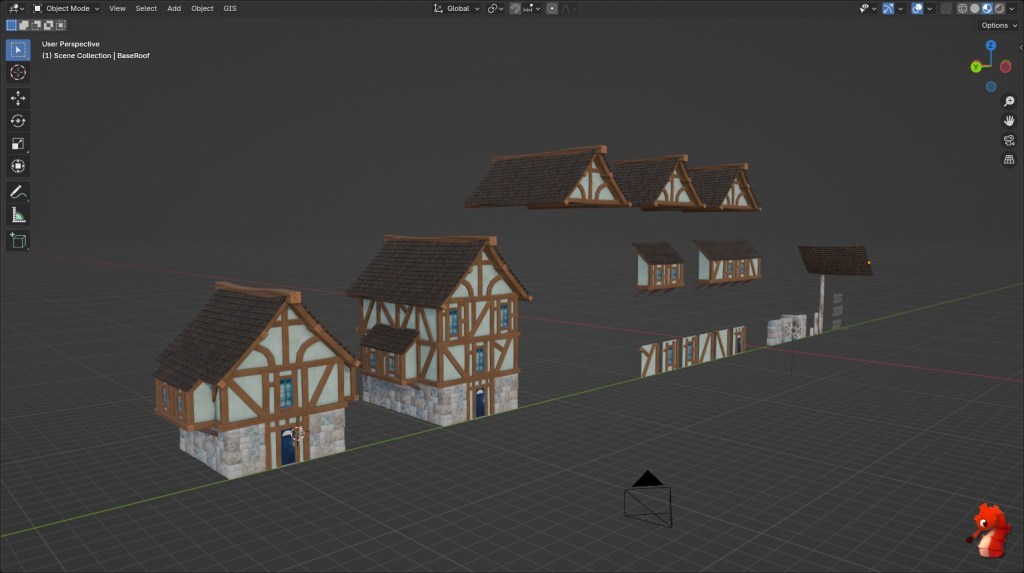
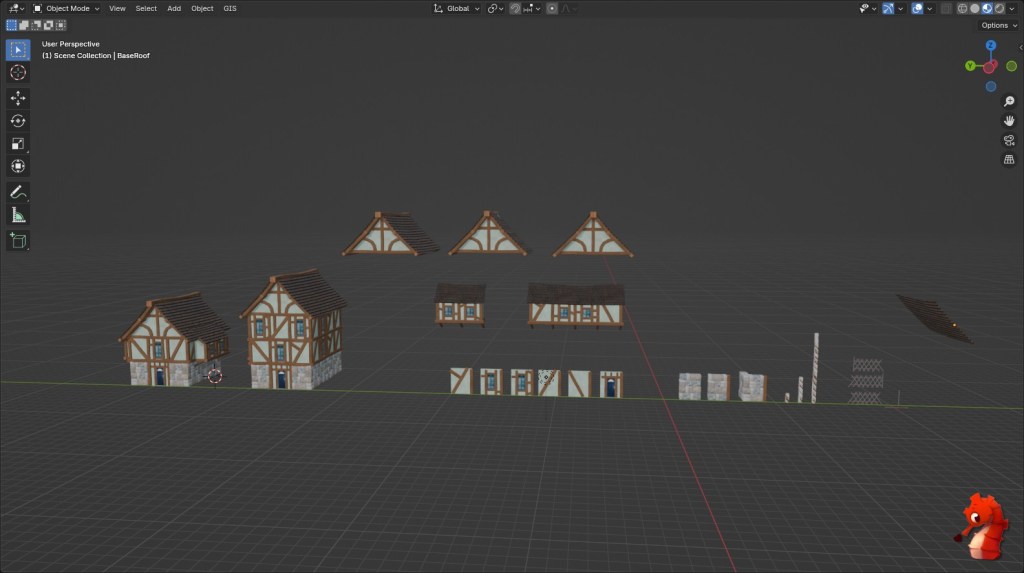
Let’s Build some Houses
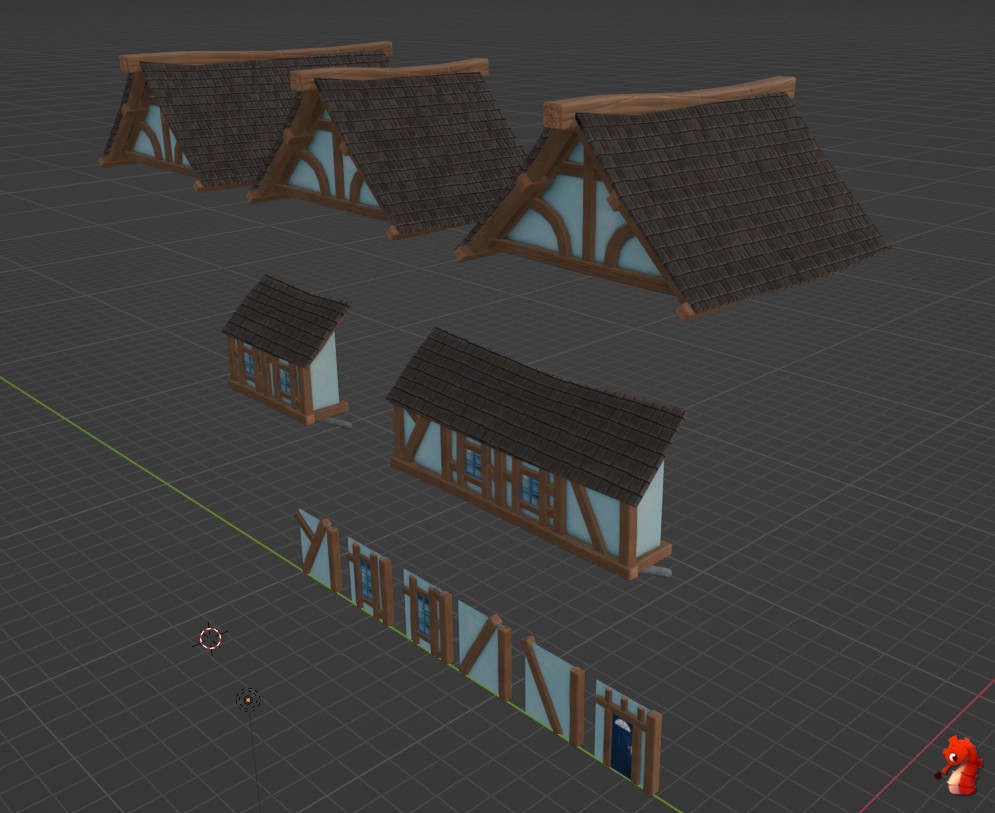
Now we can finally build some houses!!!
I made a tall one and a little chonky one because I think it looks funny 😁.
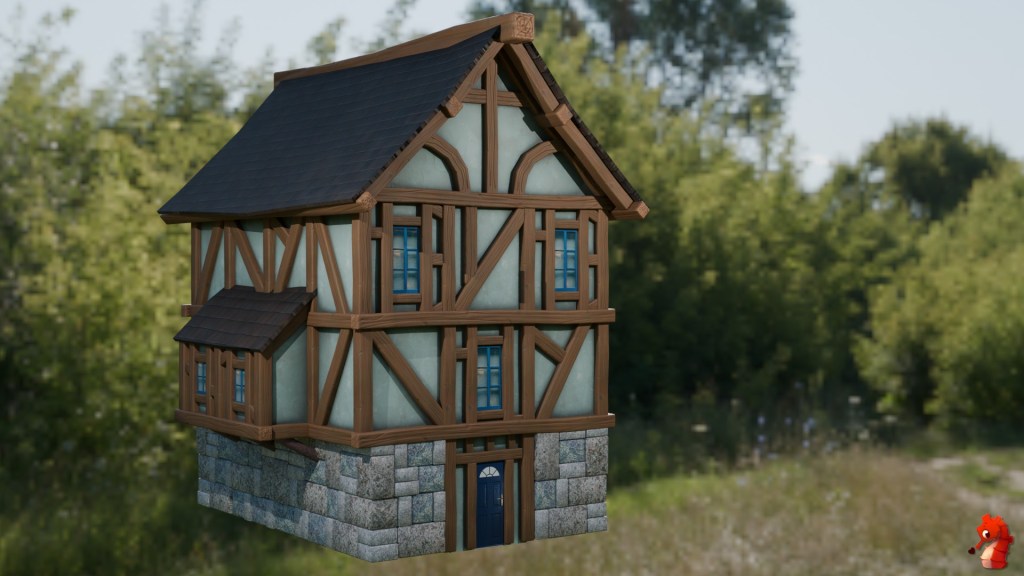
Into Unreal Engine
Now all we’ve got to do is put it in the game! Here comes the texture baking we learned handy again. Those procedural textures we used in some places, such as for the plaster, would be hard and fussy to recreate in Unreal.
(On that note, why the heck does Unreal not have a color ramp node? I do not want to faff around with various curves when it is ever so easy in Blender. I guess it’s time to make one myself, unless anyone knows of an easy way to do it already?)
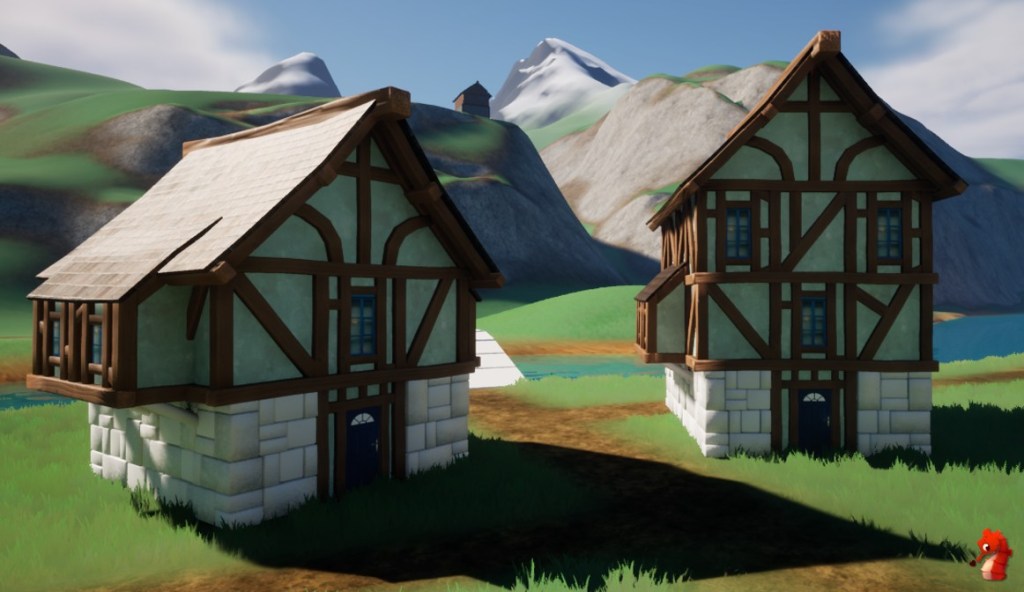
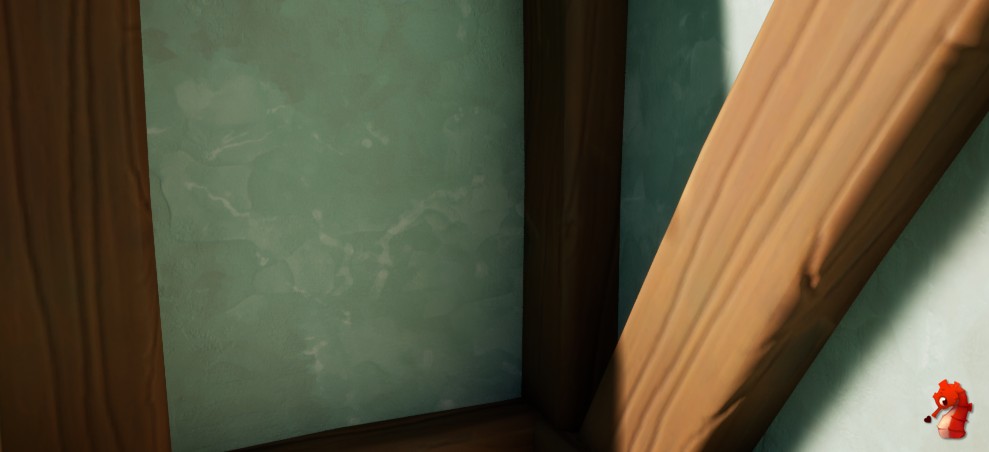
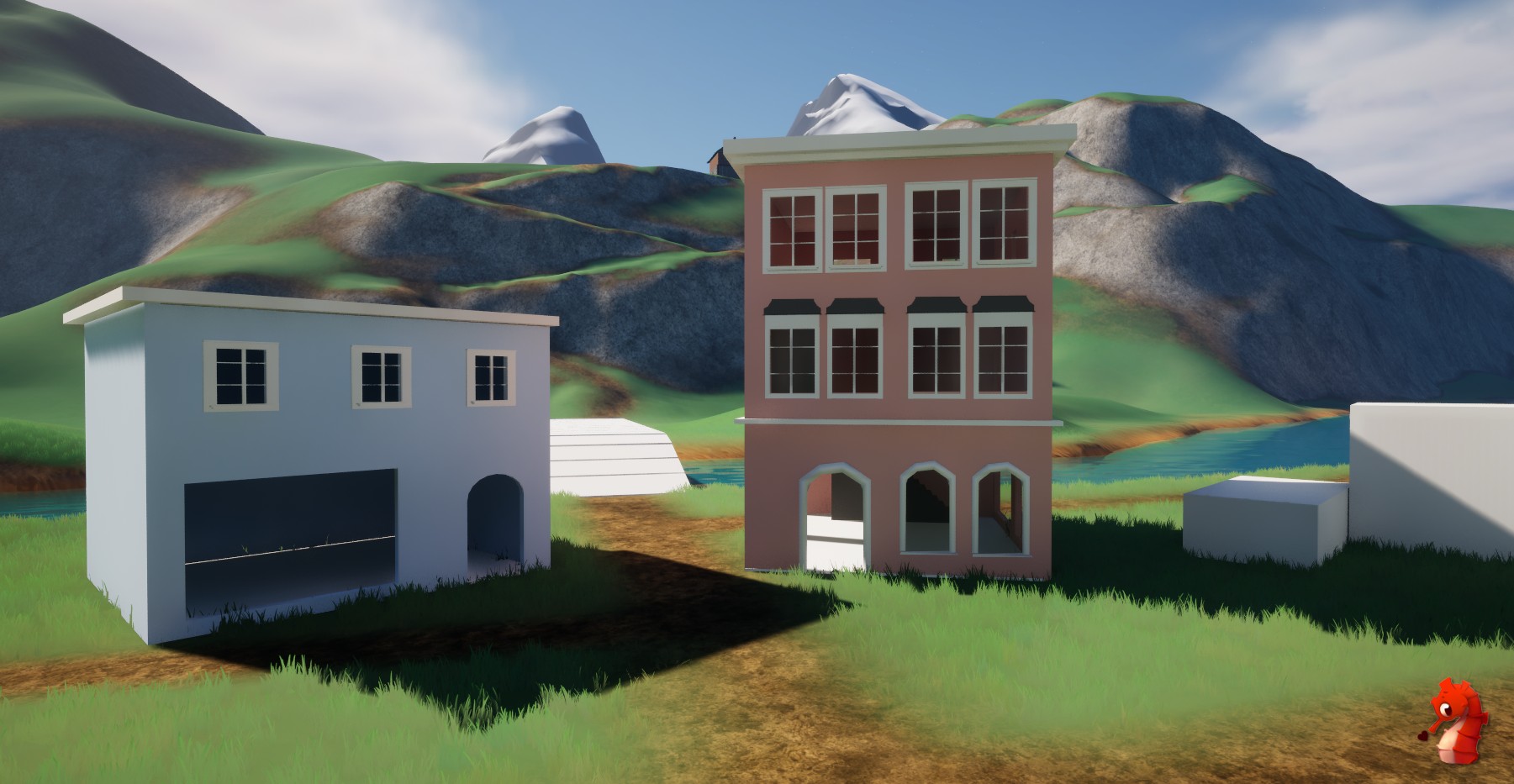
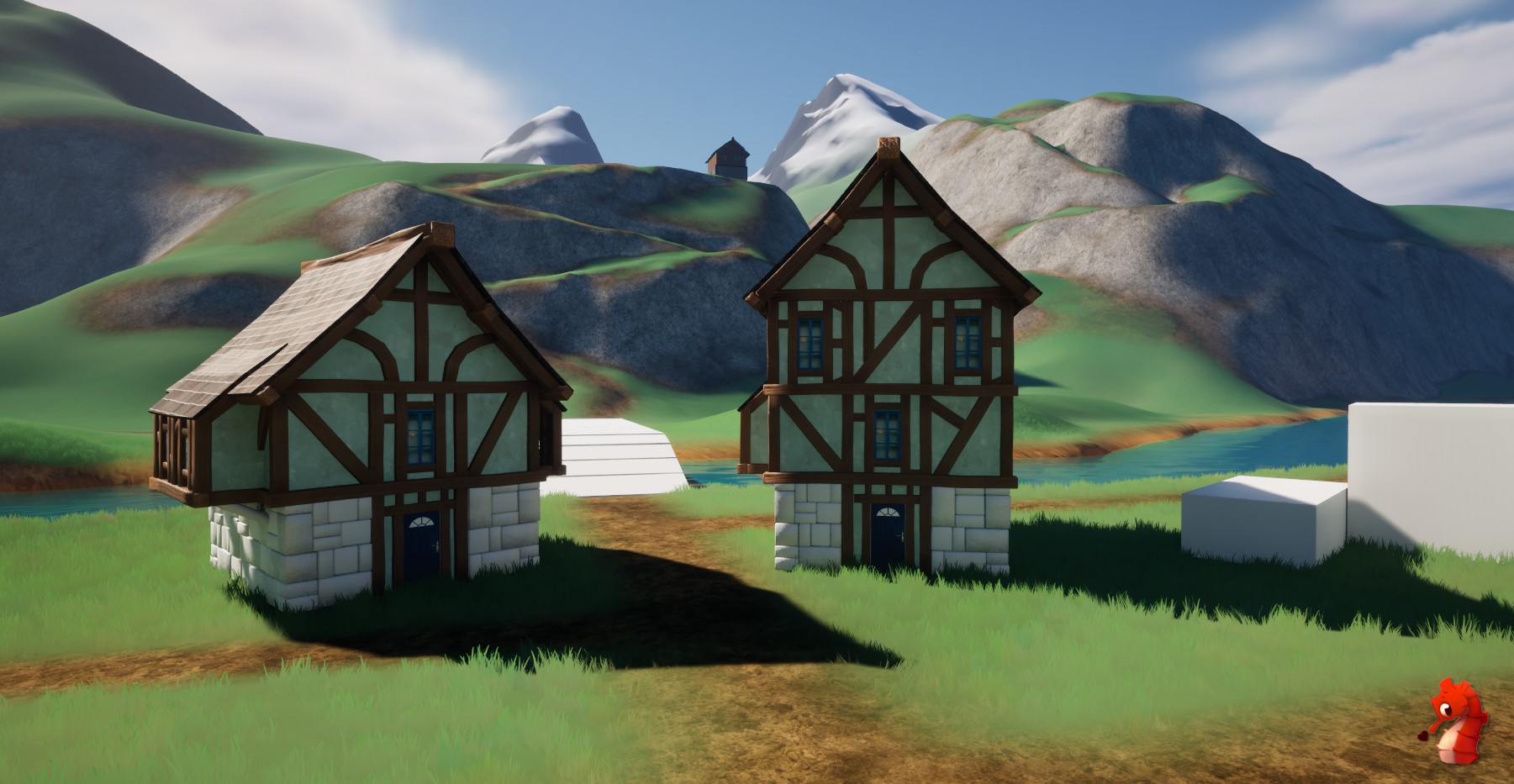
Anyways, that’s that for this week. I learned a metric ton of new stuff and can’t wait to make more Austrian-style buildings with it.
However, with Christmas coming closer by leaps and bounds, things are getting quite busy. It’s my absolute favorite time of the year, so lots of effort goes into it 😁.
 SneakySeahorseGames
Leave a comment. (Email and Name are not required to be filled in)