
This week I have been hard at work at the start flow of the game and player controls – I think it has paid off!
Game Start
There has been a big focus on the start of the game and as a player you can now:
- Start a new game from the main menu.
- Progress through an Intro Sequence and Character Customization!
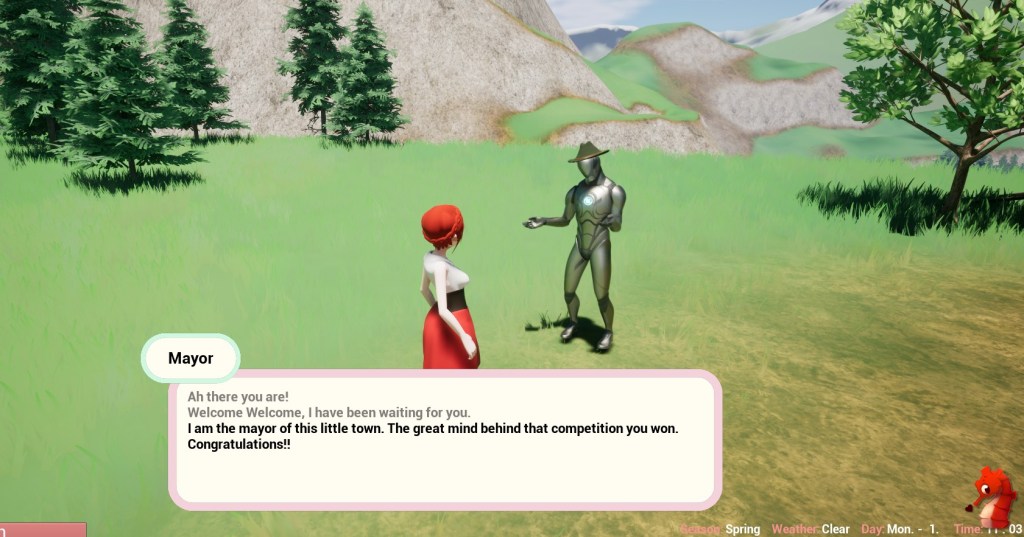
- Watch an intro cutscene that leads right into gameplay and meeting your first villager!
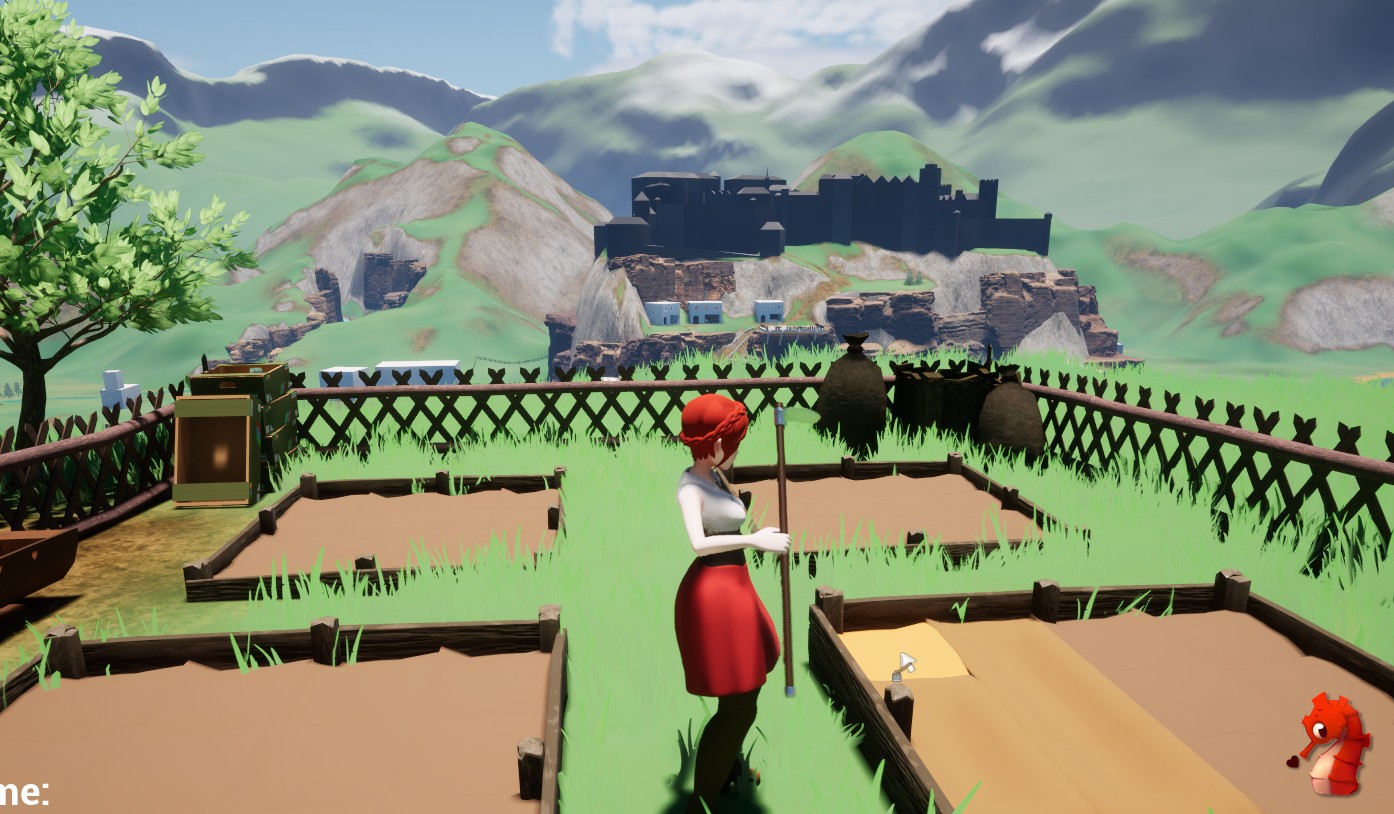
- Get your first quests and tools, familiarizing yourself with the game’s mechanics.
I’ll share more details on each of these sections soon, but here are some sneak peeks. ☺️





Player Movement and Controls
I have also overhauled the whole control and movement scheme for Keyboard & Mouse input, and it is so much nicer to control now!
Third-person controls can be tricky, especially when interacting with lots of objects in the world and making sure the camera isn’t in the way – but I think we managed to arrive at a nice and smooth solution.
Next up, it’s time to tackle gamepad controls! 😁
New UE5 How To/Tip
I also wrote a little guide on how to deal with GetOverlappingActors on BeginPlay – since it is more unreliable than April weather.
Check it out here if you are interested.


And that’s all for this busy week – see you again next time for even more game updates! 😁
 SneakySeahorseGames
Leave a comment. (Email and Name are not required to be filled in)