
Since I want to go for a stylized look, and a lot of the game will be in nature and countryside, I really wanted to nail the feel and coverage of grass while still being able to render it without setting my GPU on fire.
I did some research on what styles I like and do not like beforehand and settled on a painterly, smooth, and lush style that doesn’t show a lot of detail.
At first, I wasn’t all that successful with getting the feel of the grass right, but it already made a difference to the overall scene to have it there at all.
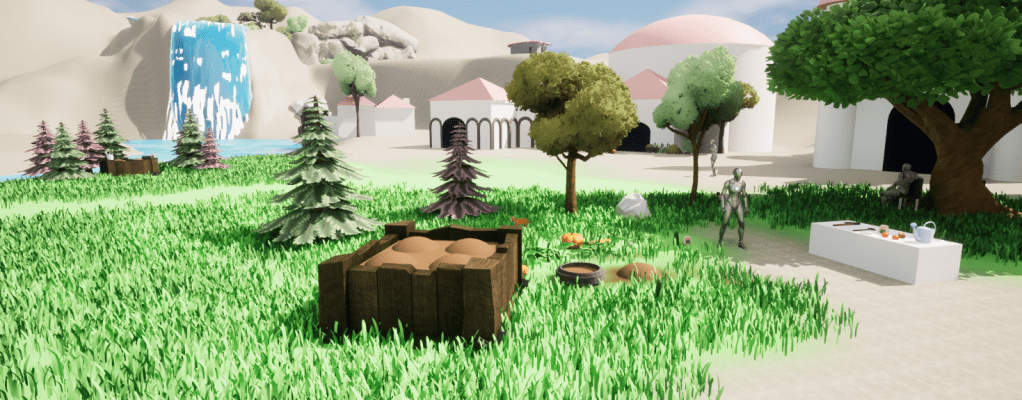
But it was way too noisy and not opmitmised at all. But I left it for some time, while getting on with other parts of the game.
Some time later, after further research I found the single most useful tutorial for the style I was going for was Ghislain Giradarot’s Tutorial.
It has some great tips and tricks especially on saving pivot points and height data in the UV maps, that I wasn’t familiar with yet, but pays off greatly in the shader code later.
So I made some new grass meshes and lods, and arranged them in some grass bundles. I acutally made two variations of those and have a mixture of them rendered in the final result.
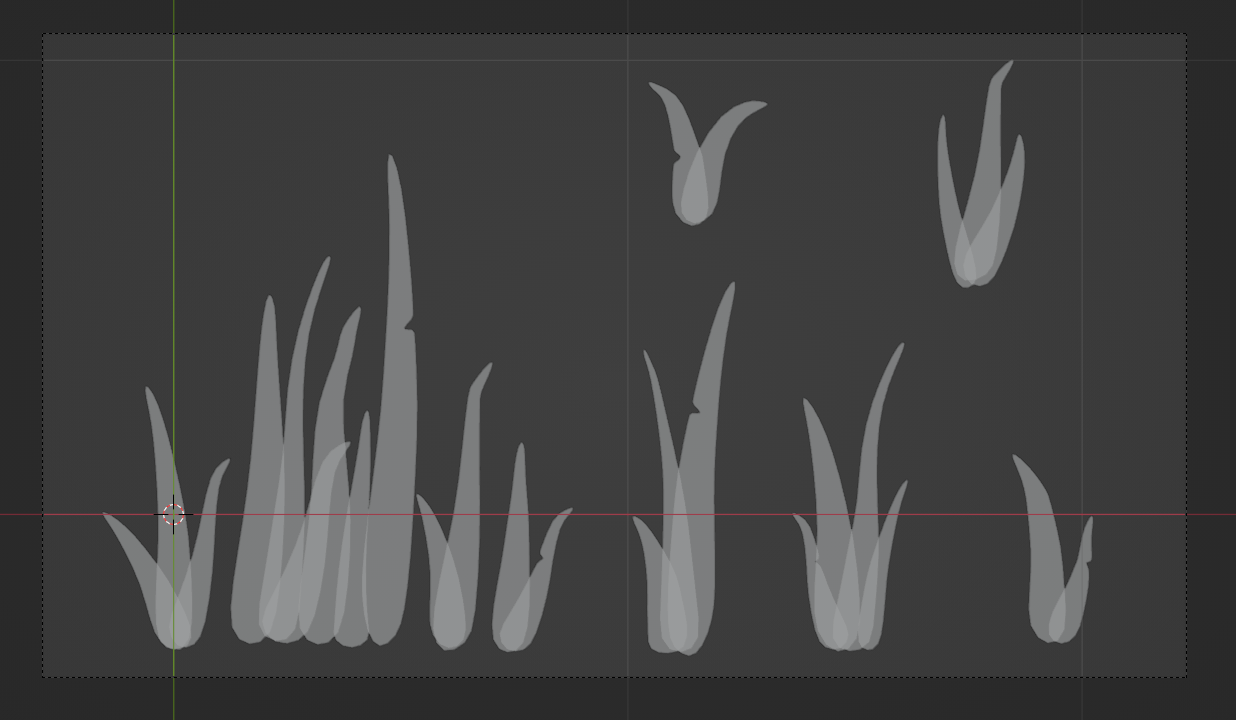
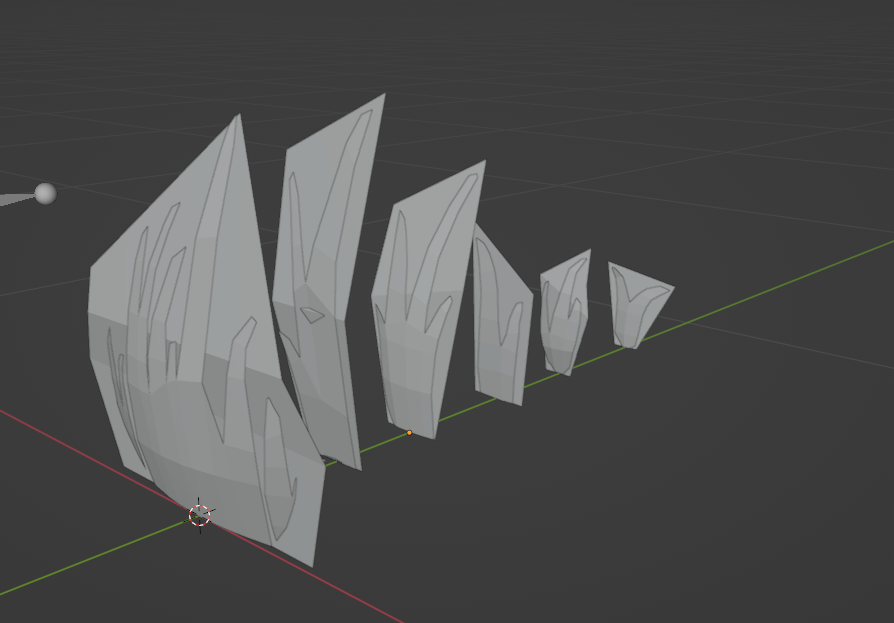

Then saved height and pivot data in the UV maps 1 and 2. UV0 used for the actual UV data.
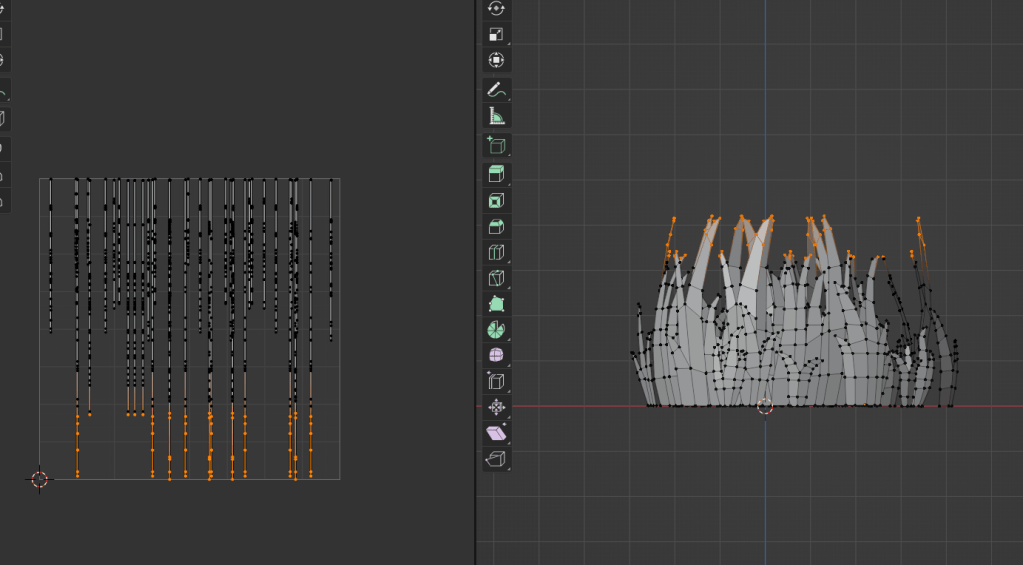
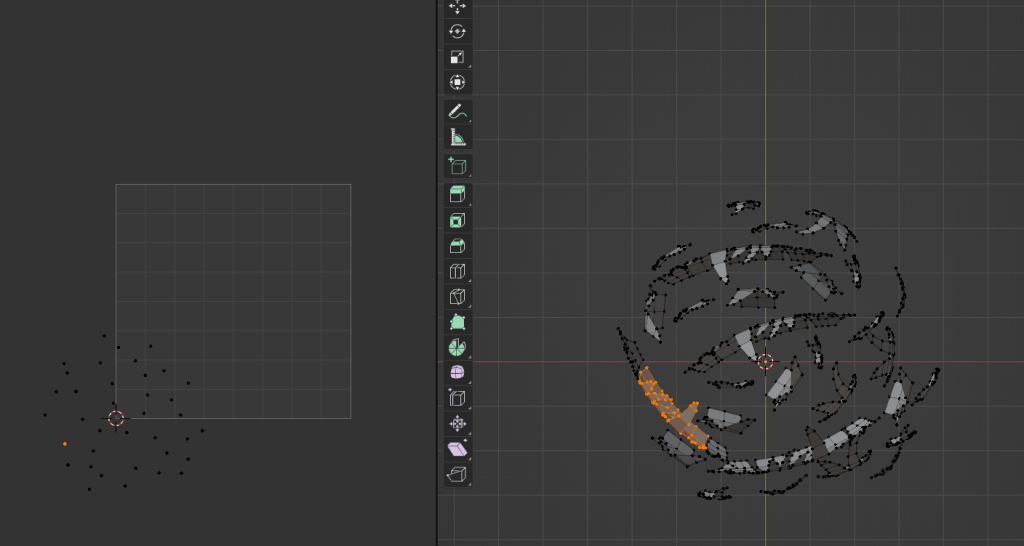
Notably, the above picture with the baked pivots actually has a mistake in it. Unreal wants those points centered around the top left corner, not the bottom left.
You could adjust this obviously in the shader code in Unreal, but I decided to just move all the points upwards in Blender and reexport the data.
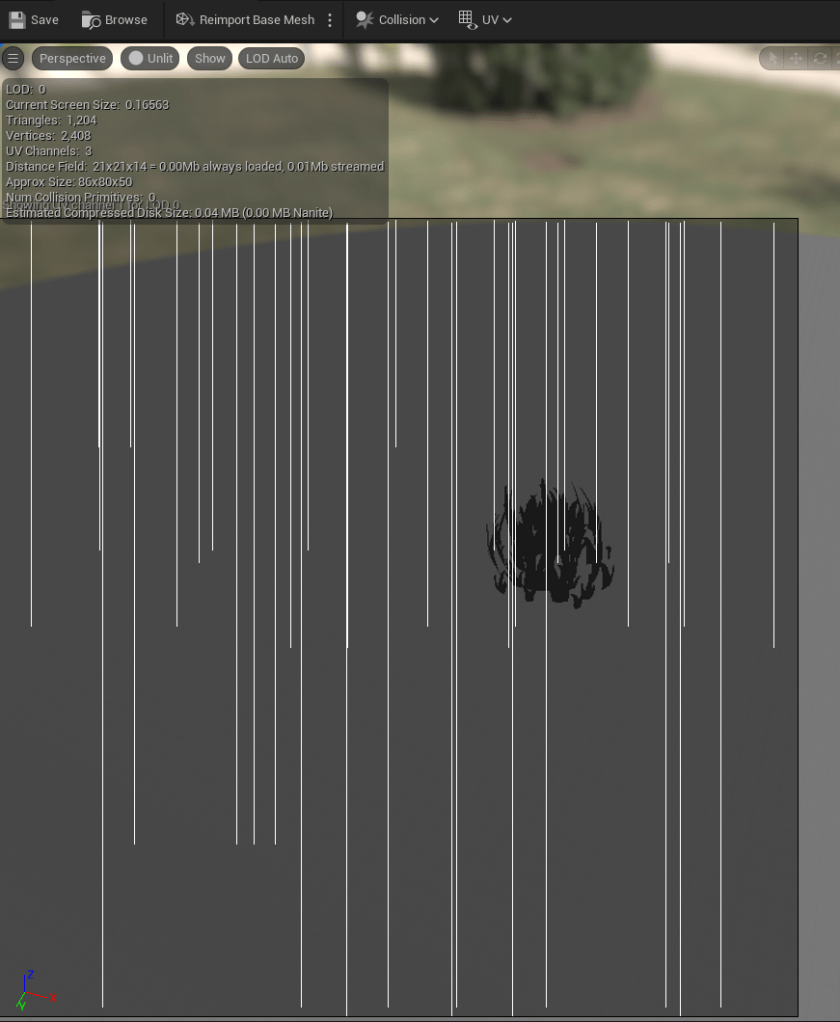
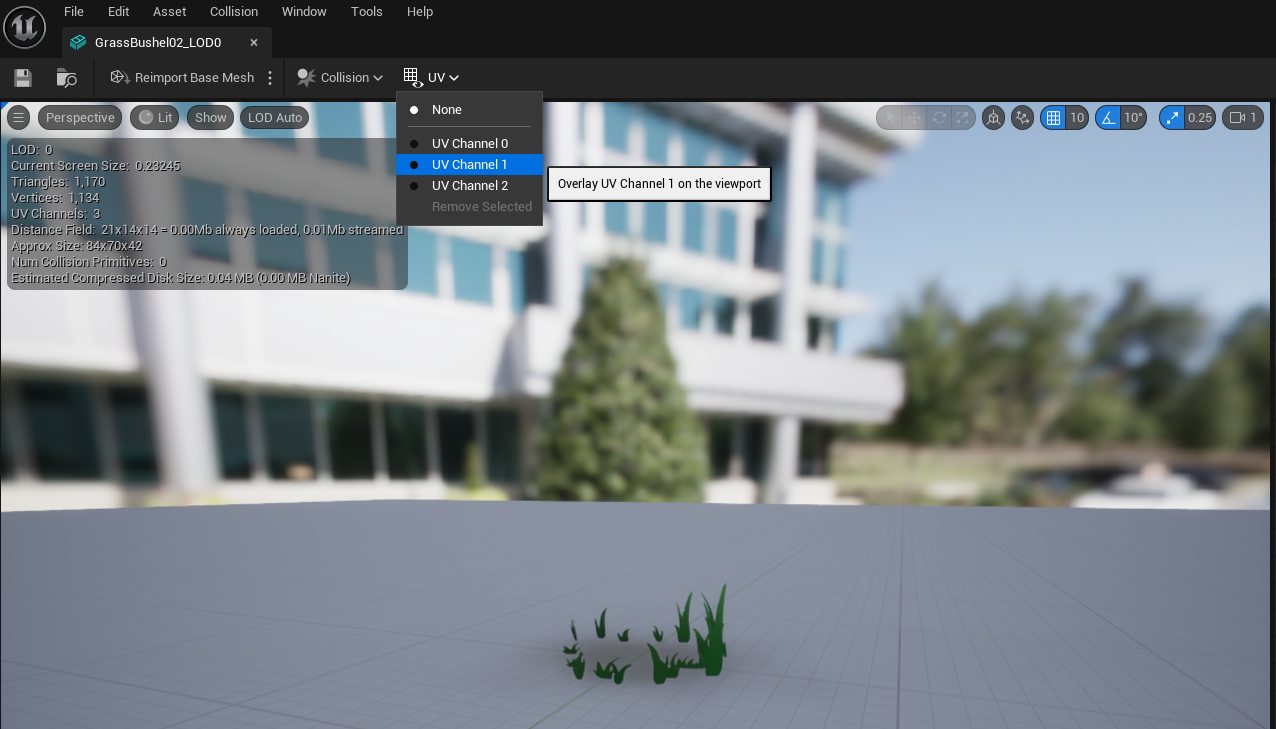
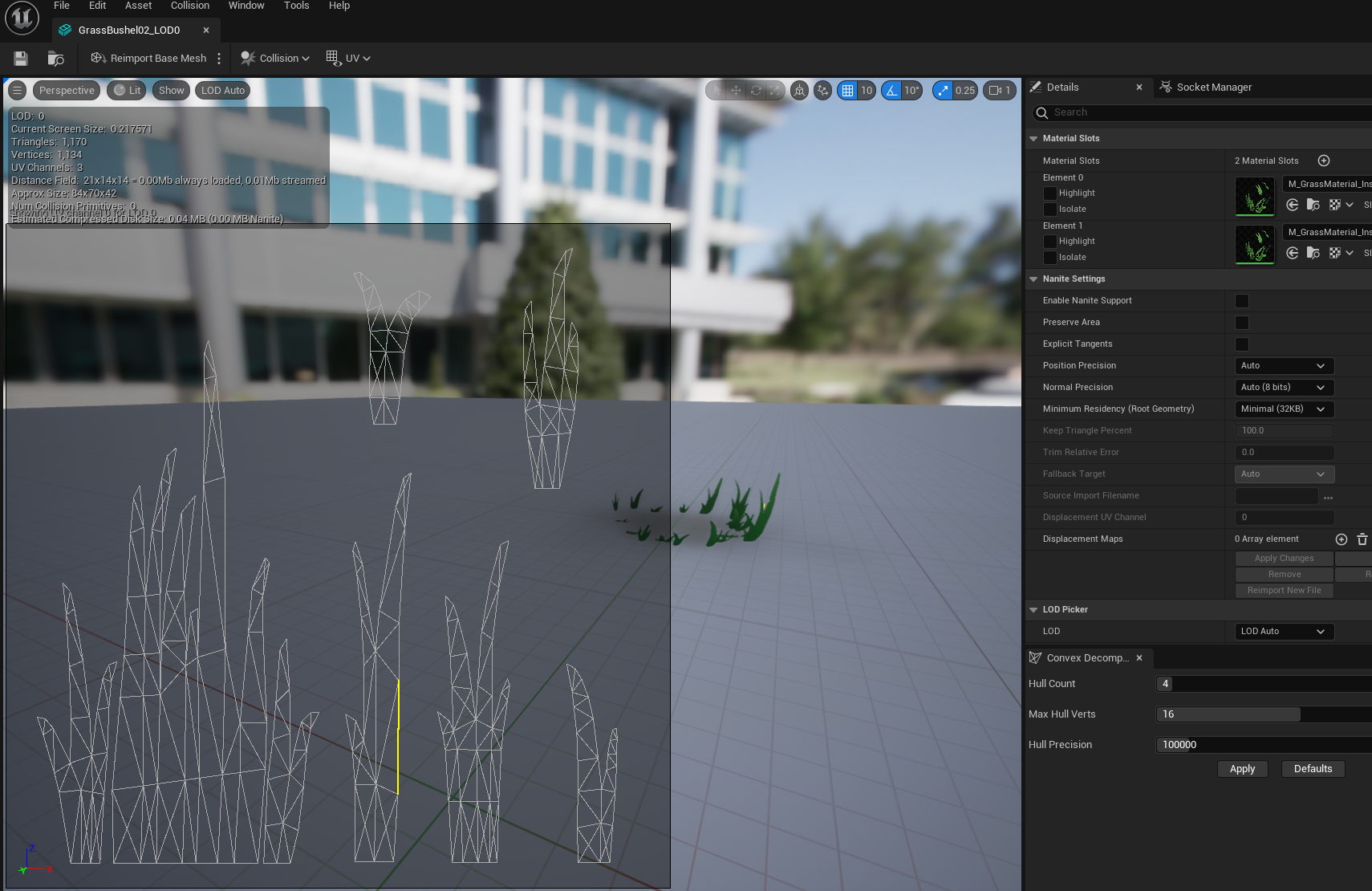
Not everyone might know this, but you can actually let the UV data be displayed in the mesh previewer. This can be massively helpful to make sure the data has actually arrived correctly in the engine with your mesh import.
At the top of the mesh previwer, under UV, just select the UV map you want to have a look at.
There are a couple shader bits that made the biggest difference for me in achieveing the style I wanted:
Runtime Virtual Textures (RVTs)
RVTs are sampled at runtime and can store data like landscape height, colour, normal data etc. Then, that data can be used in other shaders to do.. something, whatever really.. with it.
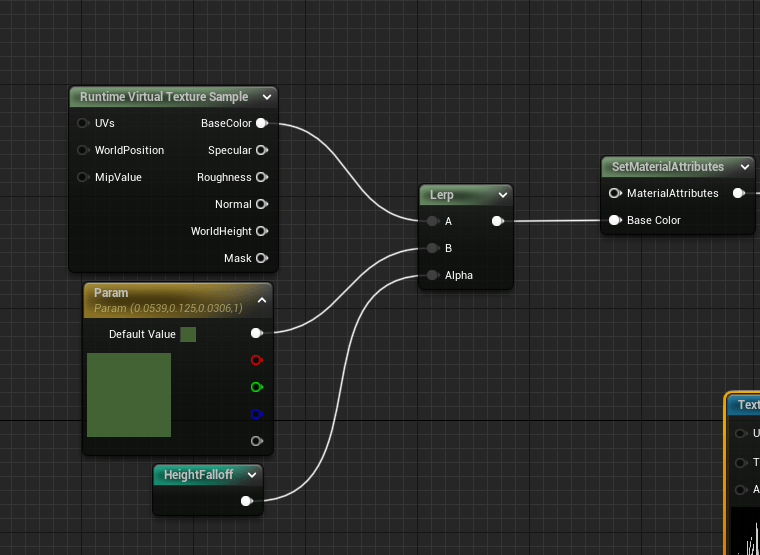
In the case of my grass for example it uses the colour to blend from the grass colour to the landscape colour – this marries the grass much better to the landscape and makes it feel more part of it, instead of sitting on top of it.
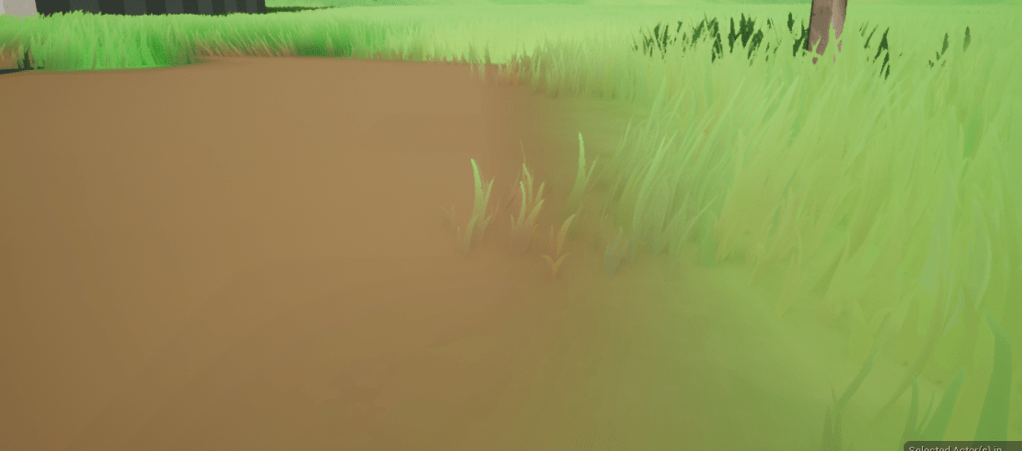
You can see this especially in the picture above, where the grass colour blends into the brown of the walkway, but it does the same everywhere to adapt to the landscape colour.
Also, I just low-key love the minimap style thumbnails of the RVTs 😁
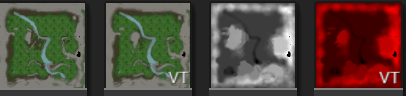
You can learn more about RVTs in Unreal here.
Normals
If you think about it, it makes sense that playing with your normals can change the feel of it drastically since it changes how light affects it.
Height-based blending between an upwards normal in world space and the landscape normal provided by the RVT data gives it a nice smooth look, which adds to the lushness and reduces noise.
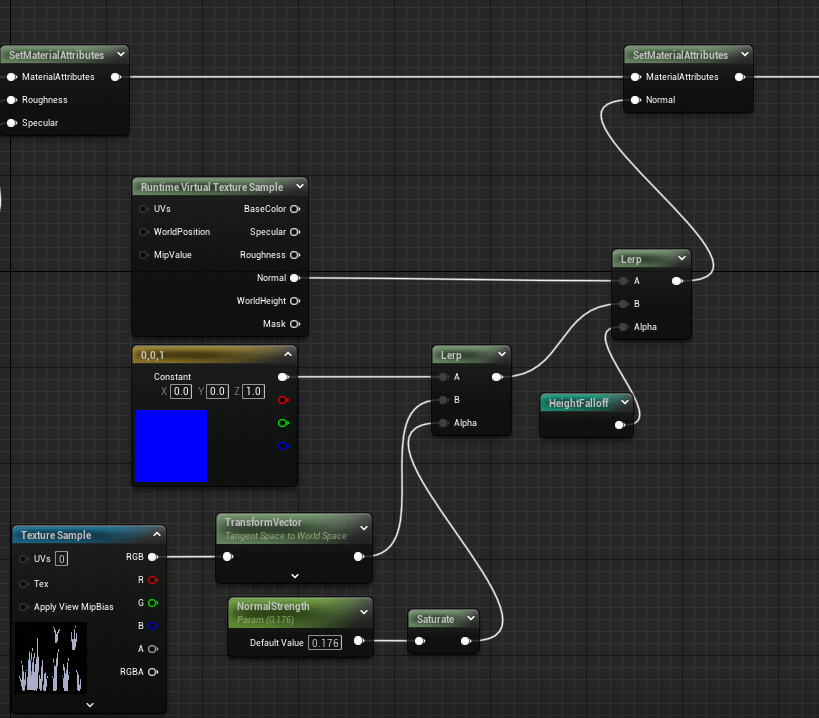
Don’t forget to set your normal settings for your material to not use tangent space though, otherwise you might get some funky results.
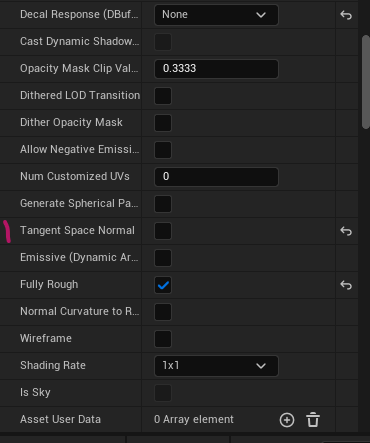
Subsurface Colour
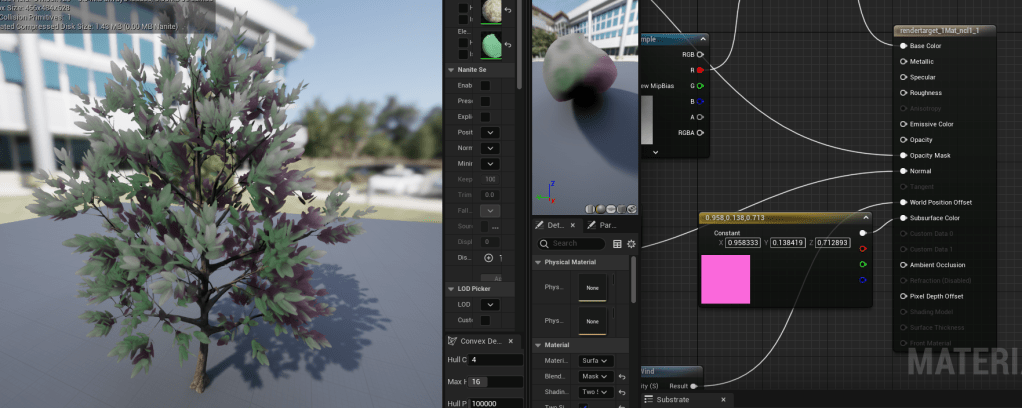
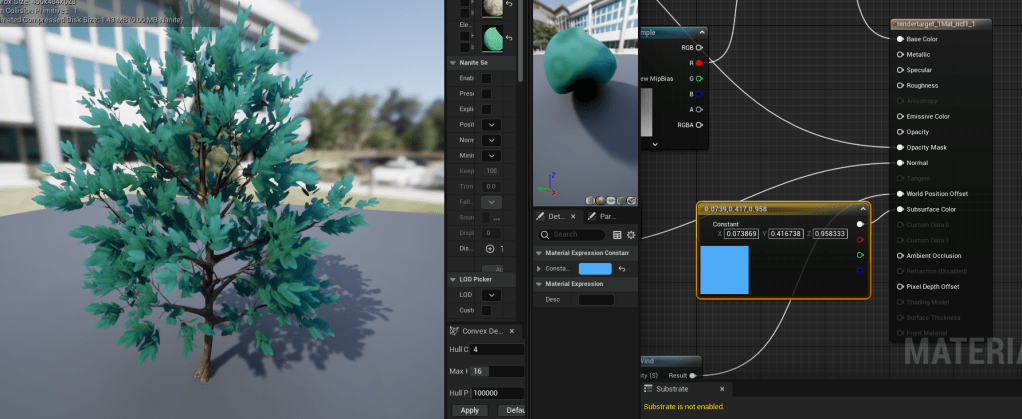
This one is more of a finer detail but can still be very useful to control the colour behaviour of your grass. It emulates how colours shift when passing through your mesh.
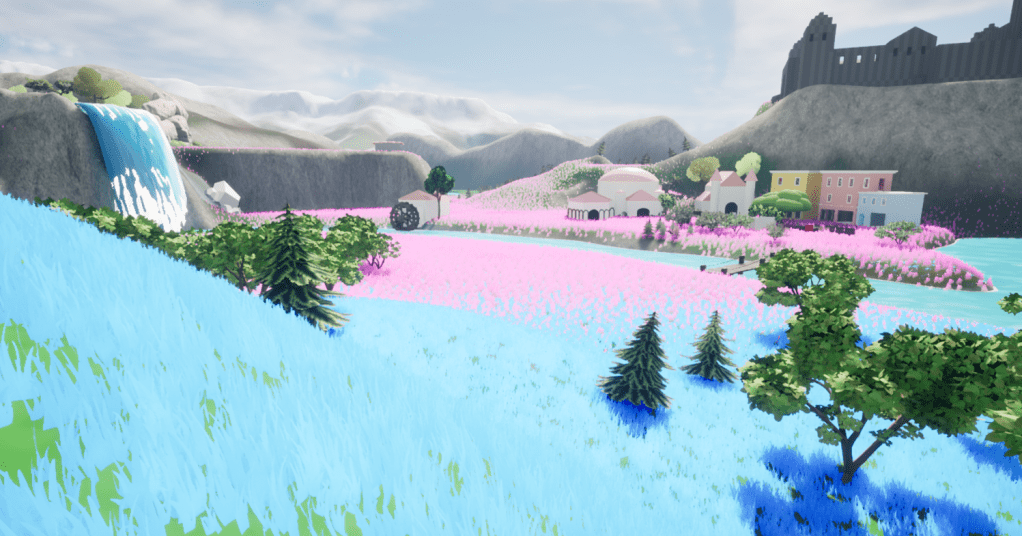
For example if we look at it with the context of the leaves on a tree. This is how it would look if it is set at a very pink colour.
Or blue
However, most often you will use a variation of your base colour for foliage, so some shade closer to green.
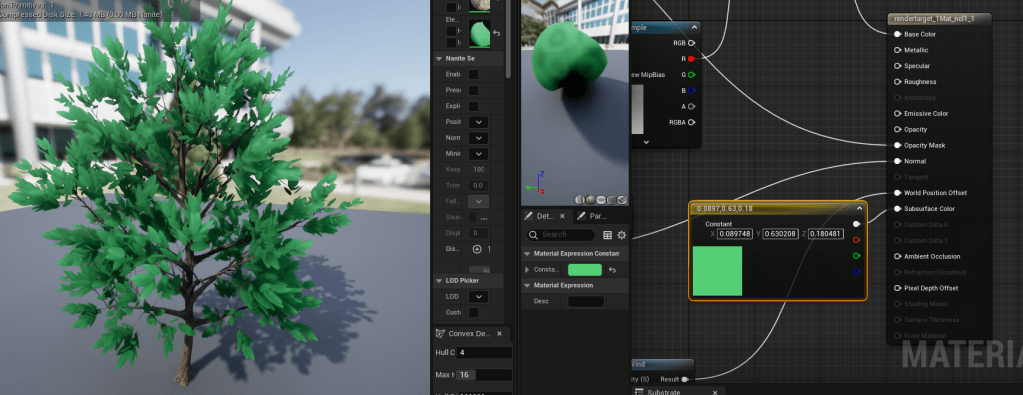
For this your material has to be set to Subsurface or TwoSided Foliage. More information can be found here.
Result
I quickly made some flowers to scatter within the grass.
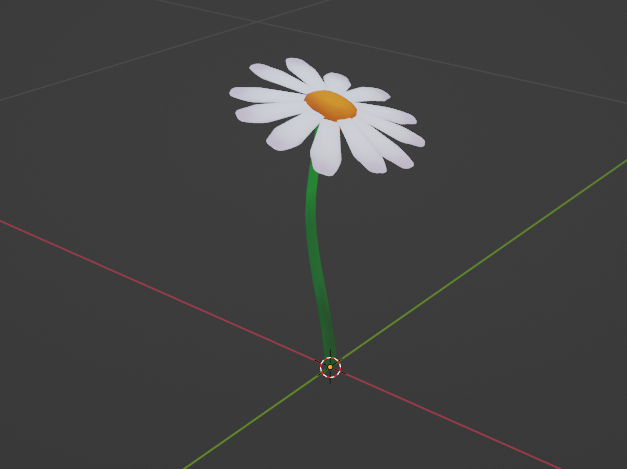
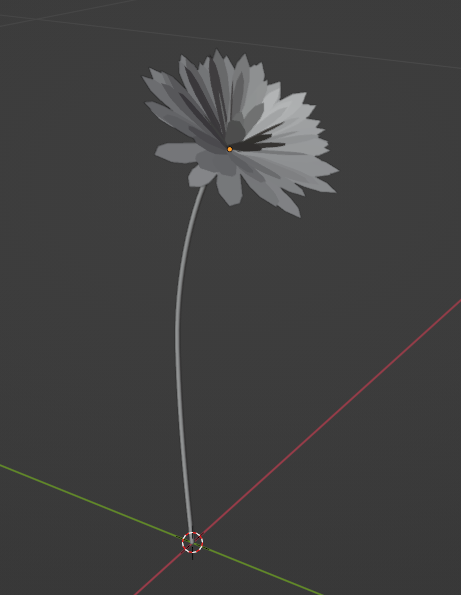
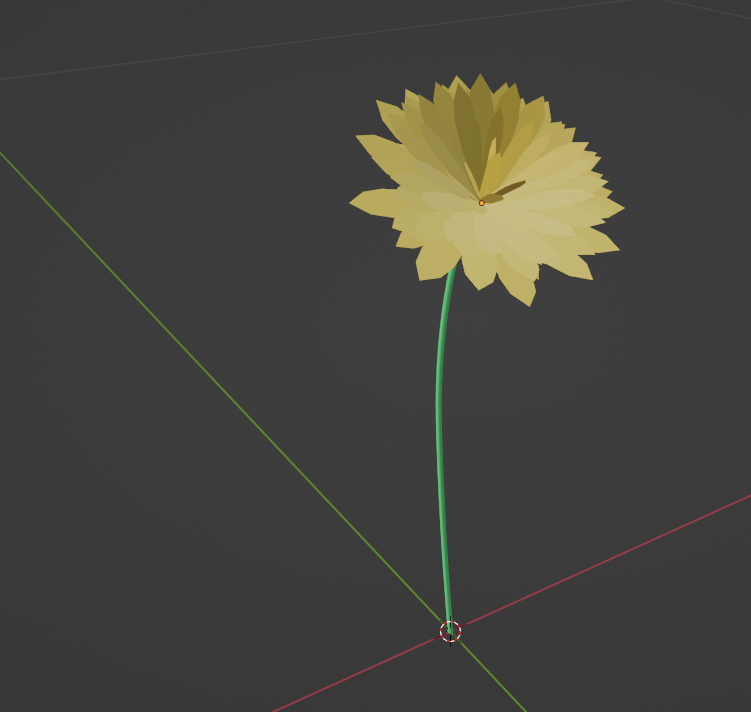
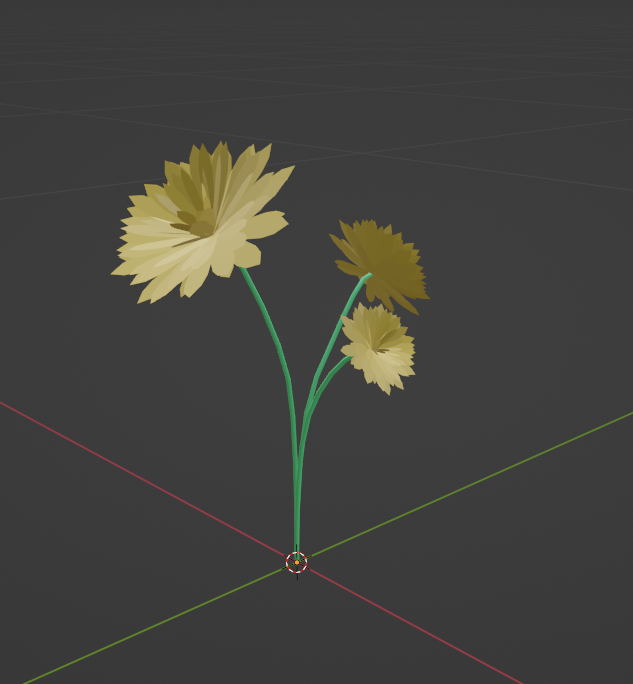
After some more tweaks and playing around endlessly with my shader variables, I think, overall, it made quite the improvement, and I am rather happy with the results. It’s starting to give me those alpine pasture vibes. 😊
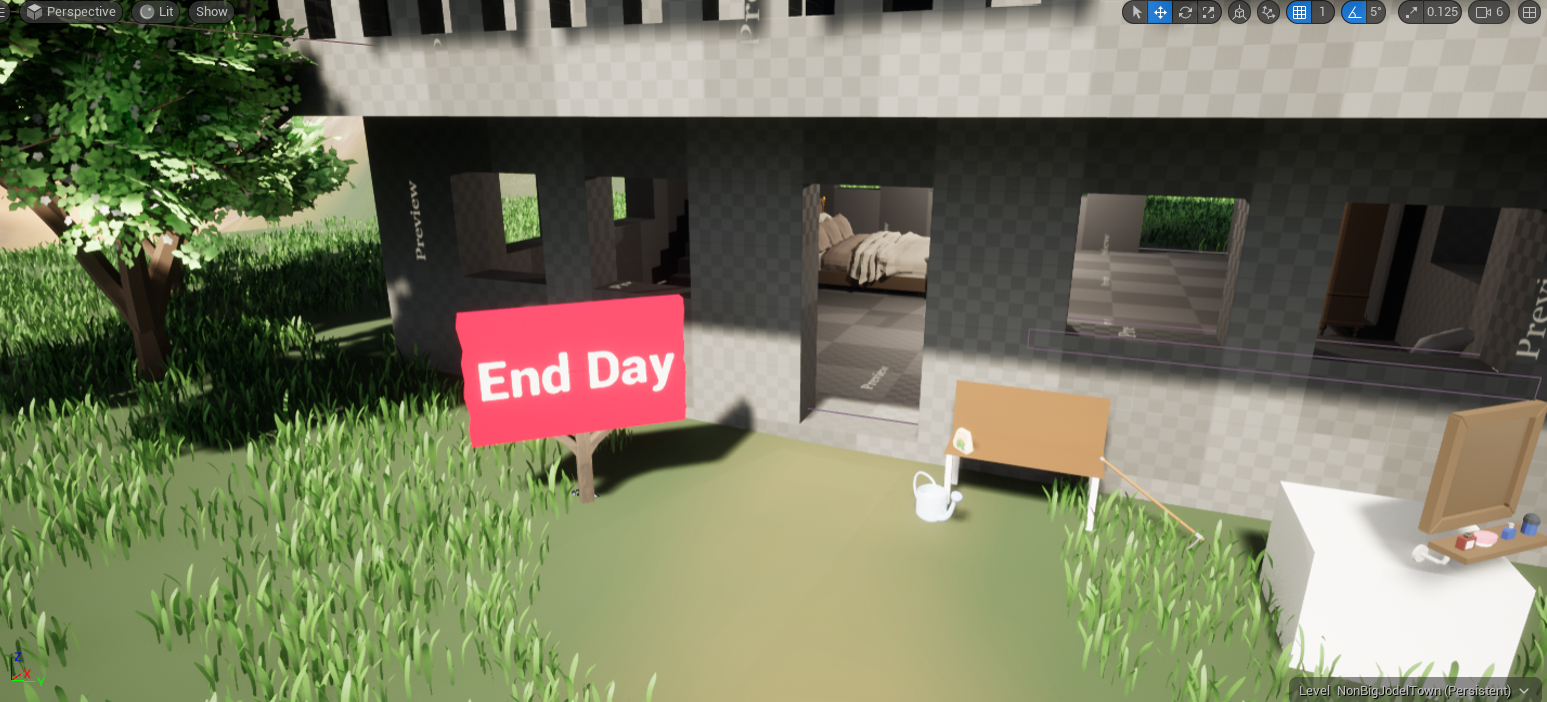
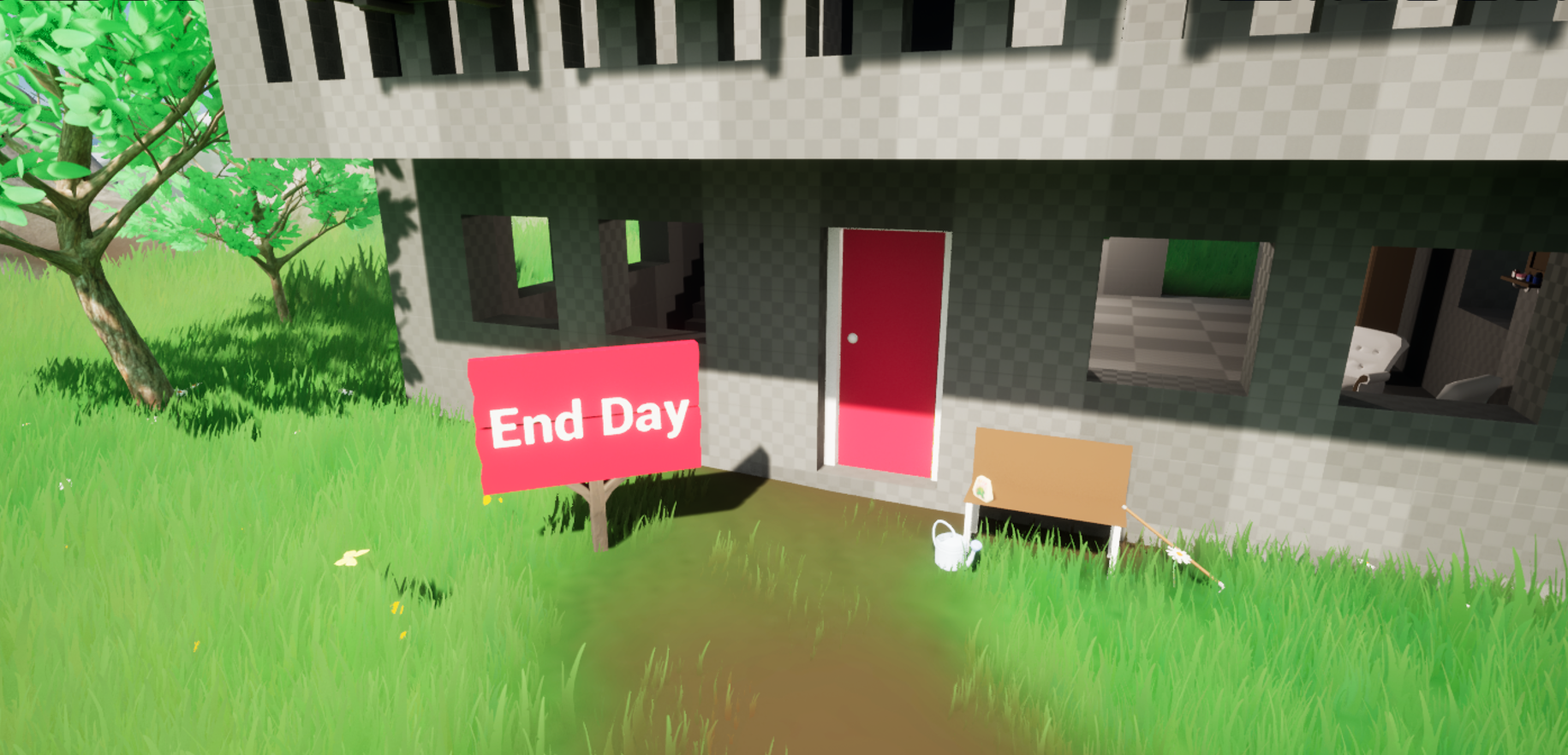
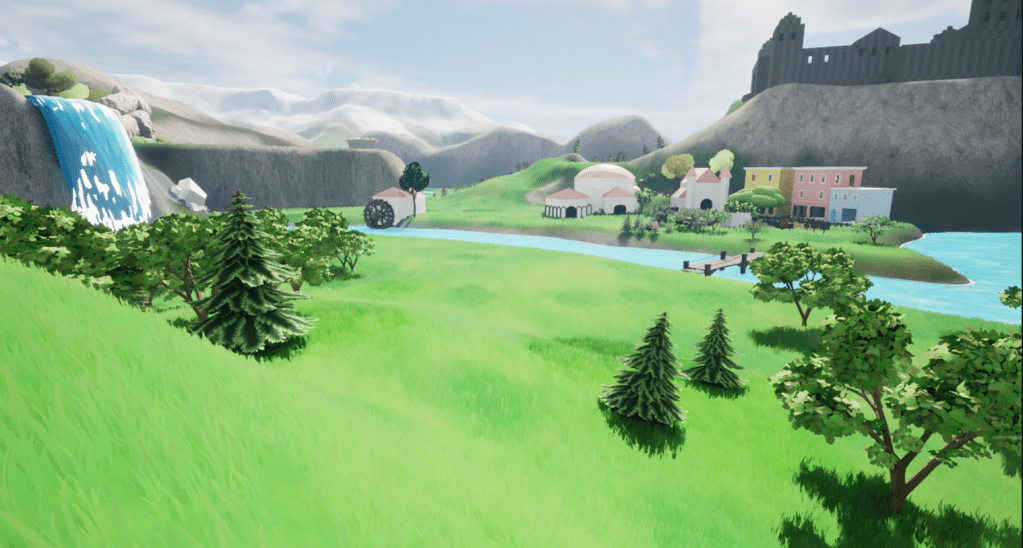
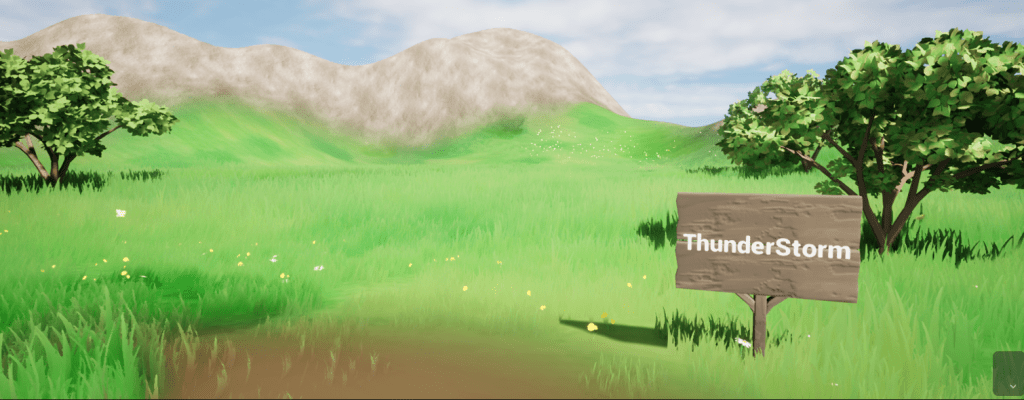
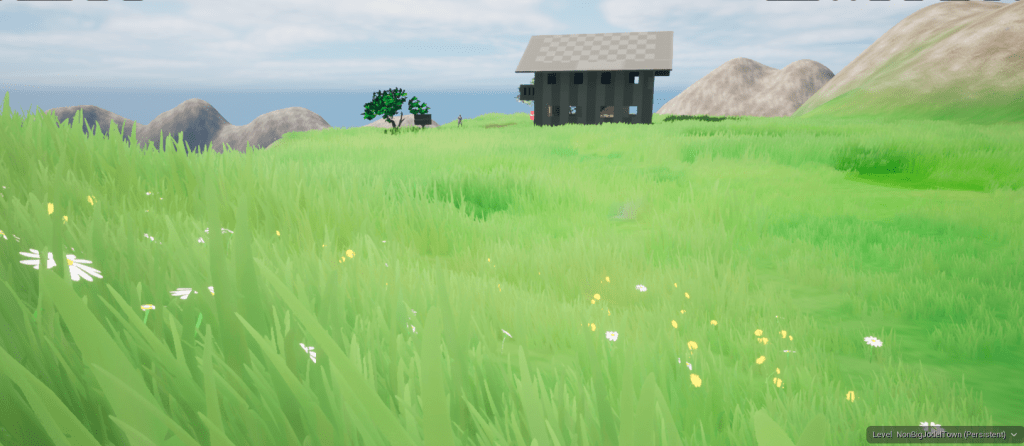
Optimization-wise, the thing I am most happy about is that this grass looks lush with good coverage and still runs really well.
While I haven’t profiled the exact ms cost per frame, I can render some version of grass (lod 0, lod 1, or billboard) for approximately 7 km around the player at any given time while still running over 60 fps on my 1070 GPU – so I really can’t complain.
Here you can see the different lods coloured in.
Another time, we’ll look at the wind movement and grass displacement when the player or NPCs walk through it.
Byeee 👋


 SneakySeahorseGames
Leave a reply to Weekly Update #7 – Enhancing the Games Environment – SneakySeahorseGames Cancel reply