
The last time I tried to play with a day and night cycle, it absolutely fried my performance, but we are a couple of engine versions later and some months wiser now, so I wanted to try again.
(Oooh no.. I checked the dates and it was actually over a year ago I gave this a go the last time 👀)
Before getting into the nitty-gritty, I do need to highlight a few things first, lest the performance-oriented coders out there come for me 😉.
a) The object density in my level is in no way representative of the final product. There are way too few things going on that would be affected by light right now.
b) The PC I am working on right now and testing is pretty well kitted out – some profiling will need to happen on a weaker machine.
c) I am not using any Nanite or VSMs at the moment yet, this might affect things as well going forward.
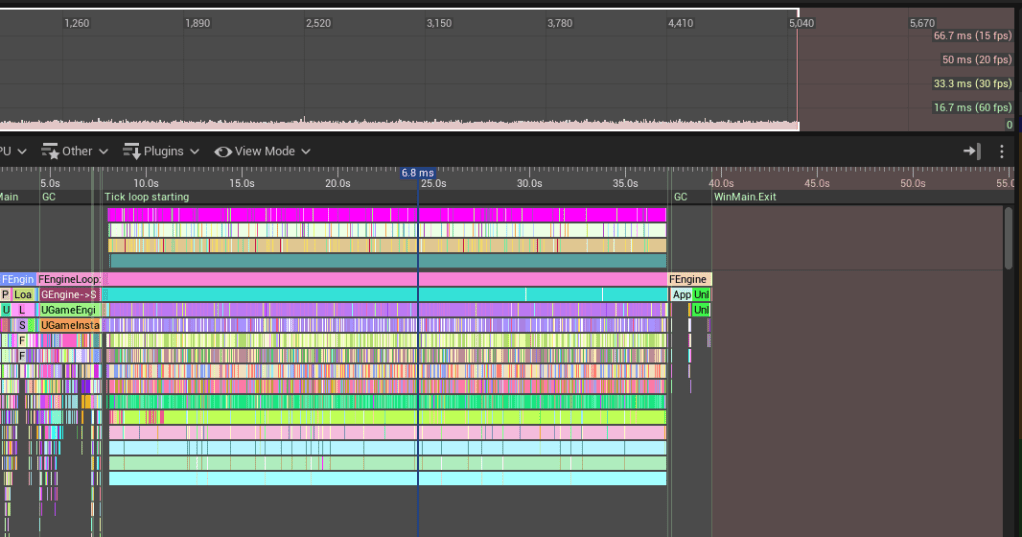
Currently, this version averages around 6ms per frame (whole frame time) in a standalone run (no cooked content) on my RTX 3080TI when updating the sun’s rotation every 0.1s.
It’s a super simple setup, only a first version, and by no means gospel on how to do things. This is just me figuring things out as I go, that work for my use case and will probably change 100x in the years to come 😄.
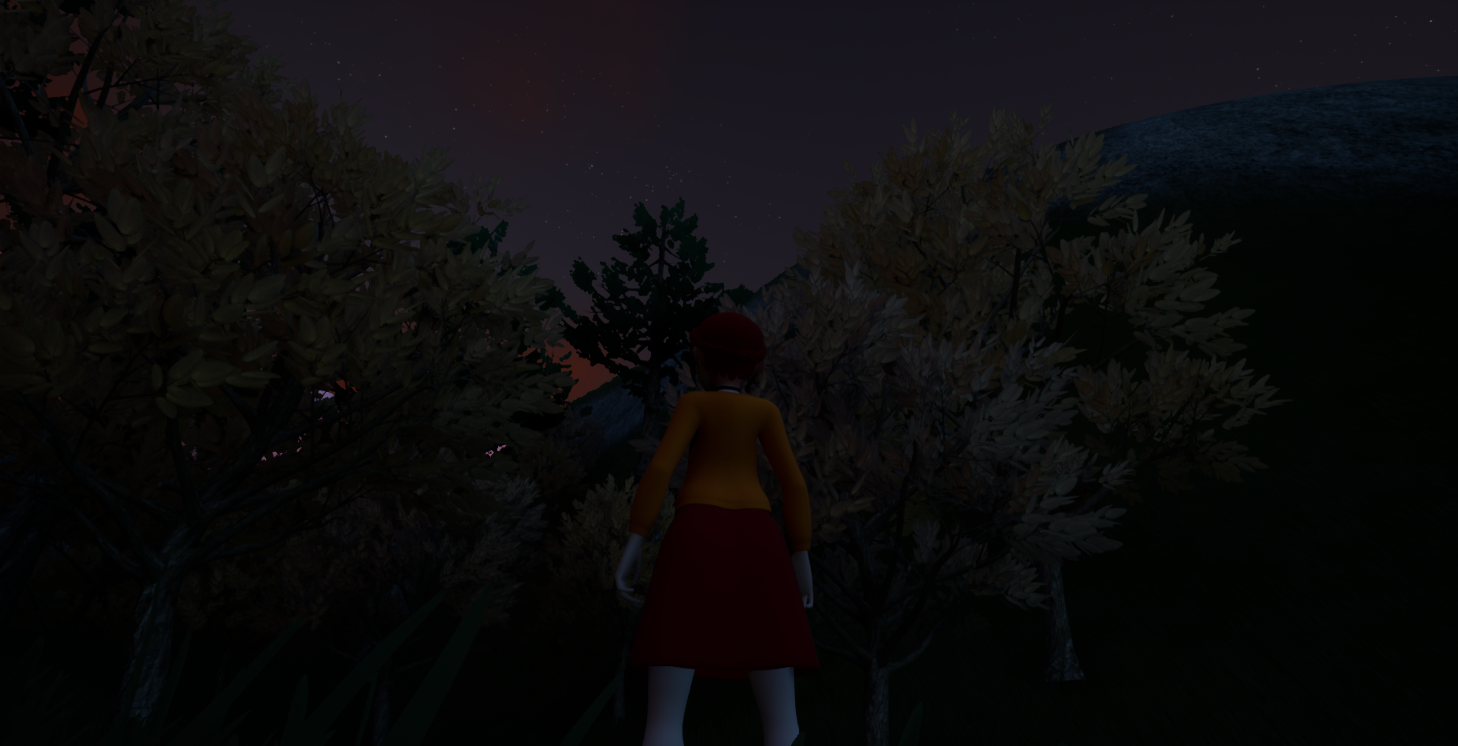
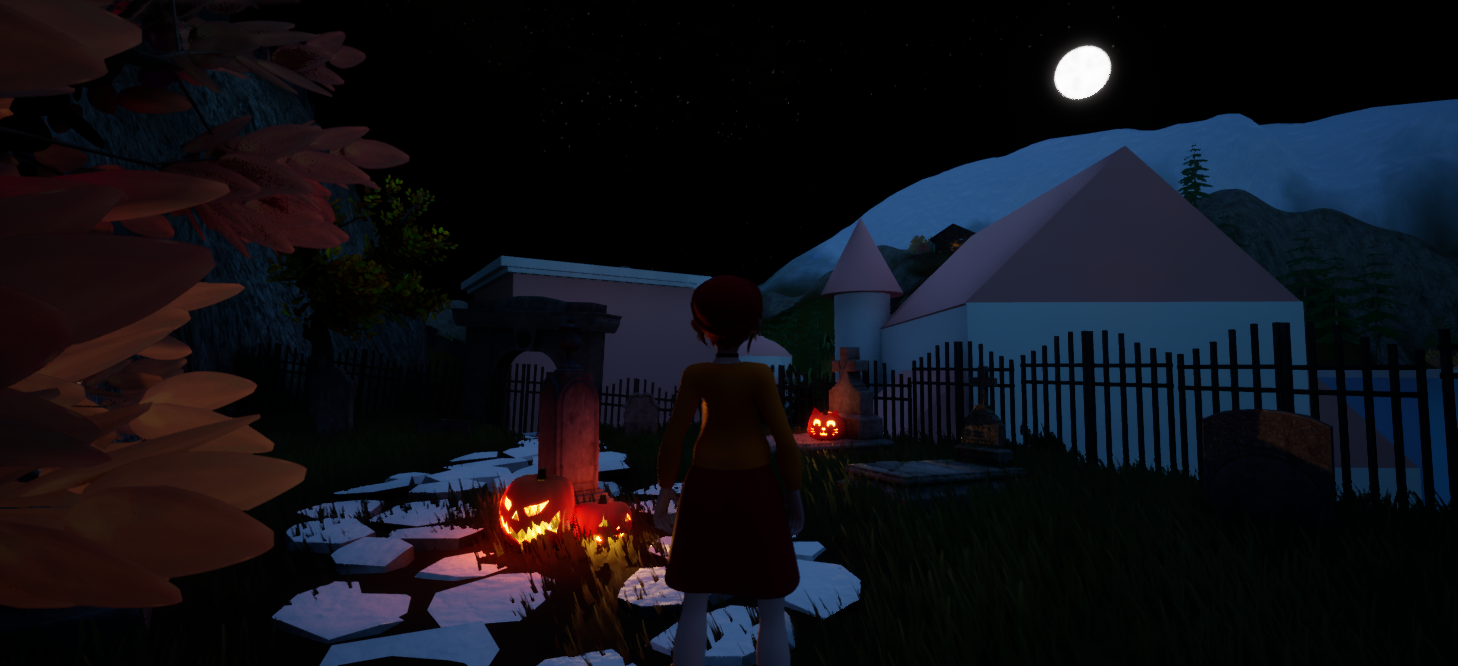
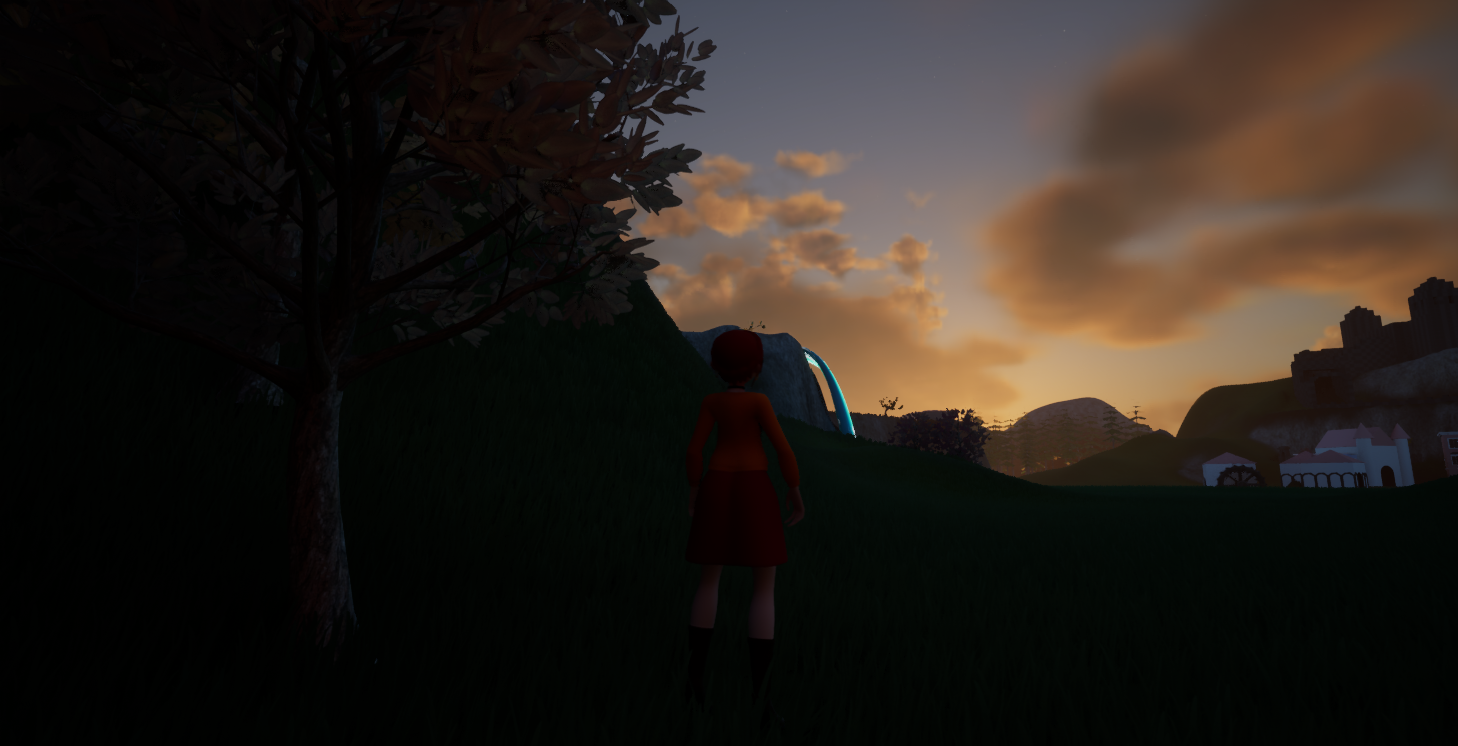
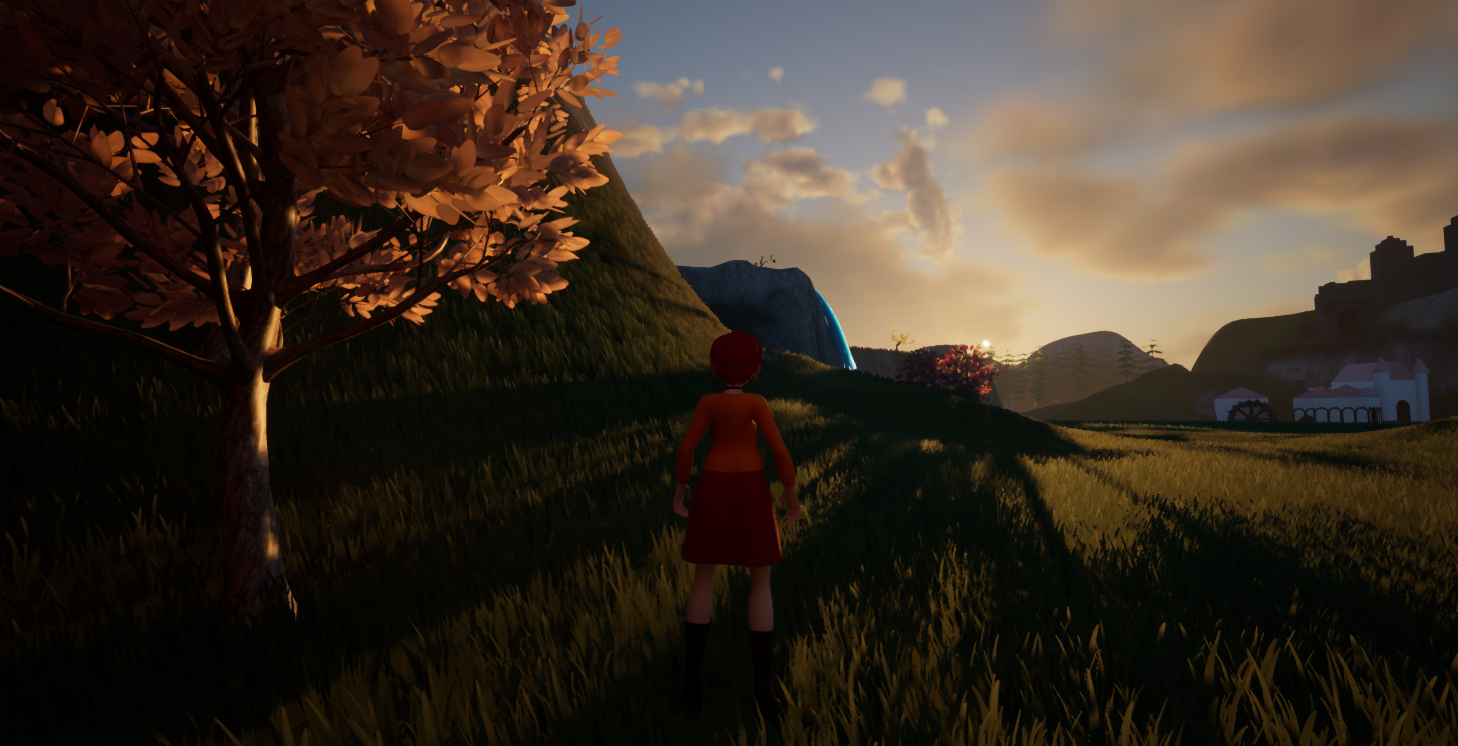
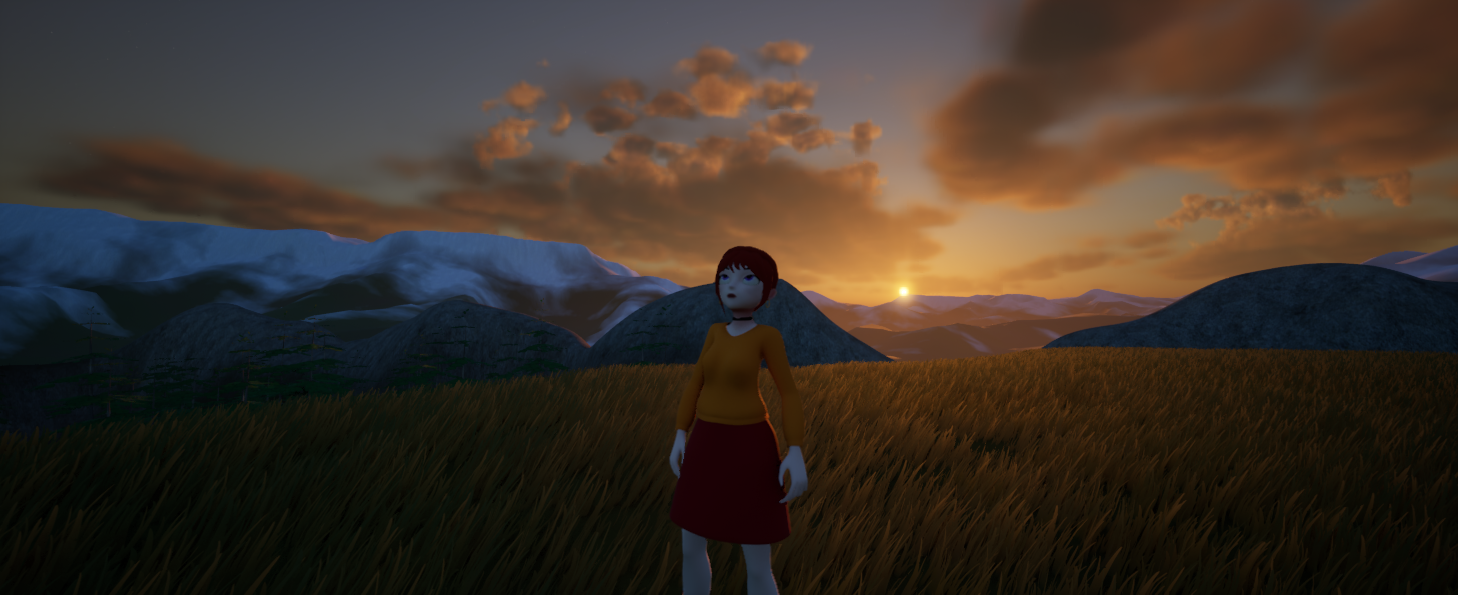
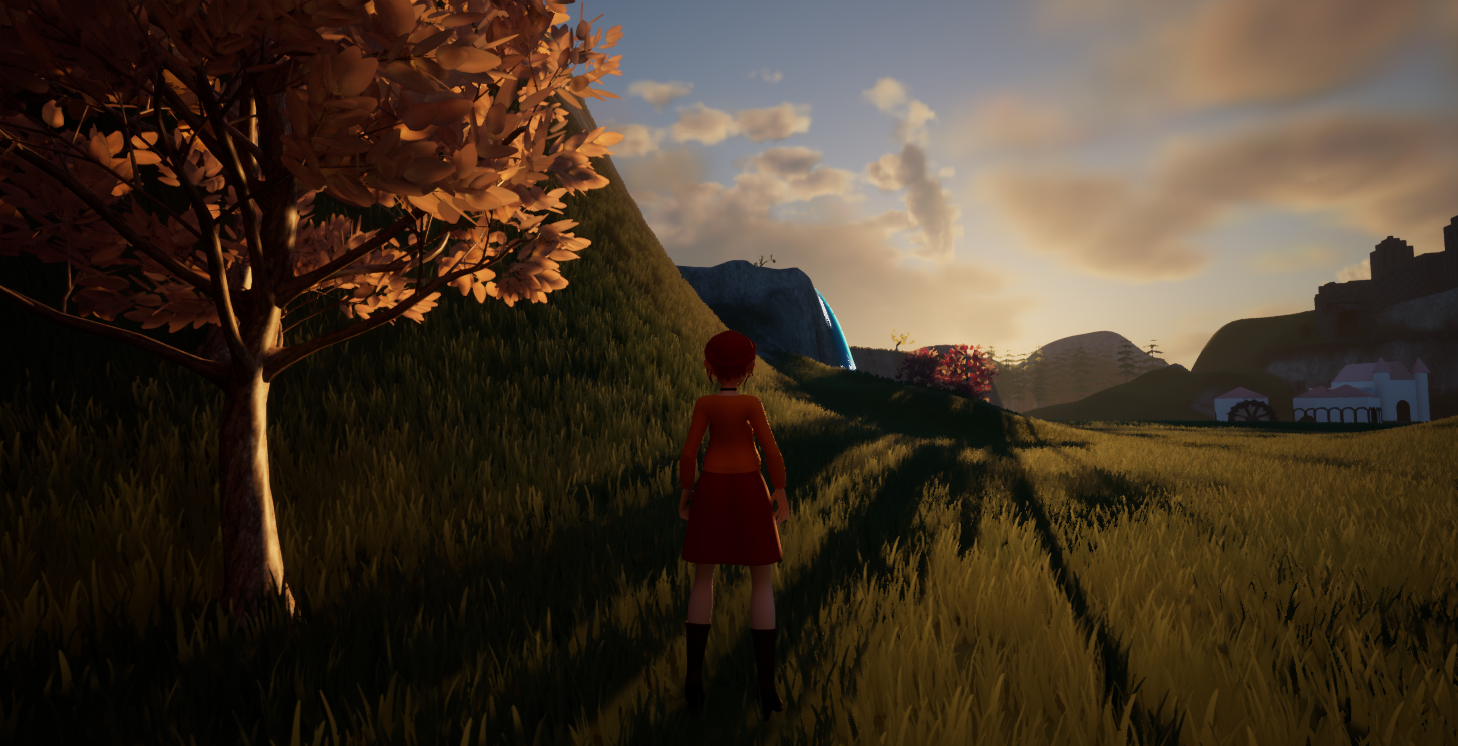
So let’s get into it.
Update Rate
First, it was important to me that I can adjust the frequency of light angle change, since updating it every single frame won’t be necessary. It might also allow for the option to distribute updates over multiple frames if Unreal can support it.
The update frequency is closely related or influenced by how quickly time passes in-game. It should be frequent enough to not have big jumps in light angle that would be very noticeable – but we also don’t want to update the light’s transform for minuscule amounts that aren’t noticeable since it might still invalidate some resources on the rendering side, for a non noticable visual change.
You could come up with a formula that connects the two and adjusts automatically e.g. update the suns transform x amount of times per in-game hour, or update every 10 ingame minutes.
While I probably will be doing that down the line, at the moment I let the update rate be set on the object for ease of debugging.
Meaningful Sun Angles
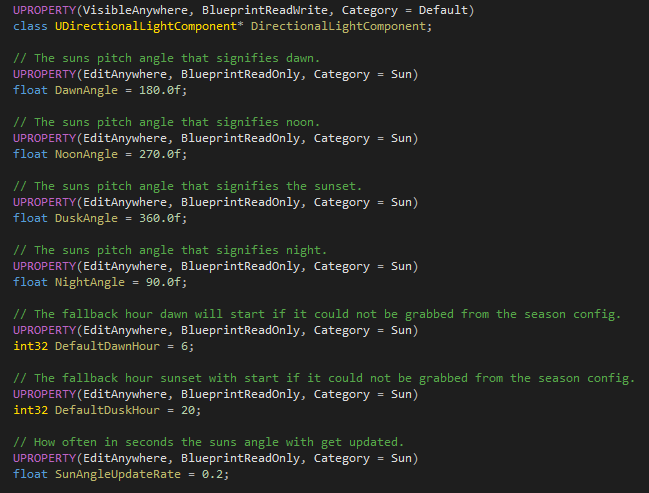
To make it easier for me, I pre-define certain sun pitch angles in world space to coencide with meaninful states of the sun position e.g. Dawn, Noon, Dusk, Night.
So for example the Noon angle would be the pitch angle when the sun is the highest in the sky and perpendicular to the x,y world plane. In my case this would be either -90 or 270 degrees.
Sun State Times
Another thing I pre-define is when Dawn and Dusk acutally occur in in-game time. My Sun class has a default value for this to fall back on, however we really want to override this on a per season basis.
The motivation behind this is re-creating the different durations the sun is acutally up throughout the year – so we get long days in summer and early nights in winter.
And with the game being set in Austria, we can say goodbye to the sun at 4pm in Winter (like right now, it is pitch black outside and I haven’t even been awake all that long – good thing I am a night owl😂)
One restriction I personally added for myself is that at 12pm it will always be noon and the sun the highest in the sky. However it would be trivial to make this also a variable hour if wanted. The same if you wanted to consider non full hours (e.g. 6.30pm) you could easily change the data type.
Runtime
At runtime, I decided to run the update of the sun angle off a timer object. You could just as easily tick the object and count down your own timer and then update the angle appropriately.
However, this way, I can disable the object’s tick entirely, which is always a nice little save.
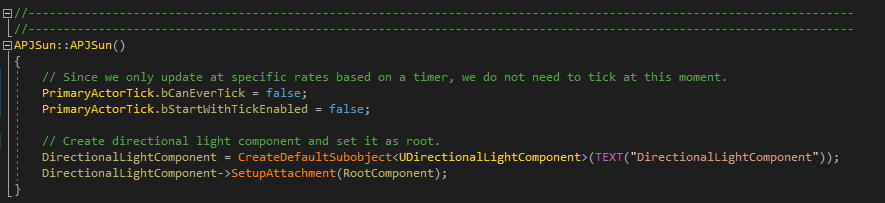
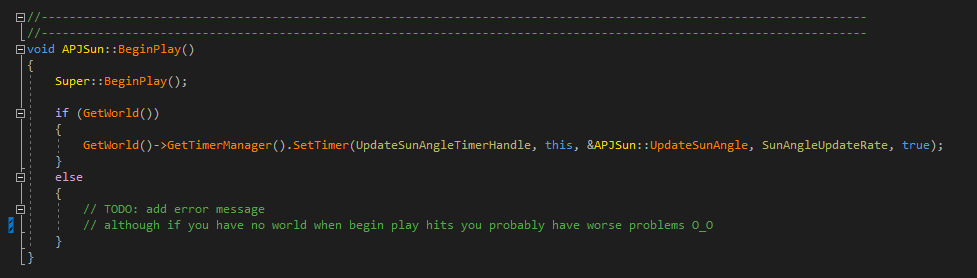
We kick off the timer on BeginPlay – making it call UpdateSunAngle() based on the SunAngleUpdateRate, and we do this loopingly.
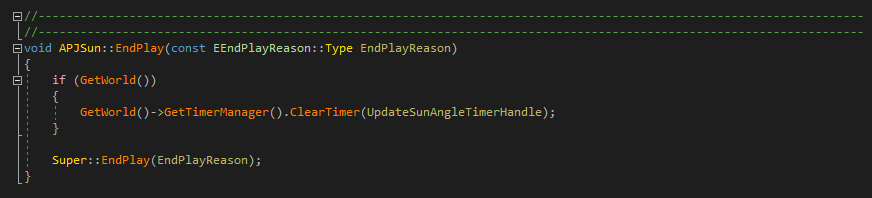
Please, for your own sake, make triple sure you are clearing your timers when you no longer need them. Otherwise, you can end up in a world of pain, calling functions on objects that are on their way into the ever-after, and nobody wants that.
This also applies in BP!
Just in general, make sure you clear anything that can call back into your object driven by something else. So clear those timers and unsub from those delegates.
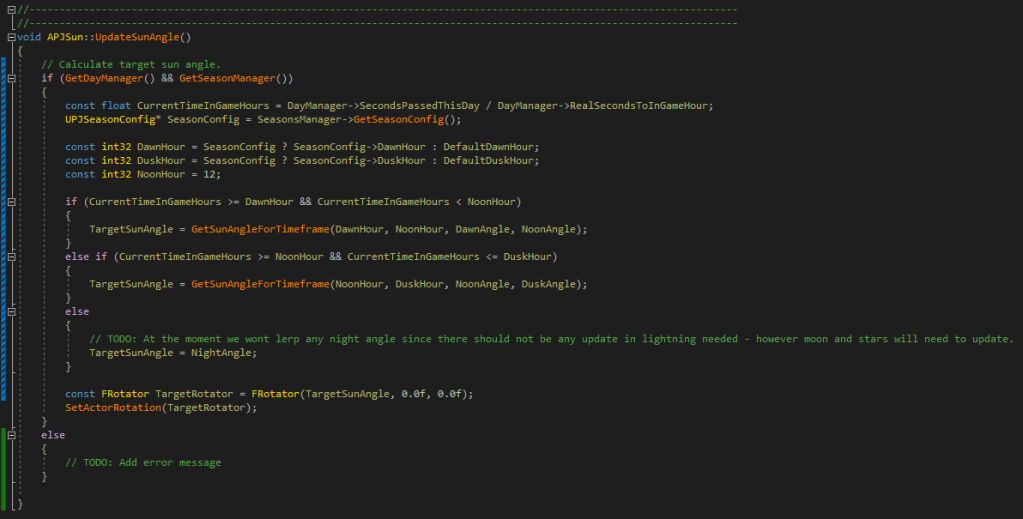
Then when the timer executes, it calls UpdateSunAngle() and we simply lerp between the appropriate values and get our desired rotation.
It’s not the most elegant code as of right now, but it works and can be iterated upon going forward.
After all, never let perfection stand in the way of progress 😉.
In-Editor, Unreals SkyAtmosphere object will take care of most things on the more artsy side like changing the colouring of light during dusk and dawn and draw a sun in the sky based on your directional lights angle.

One thing I added is creating a moon during the night and adding a simple star texture that blends in when we get towards darkness – allowing for that small window of time where the dusk light emits a warm glow and you can see stars in the sky – even if perhaps not 100% realistic it just looks plain gorgeous 😁.
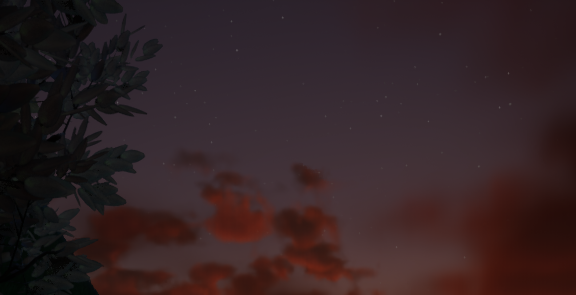
Both of them will also move during the duration of the night, which I think is just a nice detail.
However, I am not all too happy yet with the style of the moon. It feels too hard or bright – and even though I tried to use a texture instead of just a white-ish full colour sphere, it doesn’t come through as I want it to (it likely has something to do with it not currently emiting any light as such).
So, some space to improve upon here for sure.
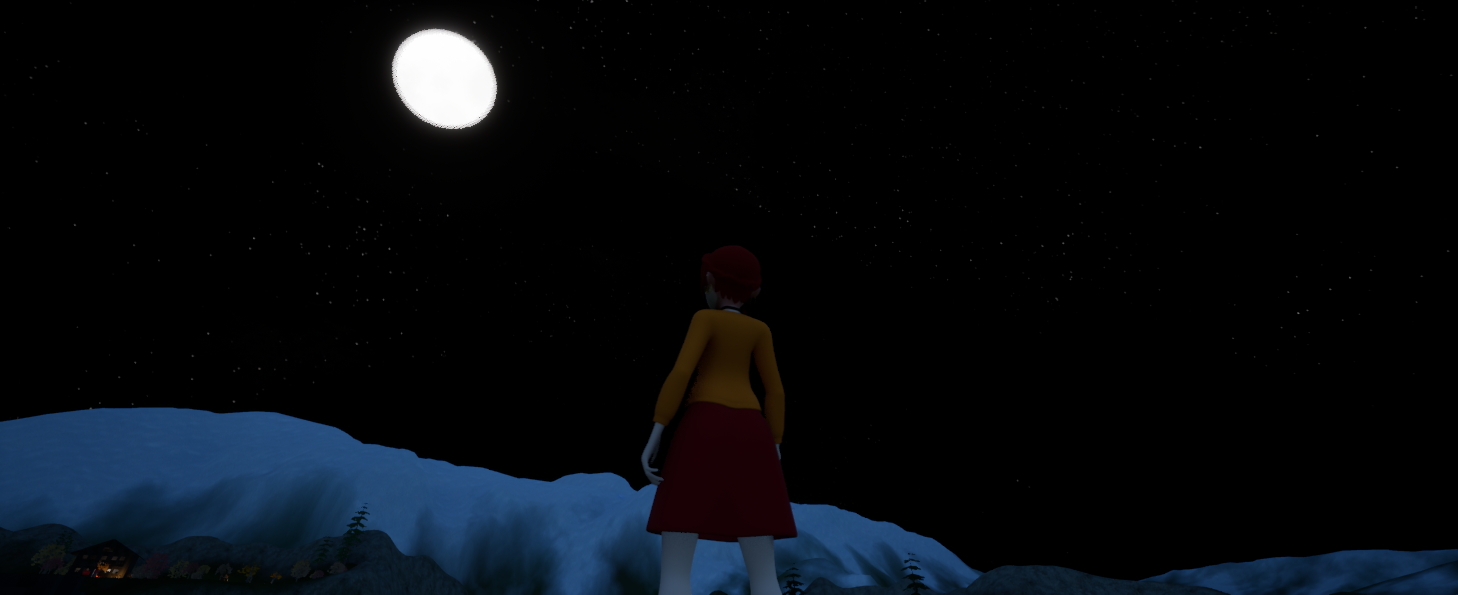
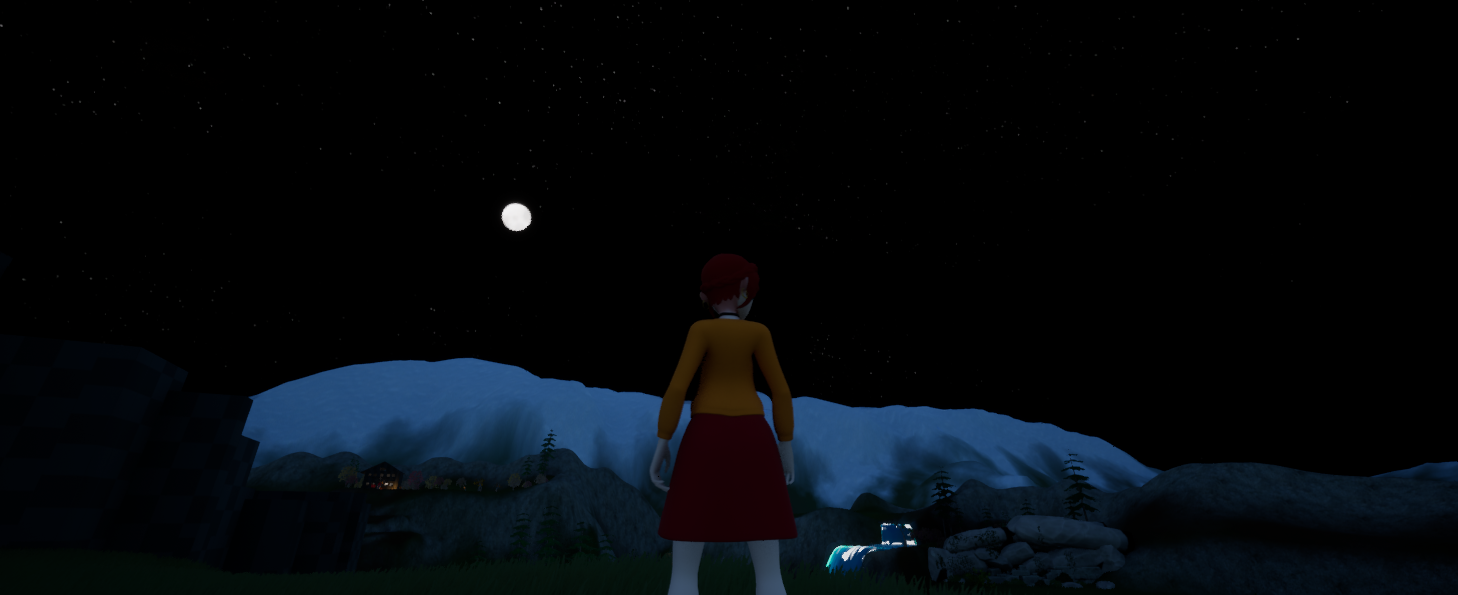
Similar to the stars, currently, it is a fairly simple texture I drew and put on the sky sphere. The original test was actually having a couple of planes rotate around the origin with different star textures on them. This allows me to use smaller textures that do not need to tile, so you can add cool things like constellations without having to make a massive texture or risking it blurring out because of lacking resolution.
This worked really well, but I did not want to place all those planes manually in Unreal because the controls at far distances get really screwy – so I will be making it in Blender and import it as a mesh instead.
And one last thing to improve upon, which might play into the moon problem, is the lack of cloud lighting during the night which is just odd looking.
But at least I now have something in place that dynamically changes the time of day, and even if I might not polish it right away, it is good to have it there to keep an eye on performance-wise.
Oh, apropos performance, I did, in the end, run a profiler over it, and I was really surprised that each angle update didn’t really cause a hitch, and it all ran fairly smoothly! Let’s see how that keeps up when we get to more complex scenes 😂.
And as a treat if you made it this far, a little video showcasing all of this very sped up 😊.


 SneakySeahorseGames
Leave a reply to Weekly Update #7 – Enhancing the Games Environment – SneakySeahorseGames Cancel reply