
We looked in Part 1 at the arty side of making trees, in Part 2 we looked at in-engine setup and now we shall look at the results when both are put together.
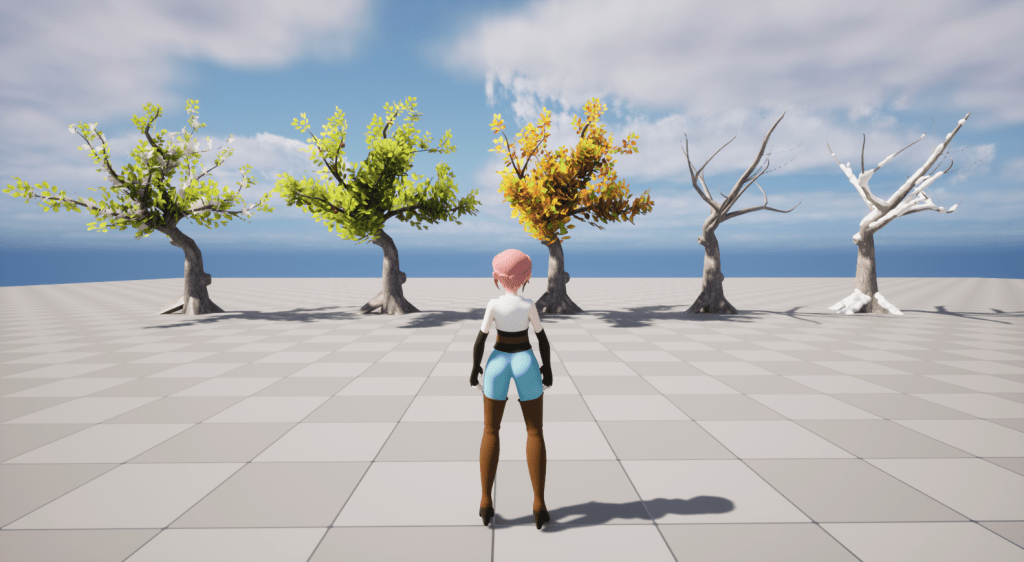
As a quick recap, to change our foliage with the seasons we do a mixture of mesh and material changes at runtime.
For example:
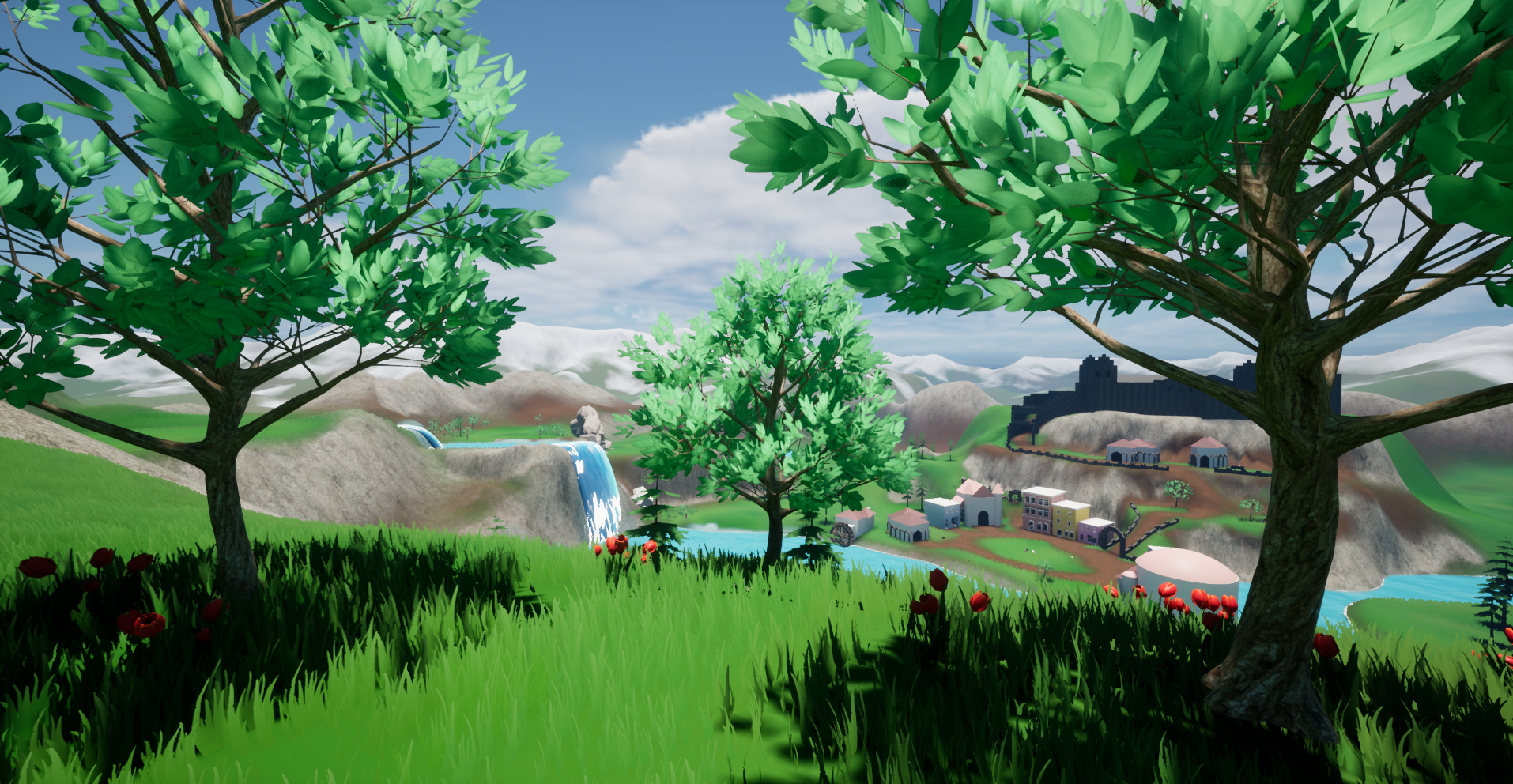
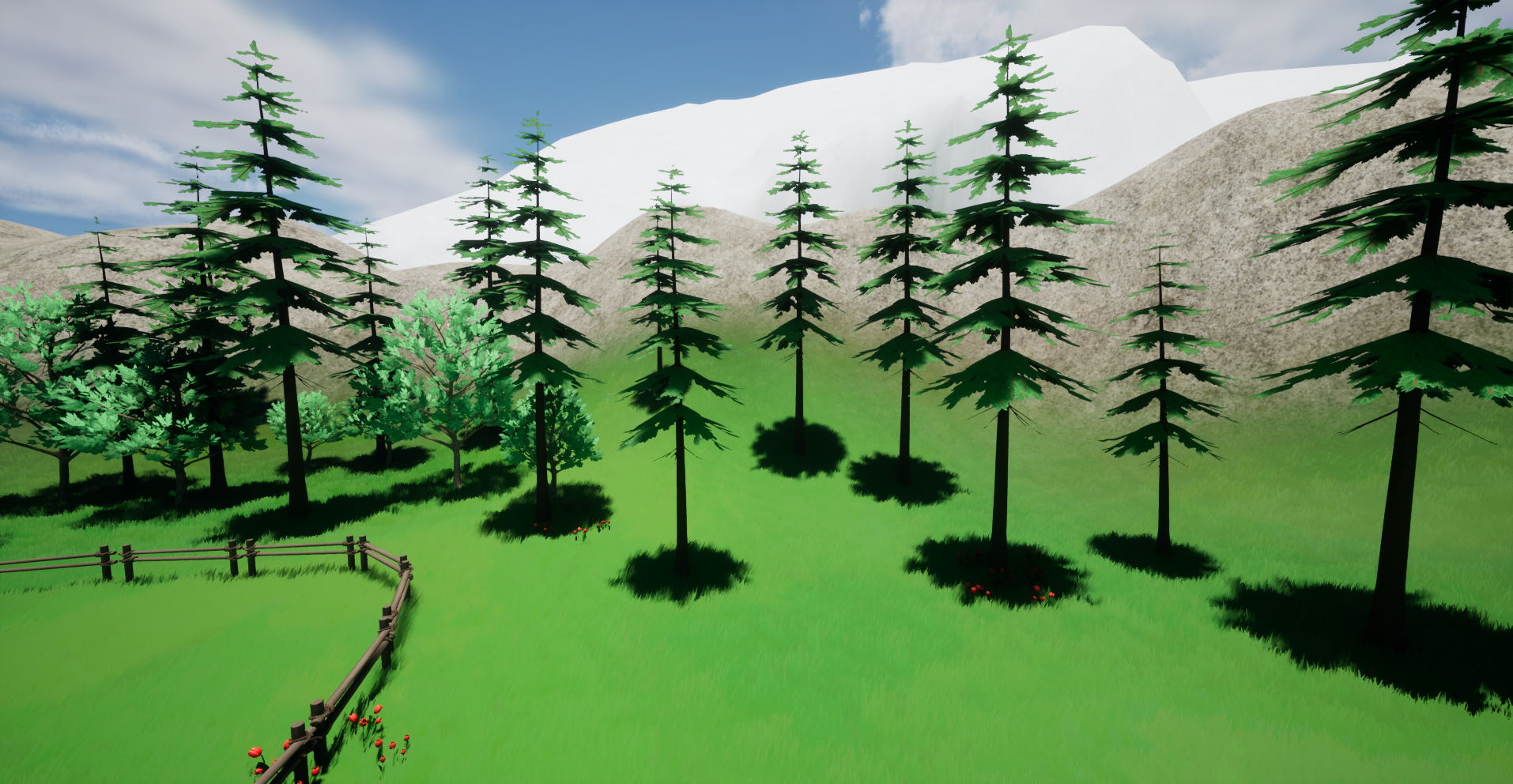
🌷 In Spring, we change the apple tree mesh to allow for extra flower cards.
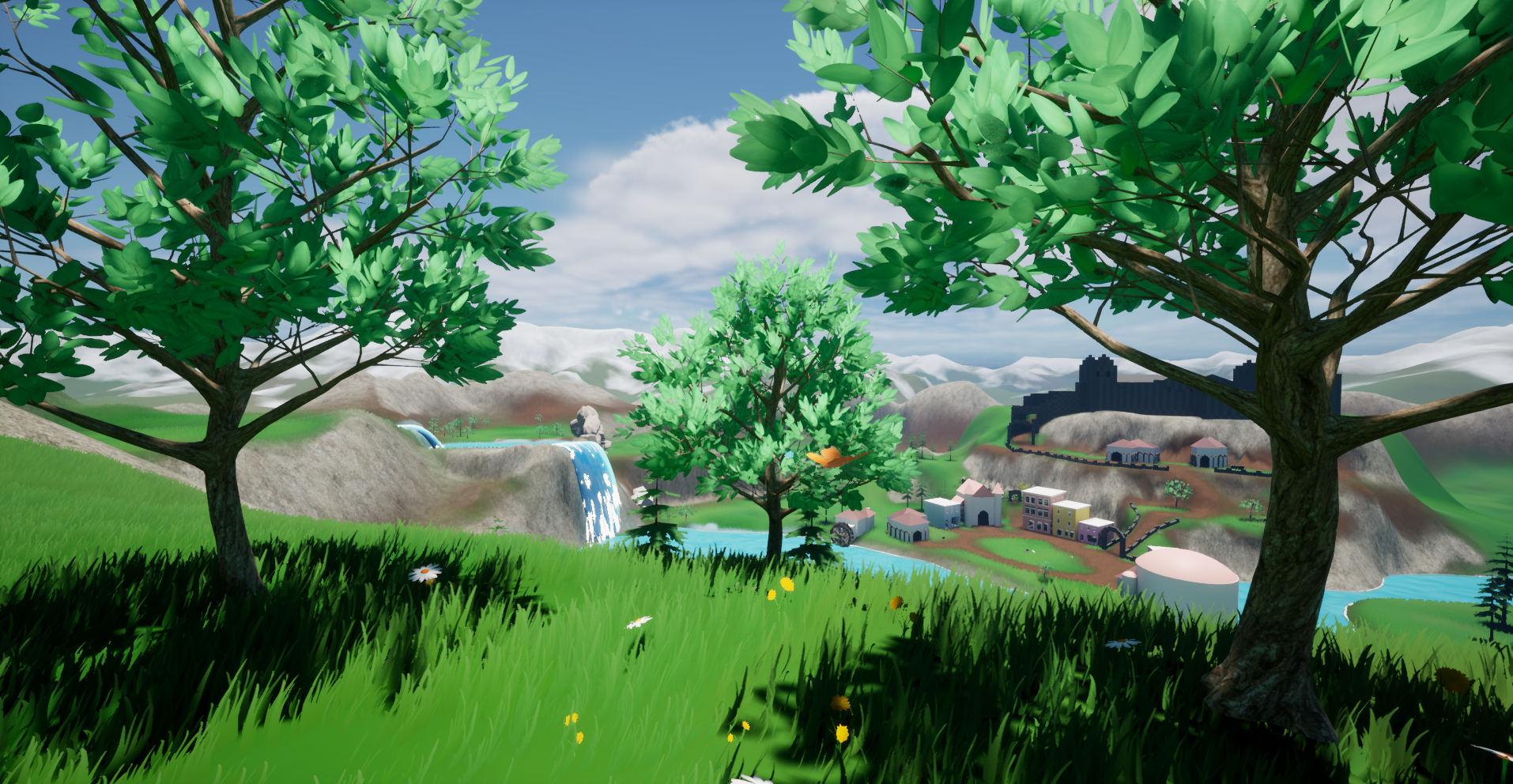
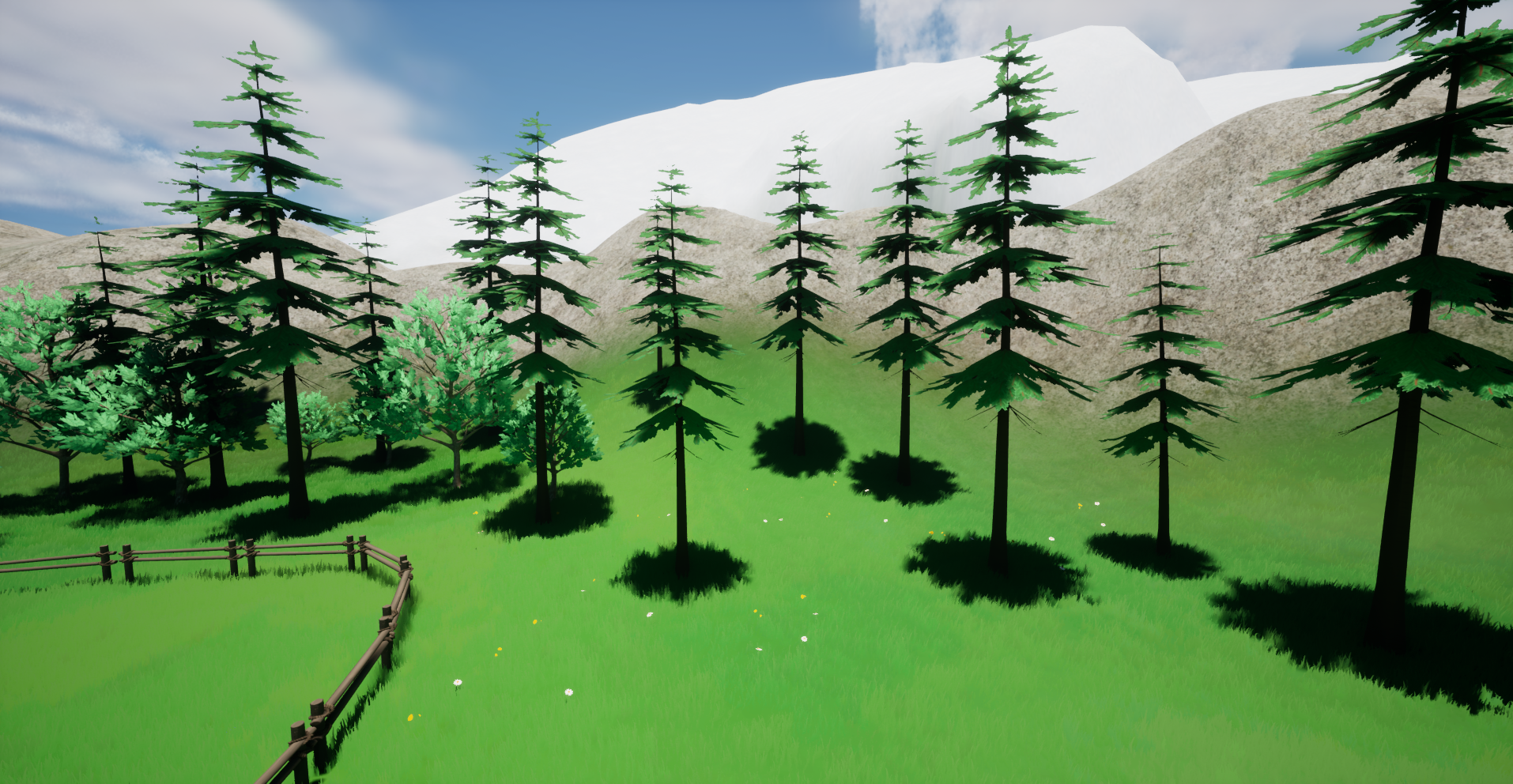
🌞 In Summer, we use a mesh that is more leaf heavy.
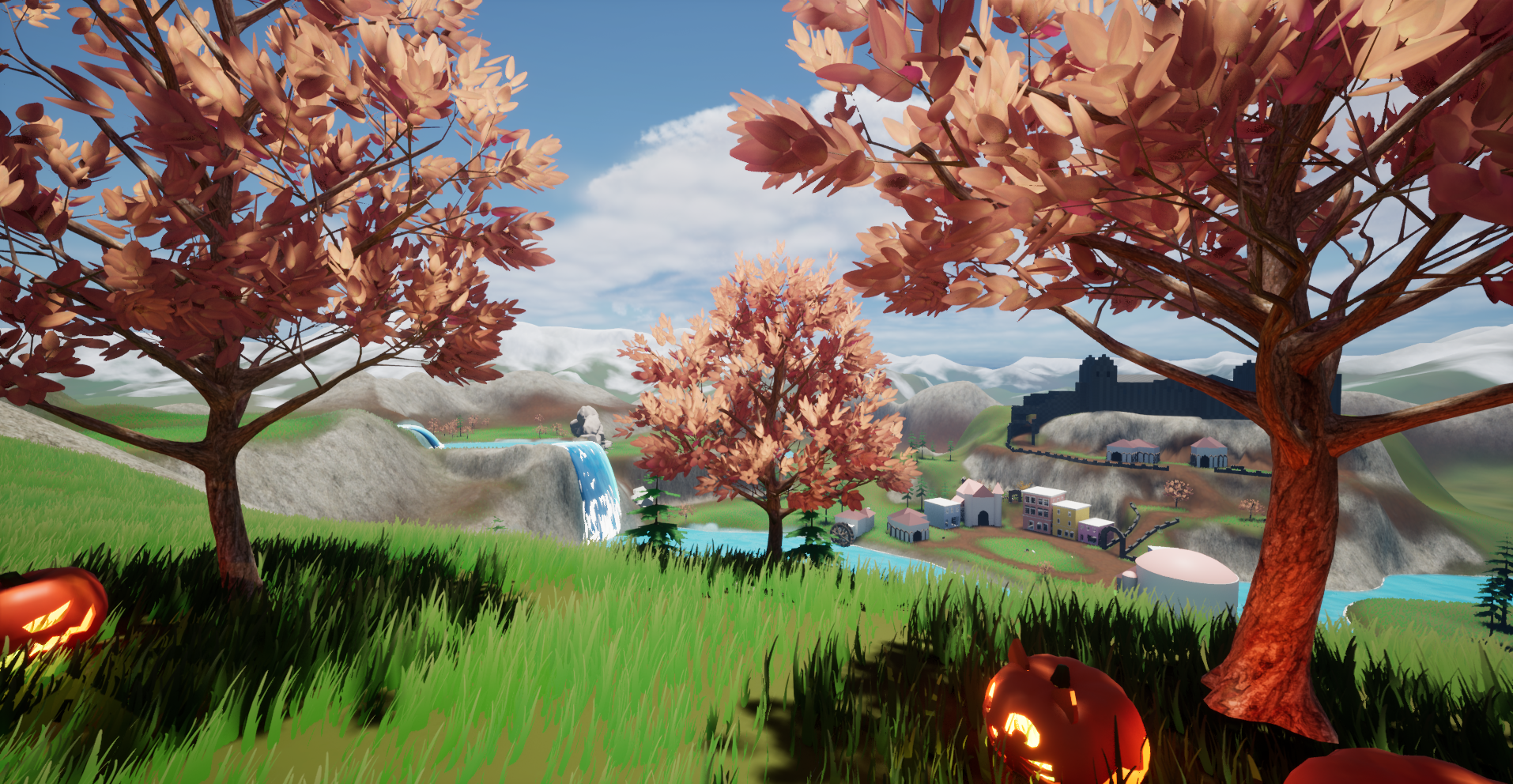
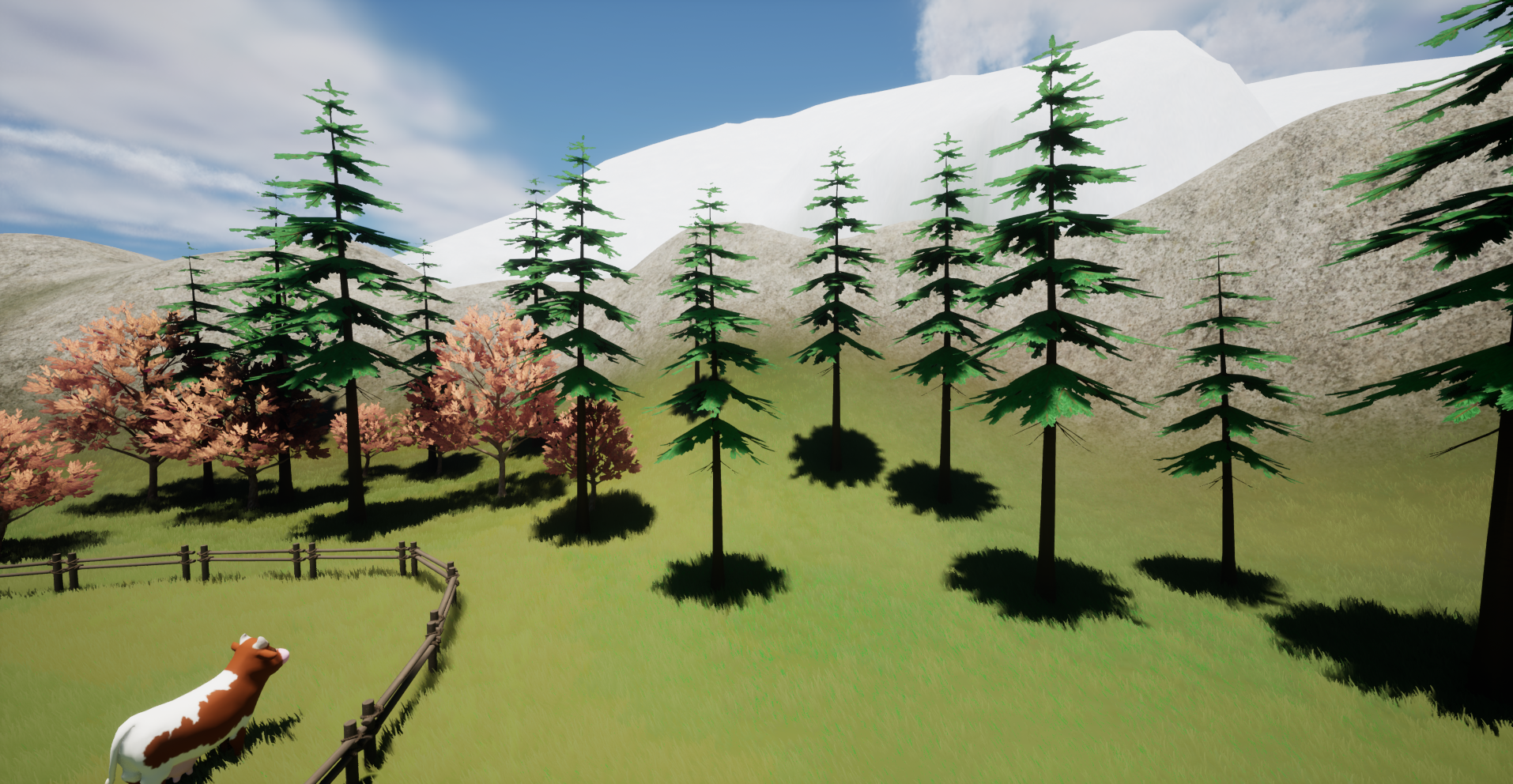
🍂 In Autumn, we use the same mesh as in the summer but change the texture/colour and subsurface colour of the leafs to allow for a more cozy fall colours.
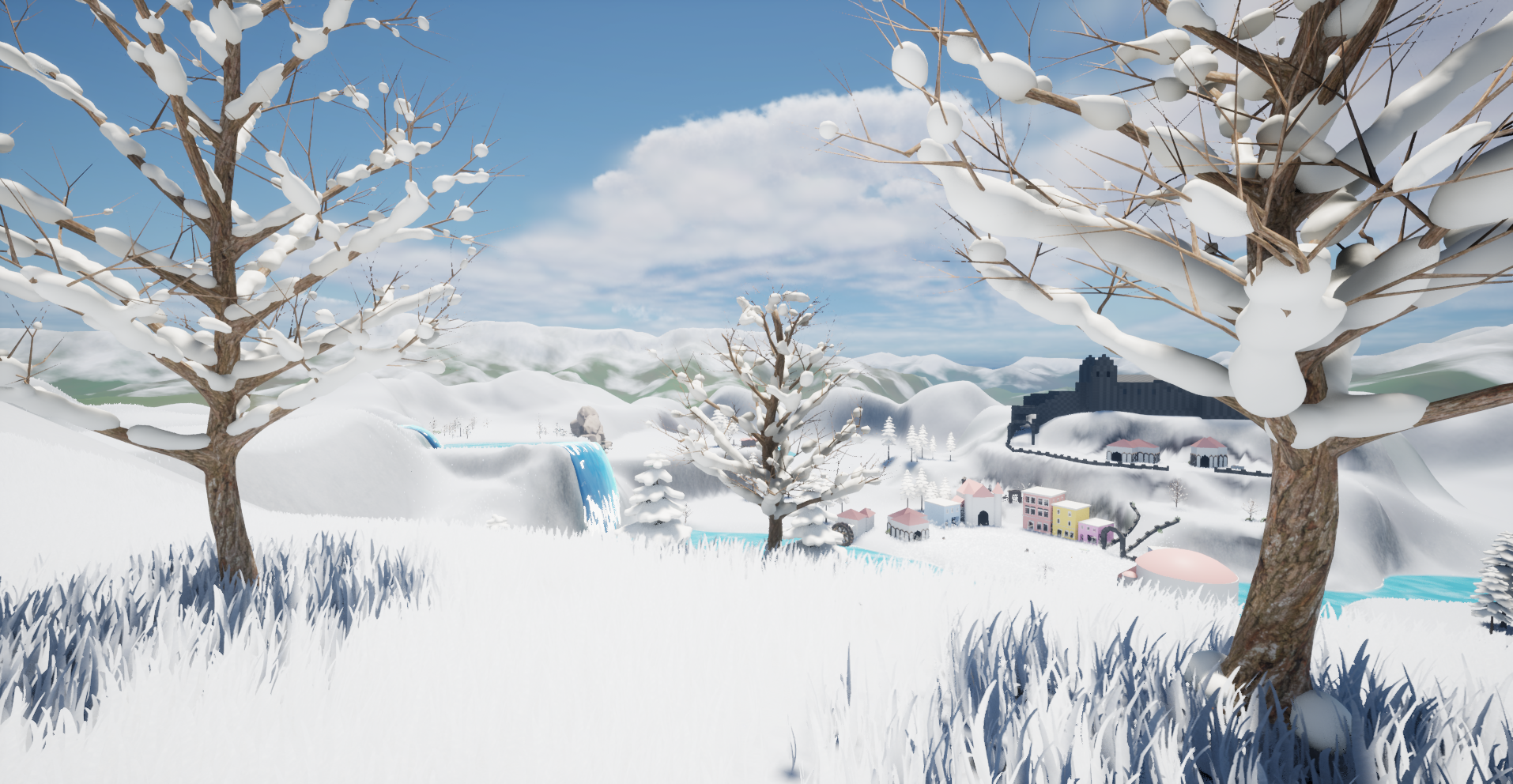
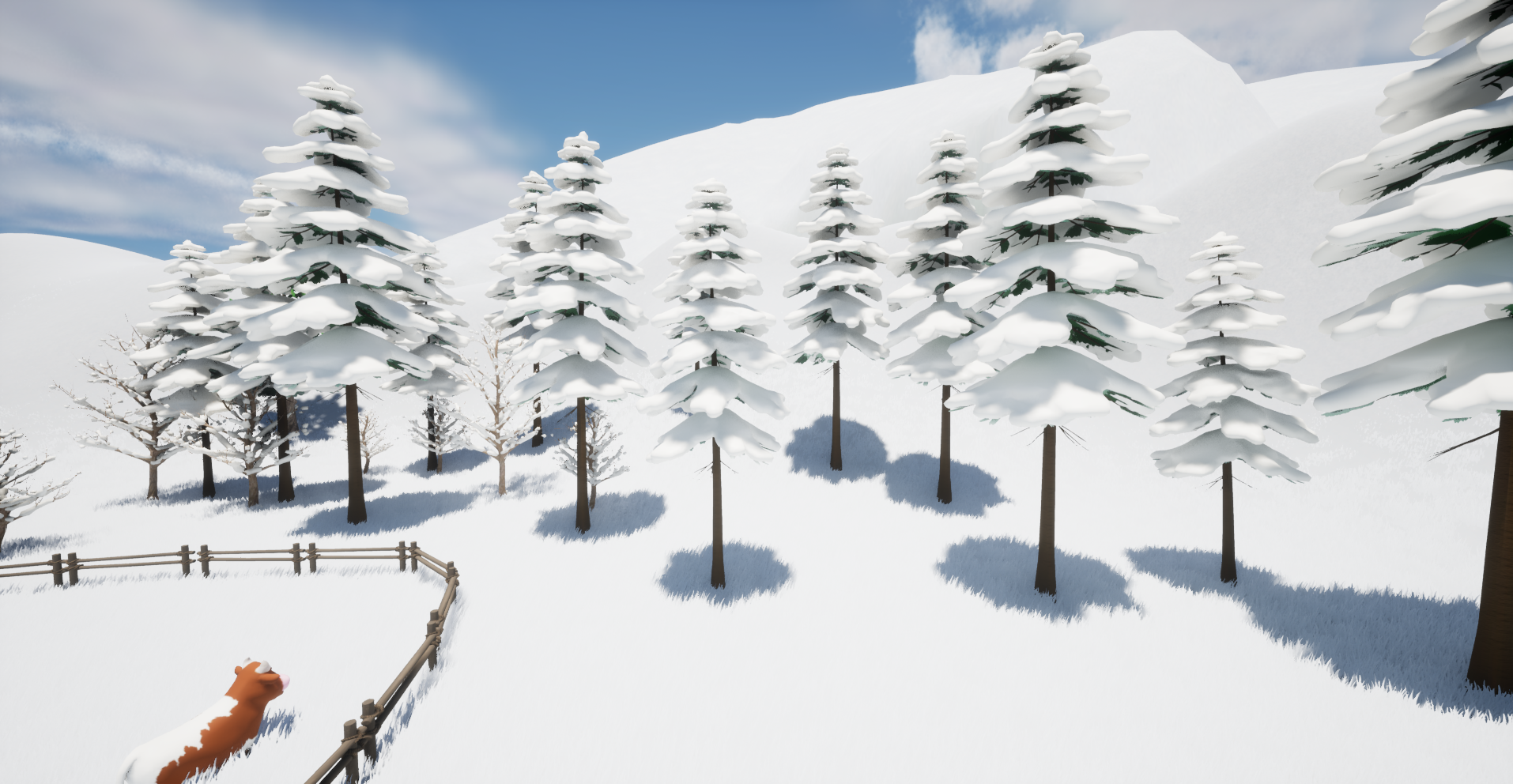
☃️In Winter, we use a leaf-free mesh with snow on top that is per default hidden but will get dithered in as it snows in game.
Here are some more screenshots.
And a video example:
Season changes will most likely take place while the player is ending their current day and be on some summary screen or camera fade, so won’t be able to see any mesh popping.
However, if we change that and the player can actually observe seasonal changes, I would change it to fade out and in while taking precautions any new meshes or materials are loaded in ahead of time.
(Actually now that I write about it… I might very likely do this since other things are already fading in some fashion 😄).
Also there is obviously still a nice snow layer missing on top of the grass, for now I just colour it in to get a similar effect across 🙂.
But anyways for now…
Bye and have a lovely day out there 🌞👋

 SneakySeahorseGames
Leave a reply to gavcostello Cancel reply