
Hi everyone,
so today I am going to show you a first look at the main menu for our little cosy farm game.
Obviously everything is still early days and placeholdery, but I think you can get an idea of what we are going for here.
Here is a video going through everything:
First off, a main requirement for me is that the menu has an actual proper game world behind it.
This gives many benefits, especially when it comes to changing audio and graphics settings – since any changes there will be imminently observable – but also I just think it looks much more interesting and dynamic.
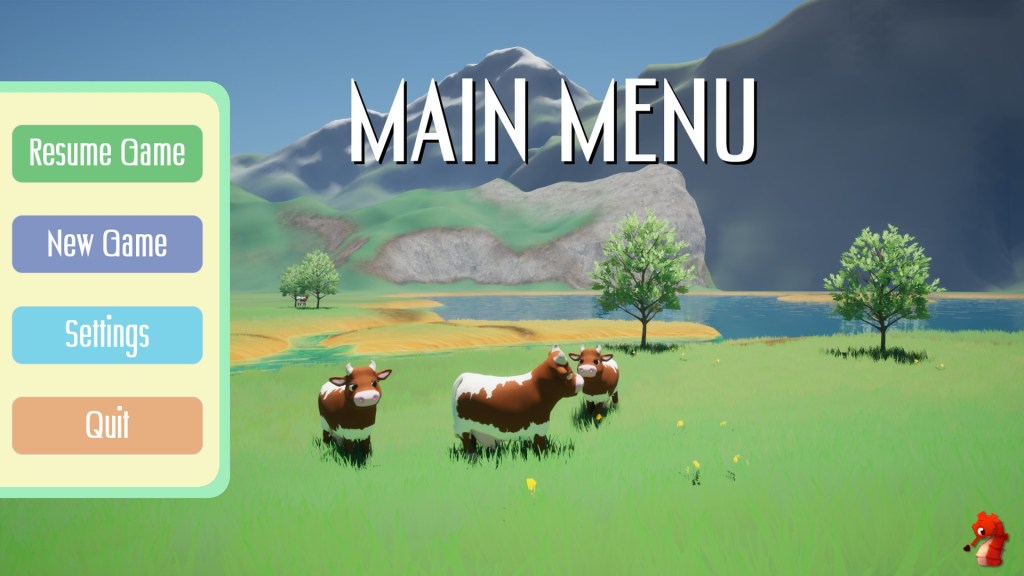
On the menu, you have the usual suspects: Resume Game if a saved game is present, New Game to start from scratch, Settings for any audio, graphics, and other settings we might need, and last but not least, Quit, to close the application.
Settings
Going further in on the Settings Menu, for each of the submenus within you will be moved to a different place in the level, which helps with immediate feedback on any changes for the given menu.
Also I just like the whizzing about and seeing more of the level 😁.
Let’s look at some examples where this is helpful.
Audio Settings
In the audio menu, you will be moved to a location with an NPC talking and some ambient sounds.
Adjusting the volume sliders, you will instantly experience the effects it has in the game.
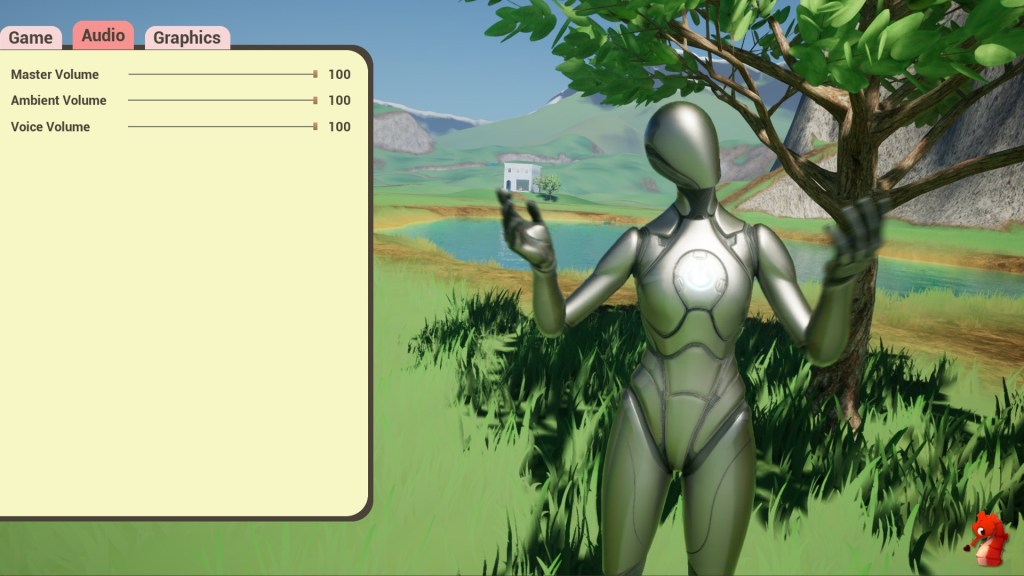
Currently we have only Master, Ambient and Voice Volume implemented but others like Music and Effects will come soon too.
Graphics Settings
The graphics settings are where this 3D game world menu background arguably pays off the most.
Any changes will have an immediate effect, and you can see what they do without having to know about the setting itself in detail.
Have you looked at graphics settings for games on PC lately? I come from a game programming background, and even I feel I need to study up on all the options to make an informed choice – who’s got time for that?
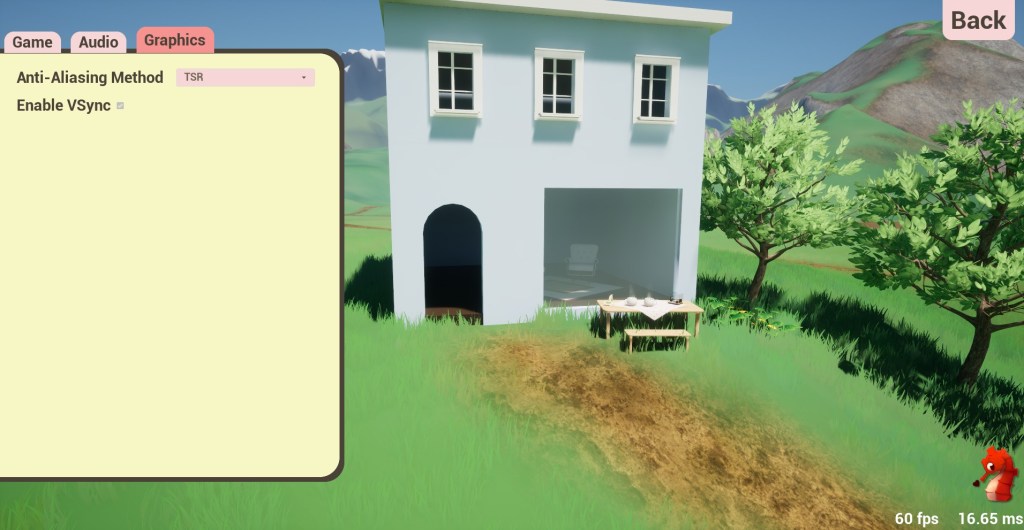
Currently, only Anti-Aliasing methods and VSync are implemented, but there is surely much more to come later on.
Additionally, this screen has an FPS and ms counter in the bottom right. This way, you can easily compare the performance impact that different settings have and find the optimal setup for your system.
And that is pretty much the gist of it; it’s simple but effective—like the best things are. 😉
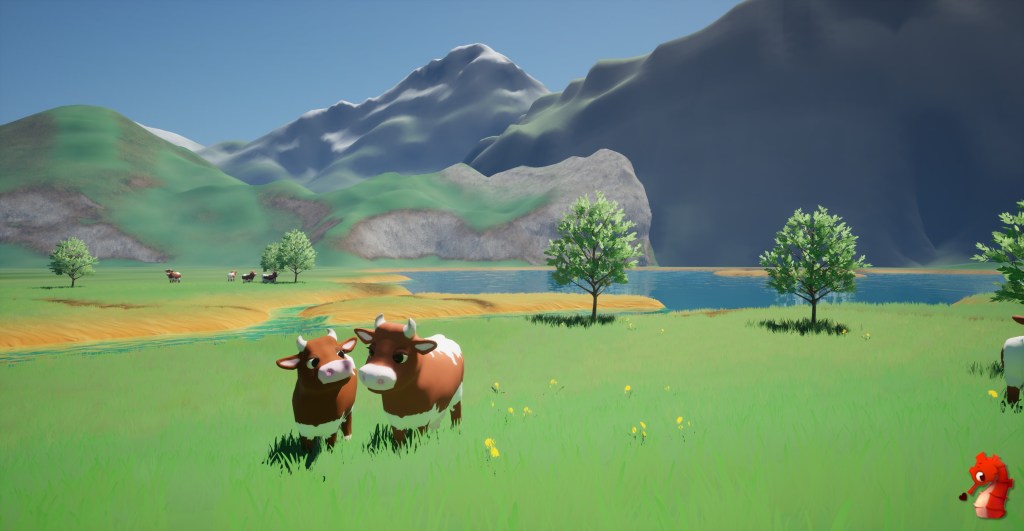
Have some cutiepie cows and a wonderful day out there 🌈🐮.



 SneakySeahorseGames
Leave a reply to Weekly Update #9 – Busy Villagers and a First Look at the Main Menu – SneakySeahorseGames Cancel reply