
Another week, another set of updates and progress in my indie game. Let’s check it out 😁
Name Announcement
I have finally decided on the name for my game and officially set up the whole Steam back end for it. 😁🎉
My cozy life sim, which is set in the tranquil Austrian mountains, will be called: JodelTown.
Steam Back-end Setup
With deciding on a name, I also reached one of the first major and exciting milestones with making my own game: I set up the Steam back-end for the game!! 😁😁
This might not sound super exciting, since there isn’t even a public-facing store page yet (need a little bit more polished assets for that 😄), but seeing the game there in my Steam Game Library is such a special moment and so, so exciting 😁🎉🎉.
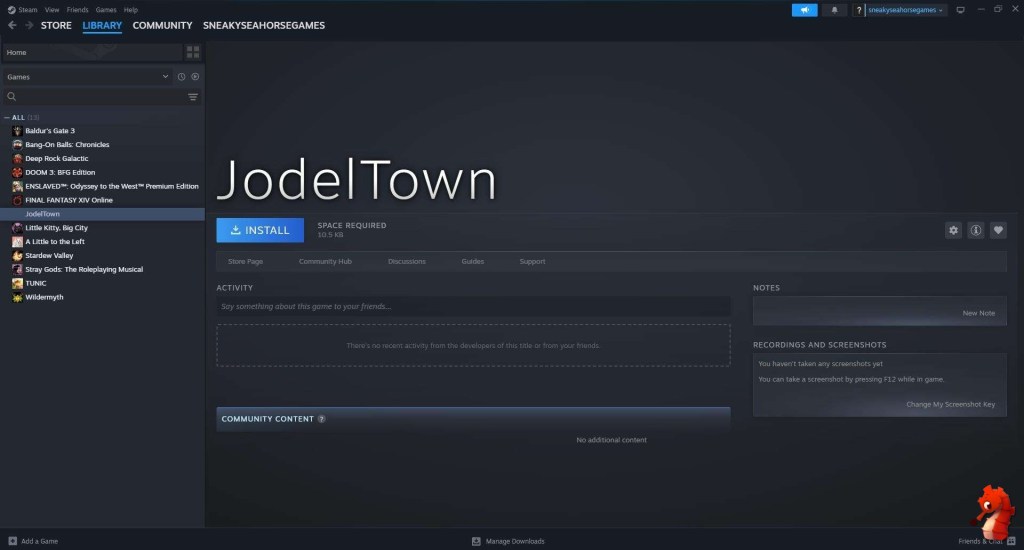
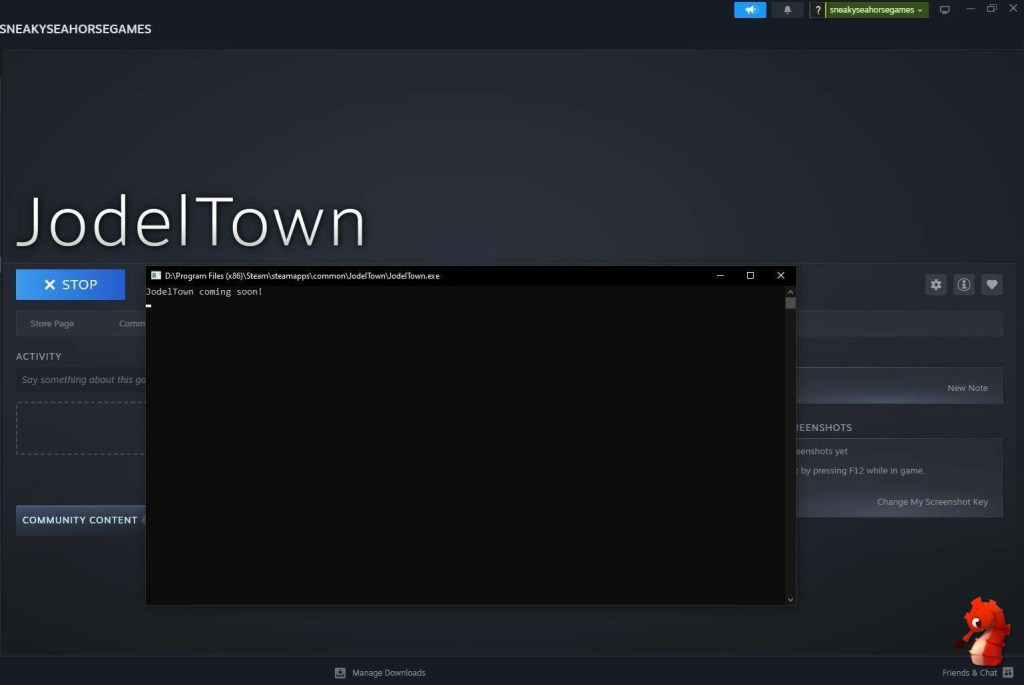
Retargeting Animations
Now let me show you something from within the game as well to balance all the admin-y things, no matter how exciting they are 😉.
In preparation for something I will show next week, I revisited the retargeting systems in UE5 and retargeted 120 animations! (Whatever could you need that many animations for? 🤭)
In case you are not familiar, retargeting means taking animations that are made for one rig/skeleton (the bones that drive your character’s animations) and mapping them to another skeleton.
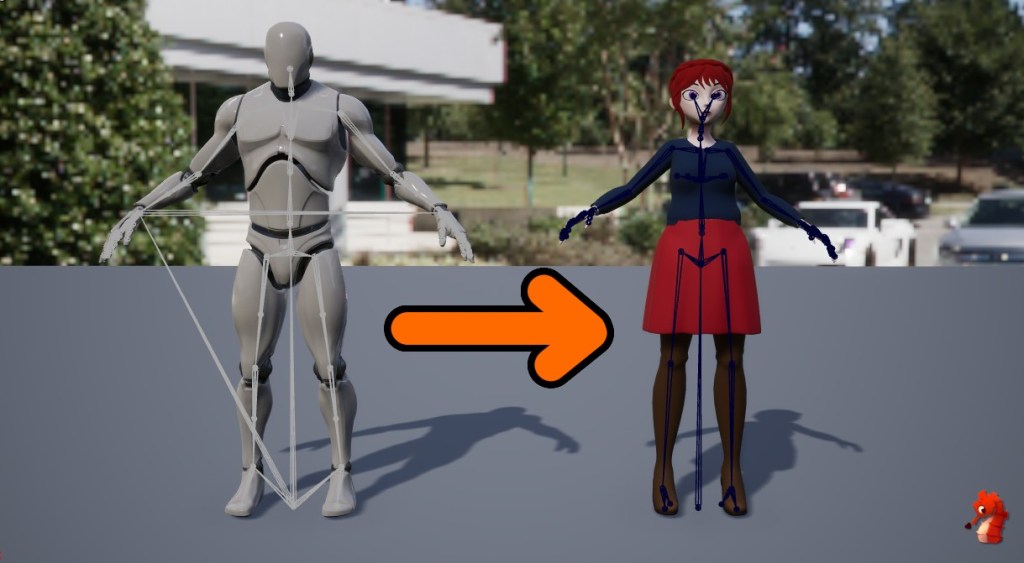
This can be either very straightforward if they are very similar or more complicated when the skeletons differ in many ways, e.g. having more or fewer bones than the source skeleton.
You can also either do this at runtime, where it will continuously retarget any animation being played, or offline and create a new animation asset.
I personally prefer the offline approach, but it really depends on your use case.
Anyways, revisiting the retargeting tools for the first time in a year or so, I was positively surprised by all the changes and quality of life improvements.
There are many more debug options, exposed settings, and post-process actions, for example to recreate the root motion in the target animation.
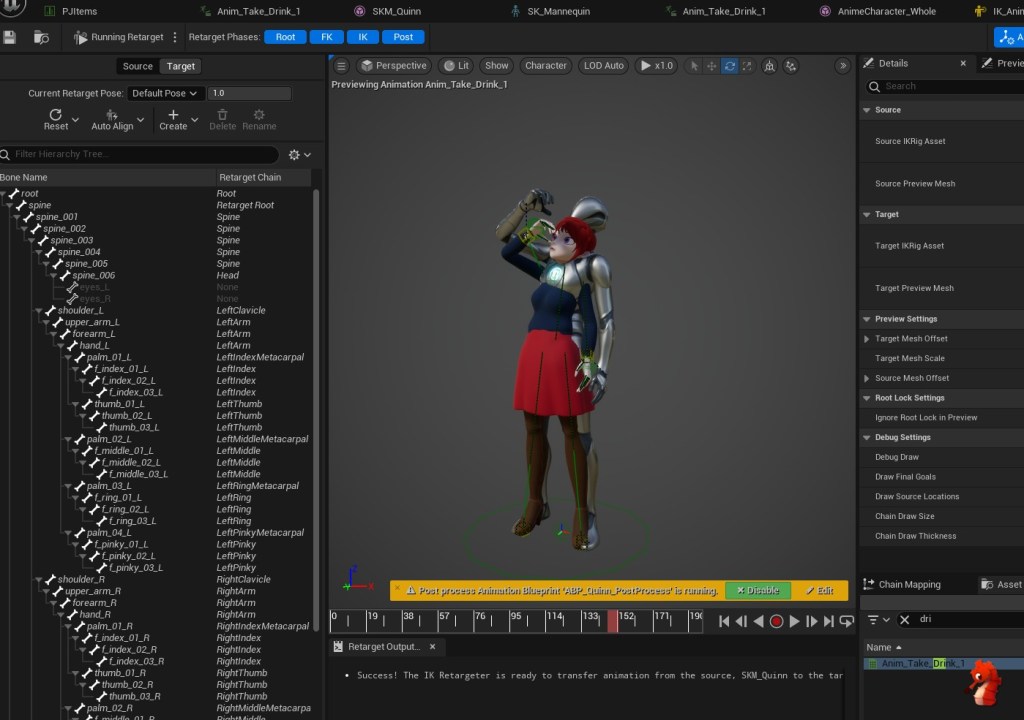
My favorites are by far the Auto Align Mesh – which changes your target’s retarget pose to be closer to the source pose – making the retargeting quality better without having to manually adjust the pose a lot (this was such a pain in the past 😅).
And the second one is having Stride Warping as part of the retargeting process. This changes the stride length and width procedurally and lets you adjust it to match closer to your use case.
Extremely helpful in my use case since the hip bone structure is quite different between my two skeletons, and the retargeted animations always came out in too broad a stance.
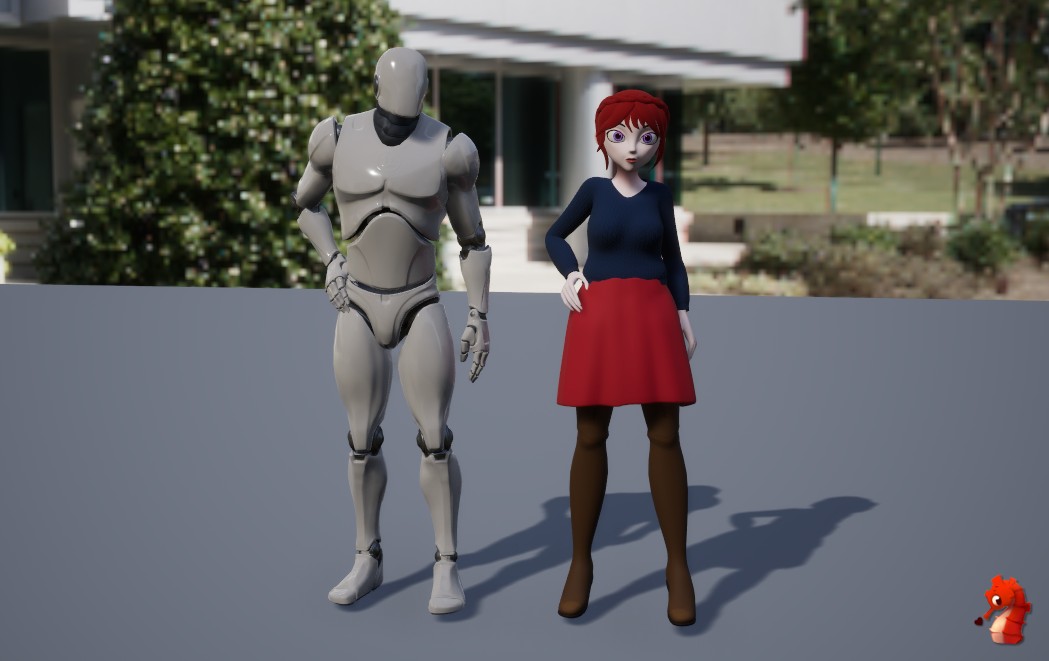
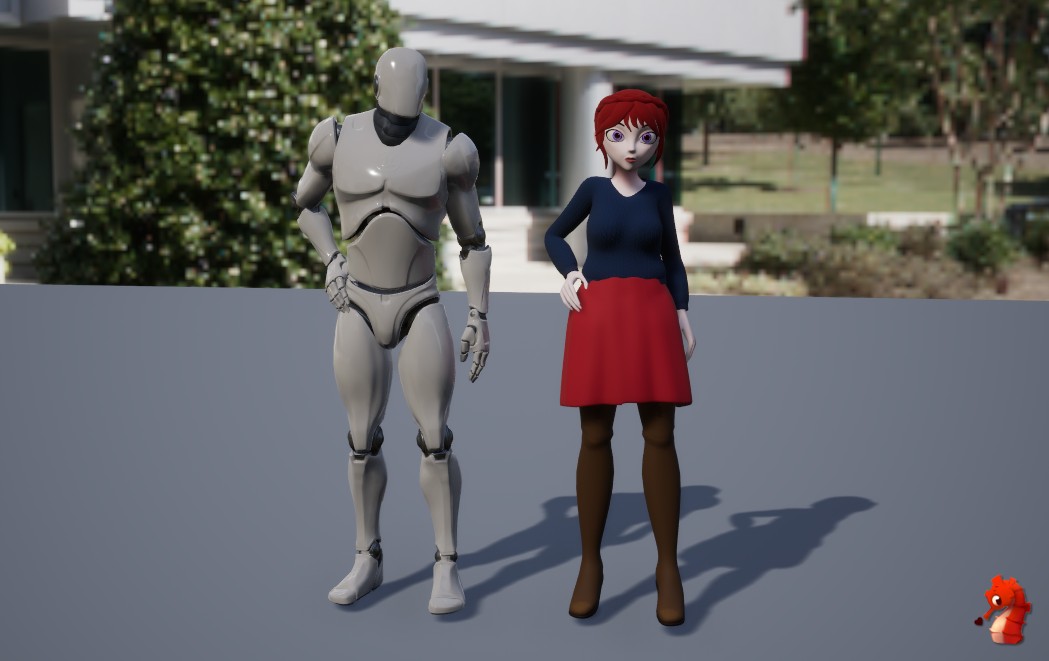
All of these changes have made it so much easier and nicer to retarget animations, and I really enjoyed it. Even though my skeleton still needs a lot of improvement in general, this feels like it lets me get the most out of it for now.
And next week, I will show you what we will be using all those newly retargeted anims for! 😊
Have an awesome week in the meanwhile 🌈👋.

 SneakySeahorseGames
Leave a reply to gavcostello Cancel reply