
Have you heard of the Quixel Mixer? Living on Quixel Mixer Lane? 🎶
- Introduction
- Material Mixing
- Procedural Masks and Blending
- 3D Painting
- Smart Materials
- Export Textures
- And, much more…
- My Results
Introduction
Well, if you haven’t, let me do the introduction: Quixel Mixer is a handy little piece of free software that allows you to easily and quickly texture your models – and as a self-funded indie dev, I am always on the hunt for free software that can make my life easier and help me get stuff done quicker and better.
Originally made by Quixel (now owned by Epic Games), it allows you to quite easily apply different layers of materials to your models, mix them together (heh, hence the name, I guess 😉), and then export the resulting textures to be used by other software, e.g., Unreal Engine.
One big advantage, besides being free, is that since it was created by Quixel, you can also access their massive Megascans Library, full of scanned textures and other assets. This can get you going in your texturing journey really fast!
Let’s break down what exactly you can do:
Material Mixing
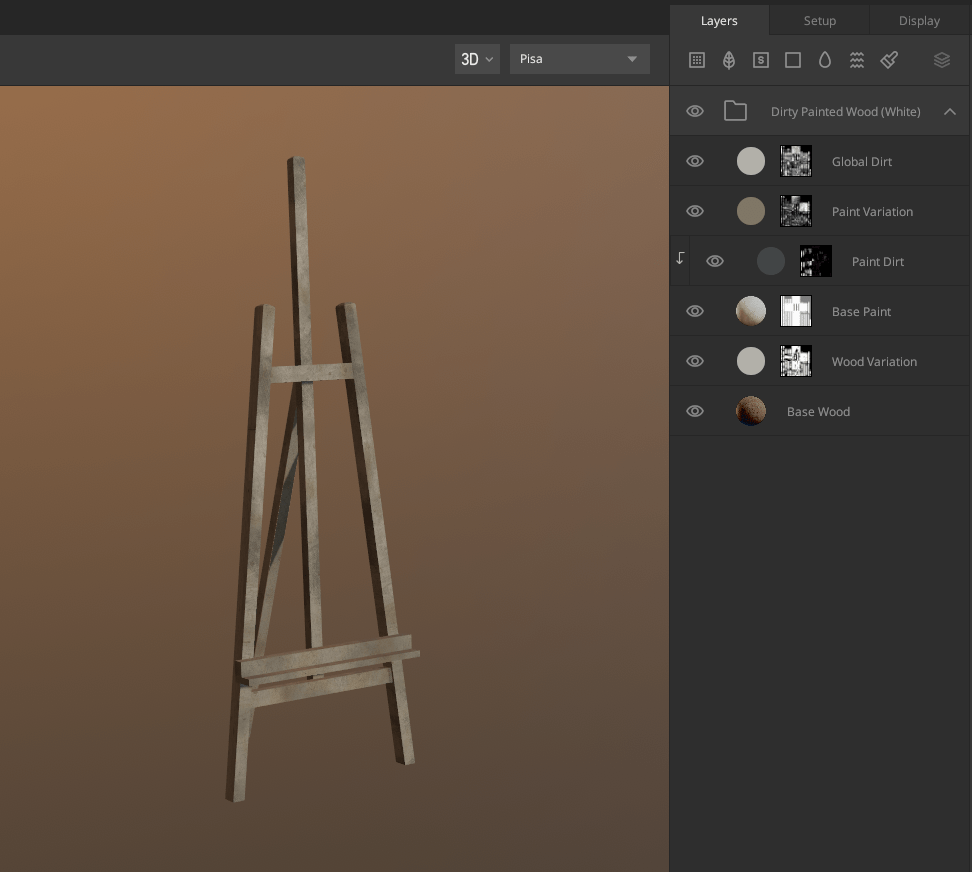
The core concept is that you can mix and blend different layers of materials together to get a resulting set of textures, which you can then use in your game engine.
One example could be texturing a metal water can, where you want to mix dirt, metal, and rust together to create a realistic texturing result.
I prefer layering materials offline and exporting a final set of textures so much more than doing it at runtime – which you can technically do, but it can get extremely expensive very quickly.
Procedural Masks and Blending
The second coolest feature, in my opinion, is all the ways you can blend the different material layers together.
Using procedural masks based on the model’s unique geometry, you can limit materials to certain areas of the asset; e.g., dirt should blend in at the bottom of your model, and rust should only blend in on edges and crevices.
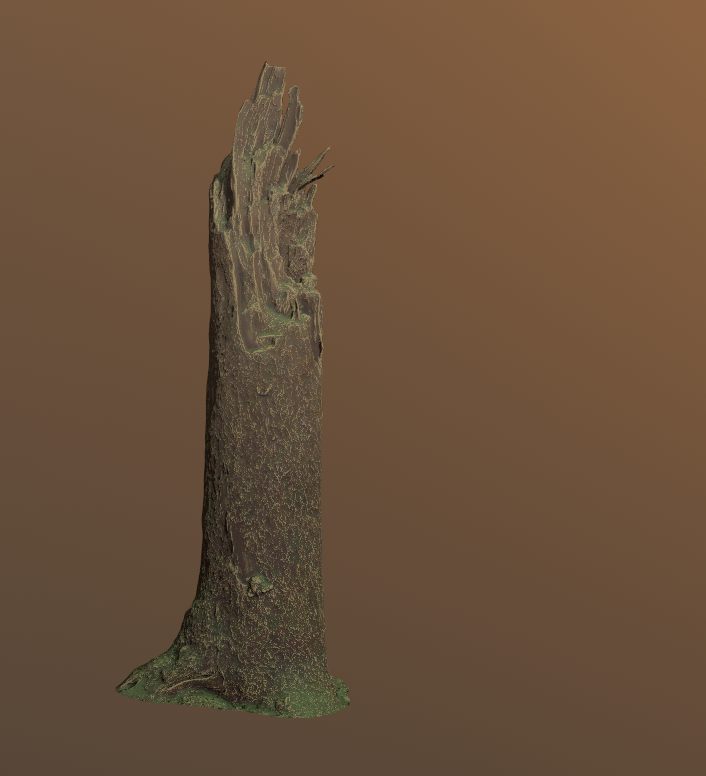
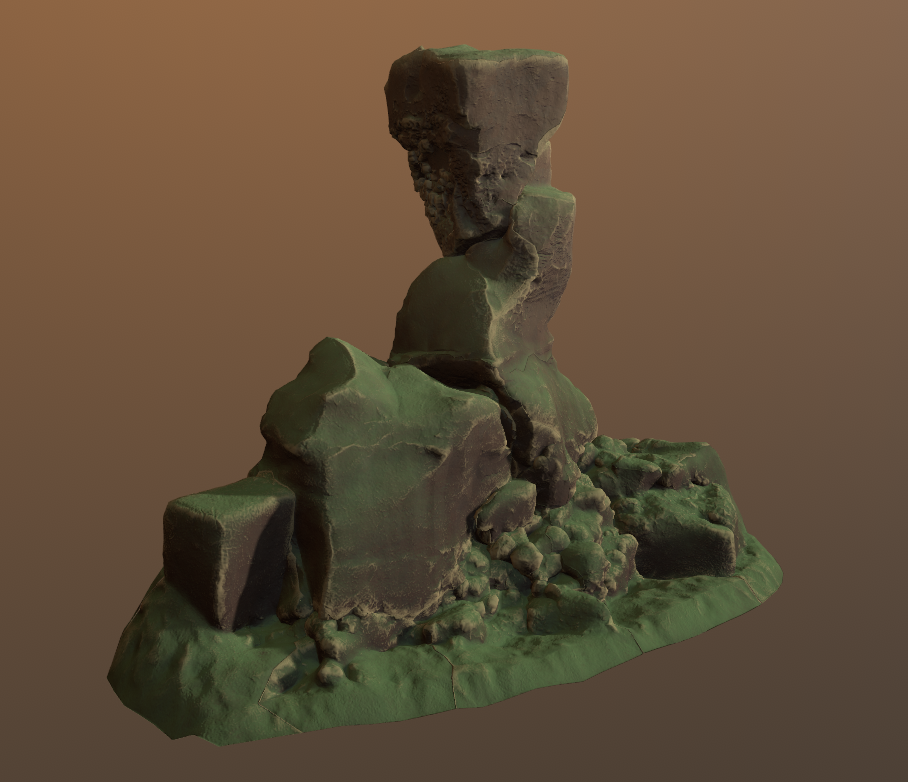
You can then use the same setup in Quixel Mixer for different models, and the blending will adjust to the assets’ geometry.
For example, here are different models using the same mixer setup.

3D Painting
You can also manually paint some texture details directly onto your model.
This can be really useful to add very specific details to an area that might be hard to describe procedurally.
Smart Materials
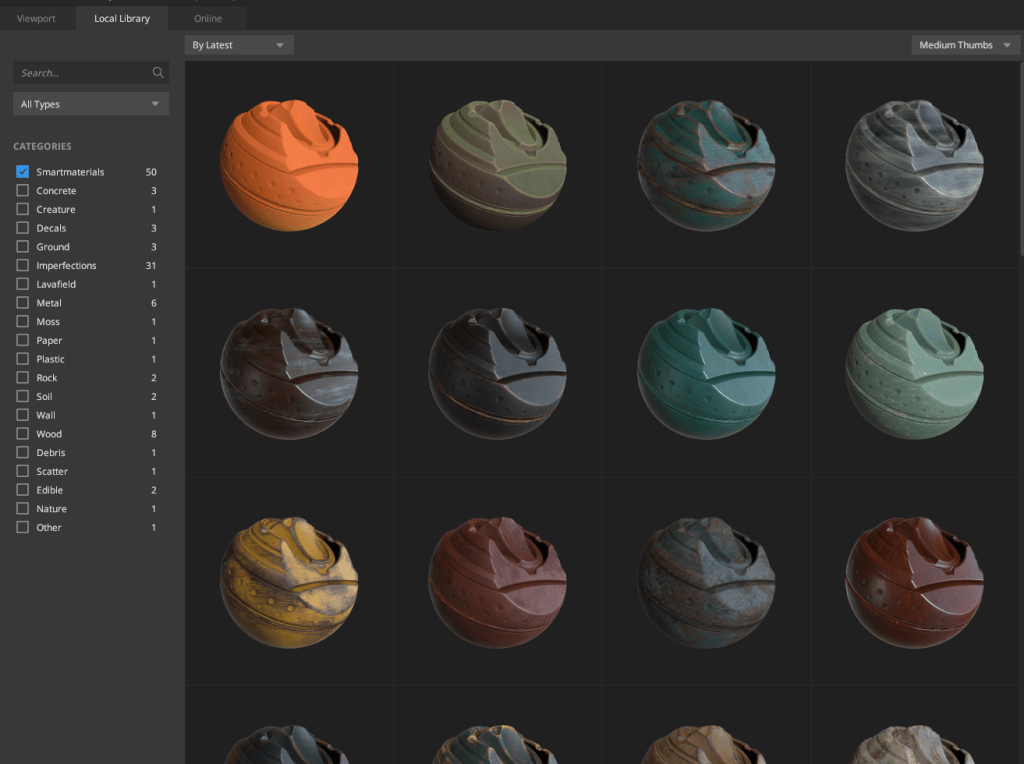
The really awesome thing is that thanks to the procedural setup of things, you can save materials you have made (i.e., the layering and blending of different materials) and save them as Smart Materials.
These can then be reused on other models with a single click whenever you want! Also, Mixer comes with a whole bunch of pre-made Smart Materials that you can drop in and edit to your heart’s content.
Export Textures
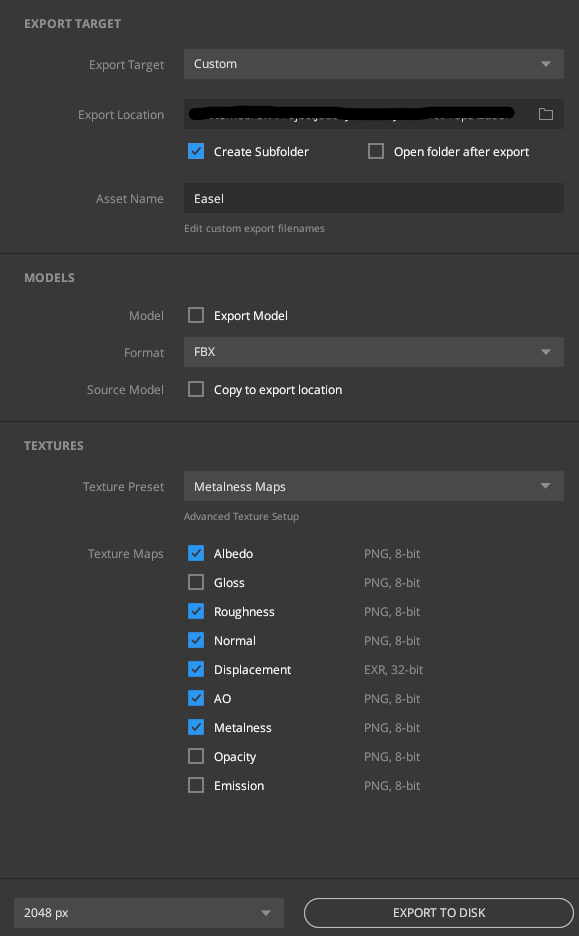
Finally, you can export the textures for your resulting blended material to be used further in other programs.
You can also define if you want to export the model and which textures to export – I tend to go with the usual suspects: Albedo, Roughness, Normal, and maybe AO if I want it to be extra stylized.
And, much more…
I know that you can do even more things and even model some small details into your models, play with displacement etc. However, I haven’t used those features, so I can’t really comment on them. So, just give it a go yourself and find out 😁.
My Results
While I will still hand-paint assets I really care about, Mixer has been an enormous help in speeding up texturing props and smaller things around the game world ☺️ Here are some of them:
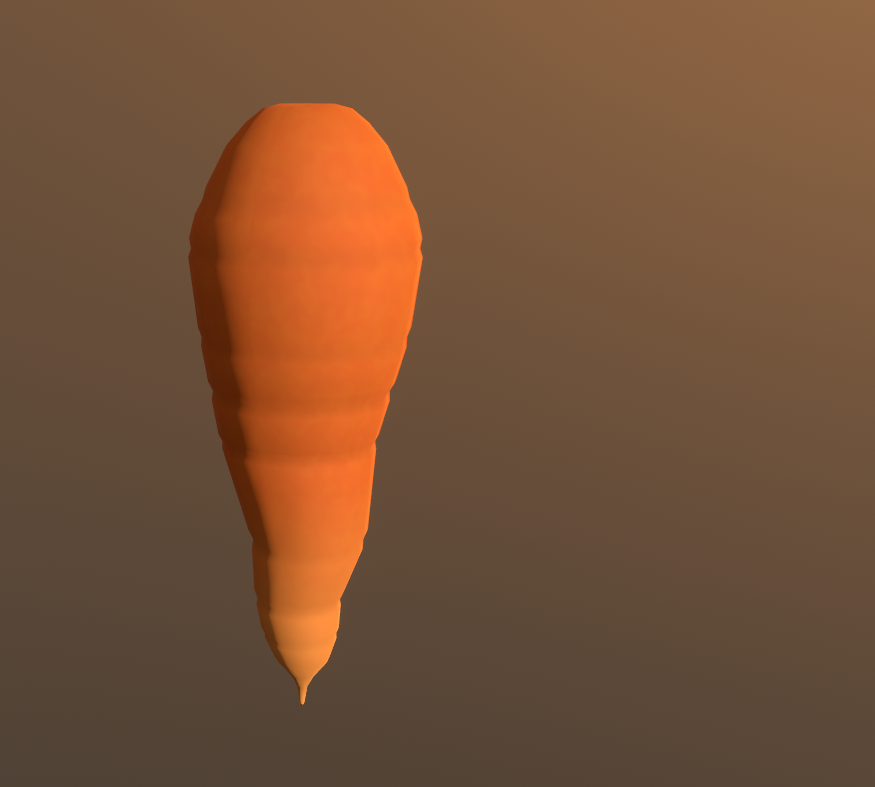
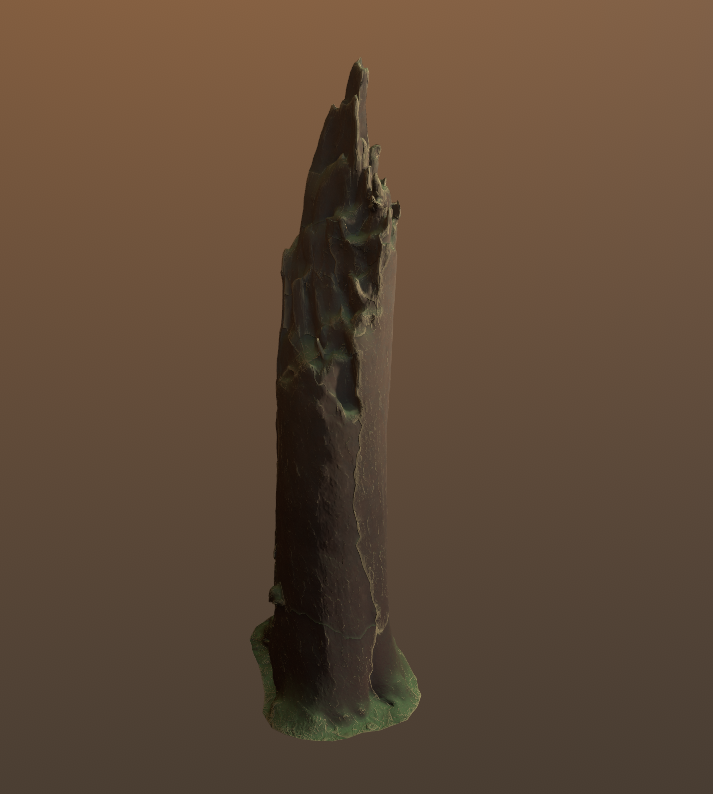


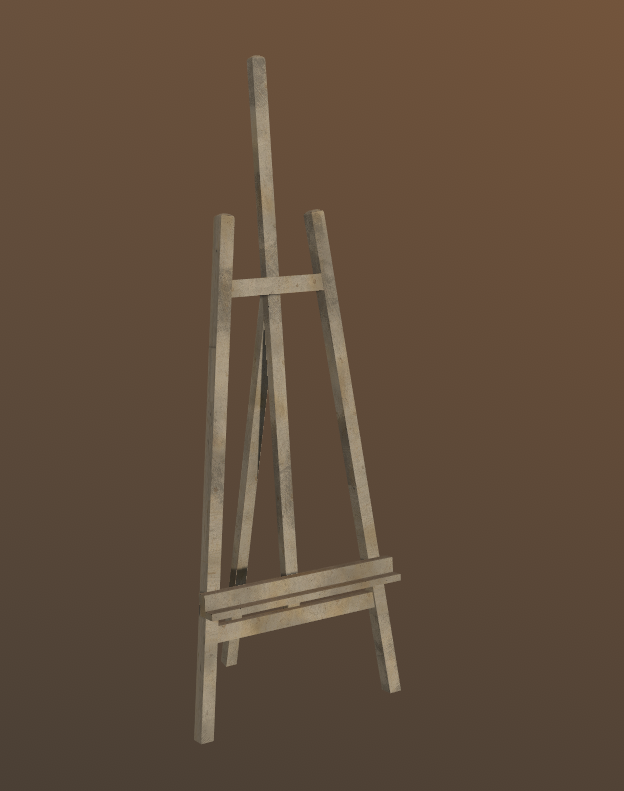
And sometimes I don’t even use it with one specific model, but to alter and edit some texture atlases as well.
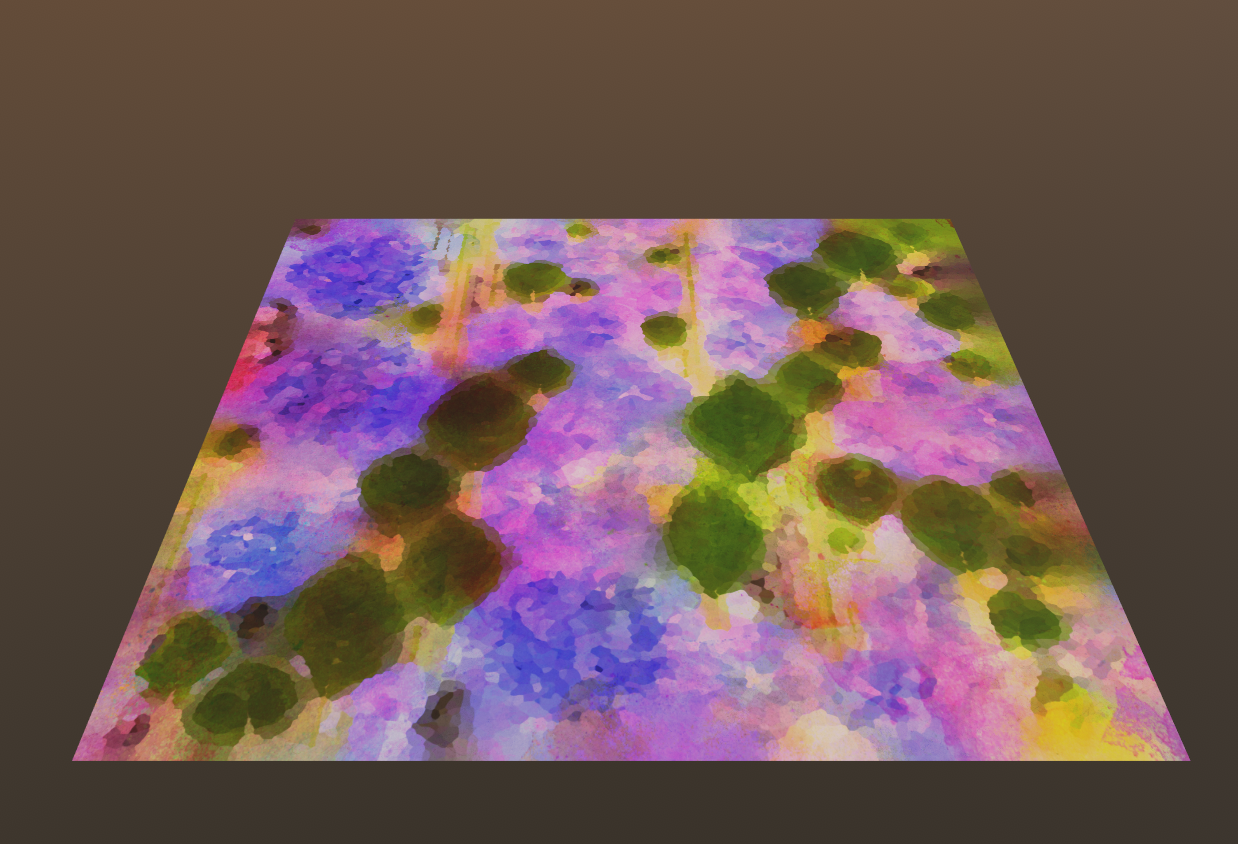
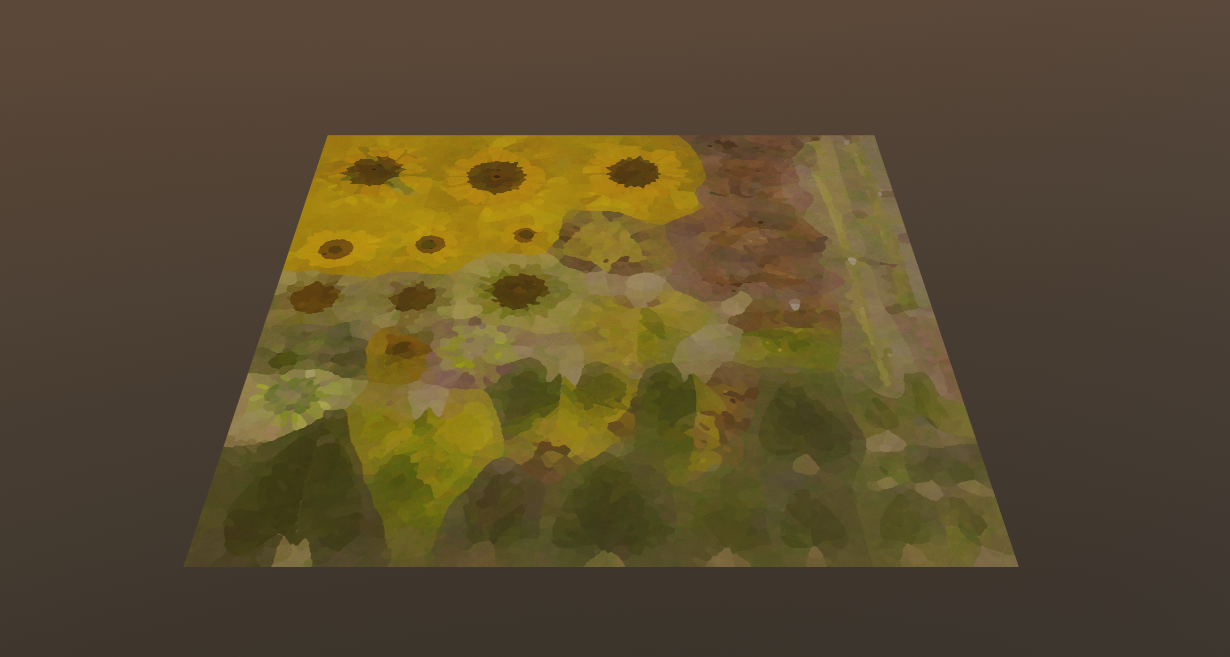
And that’s it; I hope someone out there will find this useful, especially other broke indie devs who do not have the funds to drop hundreds on industry-standard software. ☺️
In the meanwhile, have a lovely week out there 🌈👋


 SneakySeahorseGames
Leave a reply to gavcostello Cancel reply